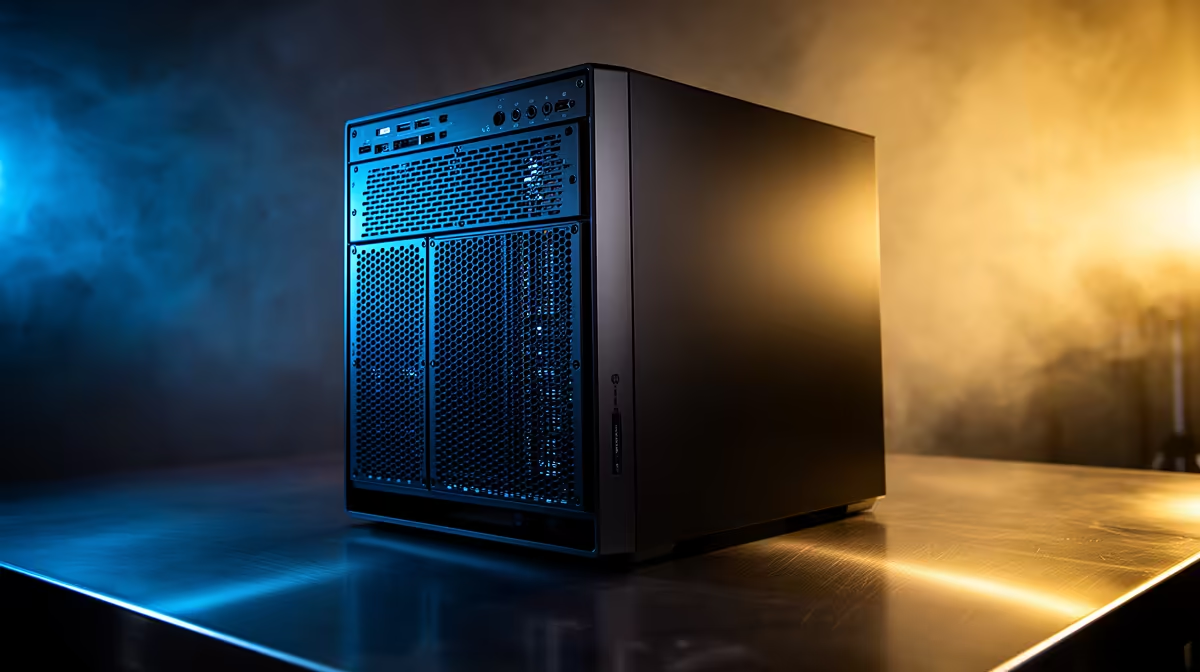
For creative work, the choice between the two is more nuanced than the marketing suggests. Workstation vs gaming PC comes down to one real difference: workstation graphics cards run certified drivers with ISV validation and error-correcting VRAM, while gaming cards chase raw frame rates without that certification. For most creators in Blender, Premiere or Photoshop, that distinction matters far less than the spec sheet implies, and gaming hardware often wins on value.
Quick Answer
The one genuine difference is certification: workstation GPUs add ISV-validated drivers and ECC VRAM that gaming GPUs lack, while gaming cards deliver the same or higher raw performance for less money. For Blender, video editing and most photo and design work, a gaming PC is usually the smarter buy. A workstation only pulls ahead when your software is ISV-certified and stability on long jobs is non-negotiable.
Where The Two Genuinely Diverge
The hardware difference is real but narrow. Workstation cards, NVIDIA's RTX Pro line, ship with certified drivers tested against professional applications and often include ECC video memory that corrects rare data errors. Gaming cards optimise for frame rates and skip the certification entirely. For mission-critical engineering or simulation, that certified stability is the whole point. For creative work, the question is whether your tools actually care, and most popular creative apps do not require certification to run perfectly well.
Why Most Creators Are Fine On Gaming Hardware
Here is the part the spec wars miss. Blender, DaVinci Resolve, Premiere Pro and Photoshop all run well on gaming GPUs, and in many rendering and editing tasks a gaming card delivers excellent performance for considerably less than a comparable pro card. These applications lean on CUDA cores and raw compute, which gaming cards have in abundance, rather than on certified drivers. Unless you are deep in certified CAD territory, the certification you would pay extra for goes largely unused. The most popular complete PCs include plenty of gaming-class machines that handle serious creative workloads.
When A Workstation Is The Right Call
There are clear cases for going pro. If your creative pipeline runs through ISV-certified software, SolidWorks visualisation, certain architectural or simulation tools, or you handle datasets large enough that a single memory error wrecking an overnight render is unacceptable, ECC and certified drivers stop being luxuries. The same goes for studios needing vendor support tied to approved hardware. For that work, the workstation graphics card range is where to start rather than a gaming card.
How To Choose
Look at your actual software and how long your jobs run. Mainstream creative apps with shorter, recoverable tasks favour a gaming PC for its performance-per-rand. Certified professional software and long, irreplaceable jobs favour a workstation. Do not pay the workstation premium for certification your tools never invoke, and do not run mission-critical certified work on a gaming card it was never validated for.
Frequently Asked Questions
Is a gaming GPU good enough for Blender?
Yes. Blender runs very well on gaming GPUs, using their CUDA cores for fast rendering, and a gaming card typically offers better value for Blender than a comparable workstation card. Certification is not required for it.
What does ECC VRAM add for creative work?
ECC corrects rare memory errors that could otherwise corrupt a long render or simulation. For most creative tasks, which are shorter and recoverable, it adds little practical benefit, which is why gaming cards omitting it rarely hurts creators.
When does video editing need a workstation?
Rarely. Premiere and DaVinci Resolve run strongly on gaming hardware. A workstation makes sense only if you also use certified professional tools or work with datasets where stability over many hours is critical.
Will a workstation render faster than a gaming PC?
Not necessarily. For the same raw compute, a gaming card often matches or beats a pro card in render speed at a lower price. The pro card's advantage is certified stability and ECC, not raw rendering pace.
Which is better value for a freelance creator?
For most freelancers a gaming PC offers better value, delivering strong performance in mainstream creative apps for less. Reserve the workstation budget for cases where certified software or mission-critical stability genuinely demands it.
Building a machine for creative work? Compare the PC range at Evetech and choose between gaming-class value and certified workstation stability based on the software you actually use.