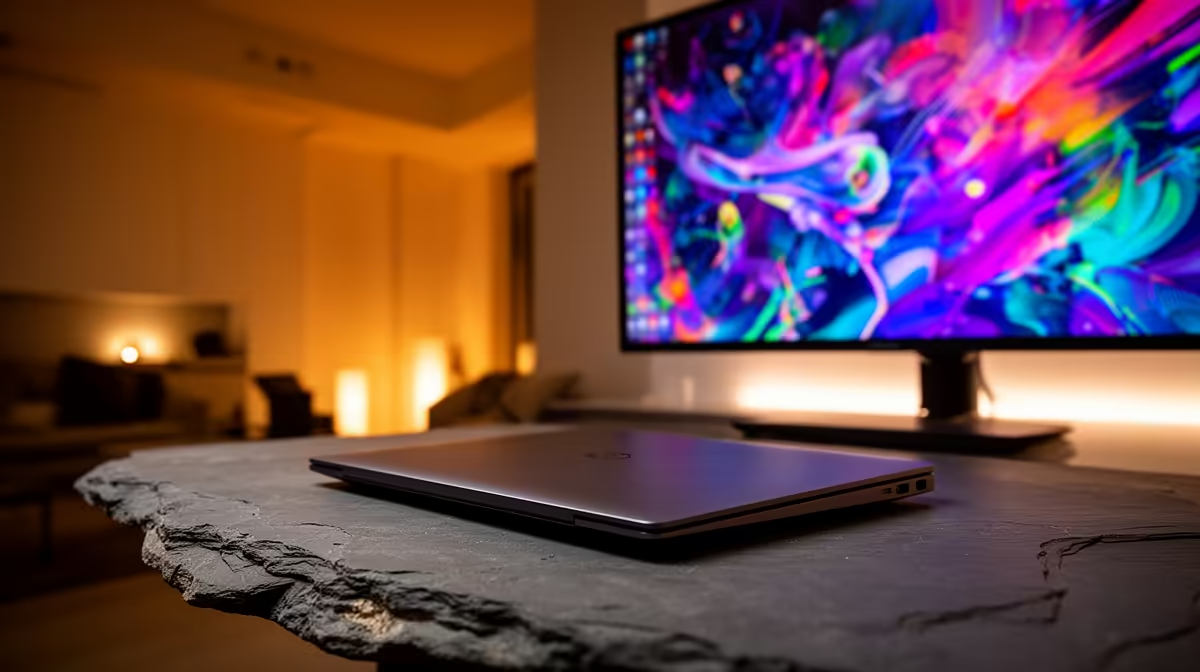
Plug a second screen into an M3 MacBook Air while the lid is open and the desktop simply will not appear on it. The hardware is not faulty. The M3 chip drives only one external display, and macOS counts the laptop's own panel as one screen already. Close the lid and that built-in screen drops out of the count, freeing the chip to send a full picture to your monitor.
Quick Answer
The M3 MacBook Air supports exactly one external monitor, and only with the laptop lid shut. This is called clamshell mode. Connect power, an external keyboard and a mouse, then close the lid and the external screen wakes. The newer M5 Air lifts this limit and drives two external displays with the lid open.
Why The Lid Has To Be Closed
Apple's M3 chip in the Air includes a display engine that can output to one external monitor at a time. The internal Retina display occupies that single slot whenever the lid is open. macOS does not let you choose which display to sacrifice while both could be active, so the only way to send video to the external monitor is to take the internal one out of the equation by closing the lid.
This is a deliberate chip-level limit, not a software bug, and no setting toggle removes it on M3. It is the same reason a single external screen behaves perfectly the moment the lid is down.
Setting Up Clamshell Mode Correctly
Clamshell mode needs three things connected before it works smoothly:
- Power. The Air must be charging. With the lid shut and no power, it sleeps. A USB-C charger or a USB-C dock that delivers power both does the job.
- An external keyboard and mouse or trackpad. Once the lid is closed you lose the built-in ones, so a wired or Bluetooth set is required to wake and control the machine.
- The monitor itself, connected by USB-C or through a hub that carries video.
Connect everything, let the desktop appear on the external screen, then gently close the lid. The picture stays put. If it sleeps instead, check that power is actually flowing, since a data-only USB-C cable will not keep it awake. The full Apple laptop lineup, including the configurations that handle external screens differently, sits in the MacBook range at Evetech.
If You Need Two External Screens
The M3 Air will not drive two monitors no matter what dock you buy, with one workaround: a DisplayLink dock uses software compression to add extra screens over USB. It works for documents and browsing but adds latency and is poor for video or gaming. For a true dual-monitor desk, the cleaner answer is hardware that supports it natively. The M5 MacBook Air handles two external displays with the lid open, and the MacBook Pro models go further still. Comparing current options on the laptop best sellers page is a quick way to see which chip suits a multi-screen setup.
Frequently Asked Questions
Can the M3 MacBook Air ever drive two external monitors?
Only through a DisplayLink dock, which compresses the extra display over USB. It is fine for static work but laggy for video. Natively, the M3 Air supports just one external screen.
Does clamshell mode hurt the laptop?
No. Running closed on a desk with power connected is a supported, normal way to use the Air. Just keep it on a hard, ventilated surface rather than soft bedding so it can shed heat.
Why does my external screen go black when I open the lid?
Opening the lid restores the internal display, which reclaims the M3's single external display slot, so the external monitor switches off. Close the lid again to bring it back.
Will the M5 MacBook Air fix this?
Yes. The M5 Air drives two external displays with the lid open, removing the clamshell requirement entirely for a dual-screen setup.
Do I need a special dock for clamshell mode?
No special dock is needed for one screen. Any USB-C connection that carries video plus power works. You only need a DisplayLink dock if you want to push beyond the single-display limit.
Choosing a Mac that fits your monitor setup? Compare the M3 and M5 configurations in the MacBook range at Evetech (https://www.evetech.co.za/macbooks/l/3284) and pick the one that matches how many screens you run.