


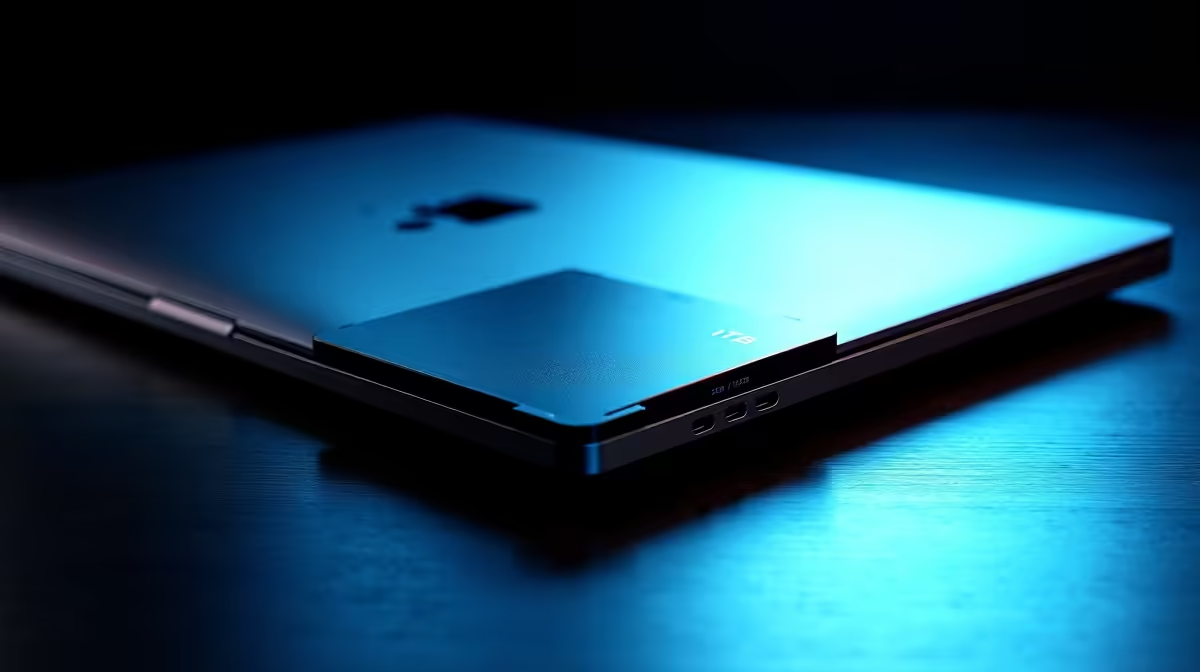
Choosing Between 1TB and 512GB SSD in a Pro Laptop: What Matters Most?
South African gamers and professionals often face a key question before upgrading their laptops: is a 1TB SSD really worth the extra investment compared to a 512GB SSD? Whether you’re editing videos, gaming, or juggling heavy workloads, storage size impacts speed, convenience, and costs. Let’s break down if going for that larger 1TB SSD justifies the extra ZAR spent – or if a 512GB can still hold its own in a pro laptop. 🚀
Why SSD Capacity Influences Your Pro Laptop Experience
Storage size affects more than just how many files you can keep. A 1TB SSD offers more room for large applications, media files, and games, reducing the need to constantly delete or offload content. Meanwhile, a 512GB SSD can still deliver fast boot times and quick load speeds but may force tighter file management.
Generally, a pro laptop with a 1TB SSD handles multitasking smoother when working with complex Photoshop files or 4K video edits. But for gamers who mostly play a handful of titles or creatives dealing with smaller projects, 512GB often strikes a balance between price and performance.
For example, the MacBook Air laptops at Evetech come equipped with different SSD options to fit diverse usage needs—making your choice a question of workload and budget rather than a default upgrade.
Price Versus Performance: Is the Extra SSD Worth It?
Upgrading from a 512GB to a 1TB SSD in a MacBook Pro is an investment of roughly double the storage cost. In South Africa, prices vary but typically add thousands of rands to the price tag. Consider whether this extra spending yields tangible benefits for your daily tasks.
In scenarios demanding extensive asset libraries or frequent large file transfers, the 1TB SSD shines by cutting down waiting times and external drive dependency. But if you mostly rely on cloud storage or external hard drives, a 512GB SSD offers excellent speed without breaking the bank.
When exploring options, check out the MacBook Pro laptops at Evetech to compare pricing and configs. Their detailed specs help you understand how RAM and SSD work together for your workflow.
Real World Use: Which SSD Fits Your Lifestyle Best?
Let’s zoom into different user profiles. A video editor running Final Cut Pro or DaVinci Resolve will appreciate the quick scratch disk speeds and large storage capacity of a 1TB SSD. Meanwhile, a software developer compiling numerous projects daily would also benefit from the extra capacity to avoid constant file juggling.
For casual gaming setups focused on popular titles, 512GB can handle several AAA games but might require managing installations regularly. Consider that newer macOS versions and applications can consume significant space, so factor OS size too.
Did you know the 14 MacBook Pro laptops available at Evetech show how closely Apple has tuned their SSD options to different professional needs? Explore these models for a fit tailored to your routine.
Optimal SSD Choice
about your storage habits before splurging: if you stream content and rely heavily on cloud backups, 512GB may suffice for speed and simplicity.
MacBook Models and Storage: Tailoring Your Buy at Evetech
When making the final call, consider your preferred MacBook line since storage upgrades aren’t always easily changed later. The 13 MacBook Air laptops offer affordable portability with SSD sizes suited for on-the-go productivity, while the 15 MacBook Air laptops balance larger screens with storage flexibility.
Choosing between SSD sizes is ultimately a personal cost-versus-need decision, but understanding these trade-offs upfront ensures you invest in a laptop that lasts through years of South African fibre-speed streaming and downloads.
Call-to-Action Heading Ready to upgrade your workspace and gaming rig? Dive into the full range of customized configurations and Shop now at Evetech for performance that leaves lag in the dust.











