

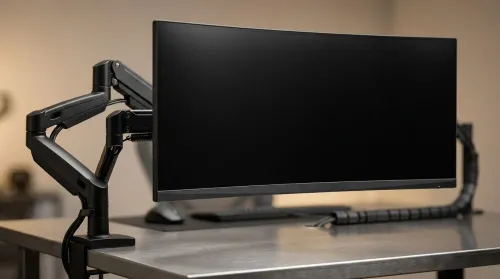
ZAR Budget for Upgrading to an Ultrawide 34-Inch Monitor
Build a smart ZAR budget for upgrading to an ultrawide 34-inch display plus a heavy-duty arm—covering monitor, arm, mounting, cables, and setup costs 💸🖥️
Read moreChoosing a 49-inch ultrawide curved monitor stand? Compare gas spring monitor arm vs fixed stand for stability, desk space, and comfort. ✅🖥️ Get the right setup fast.
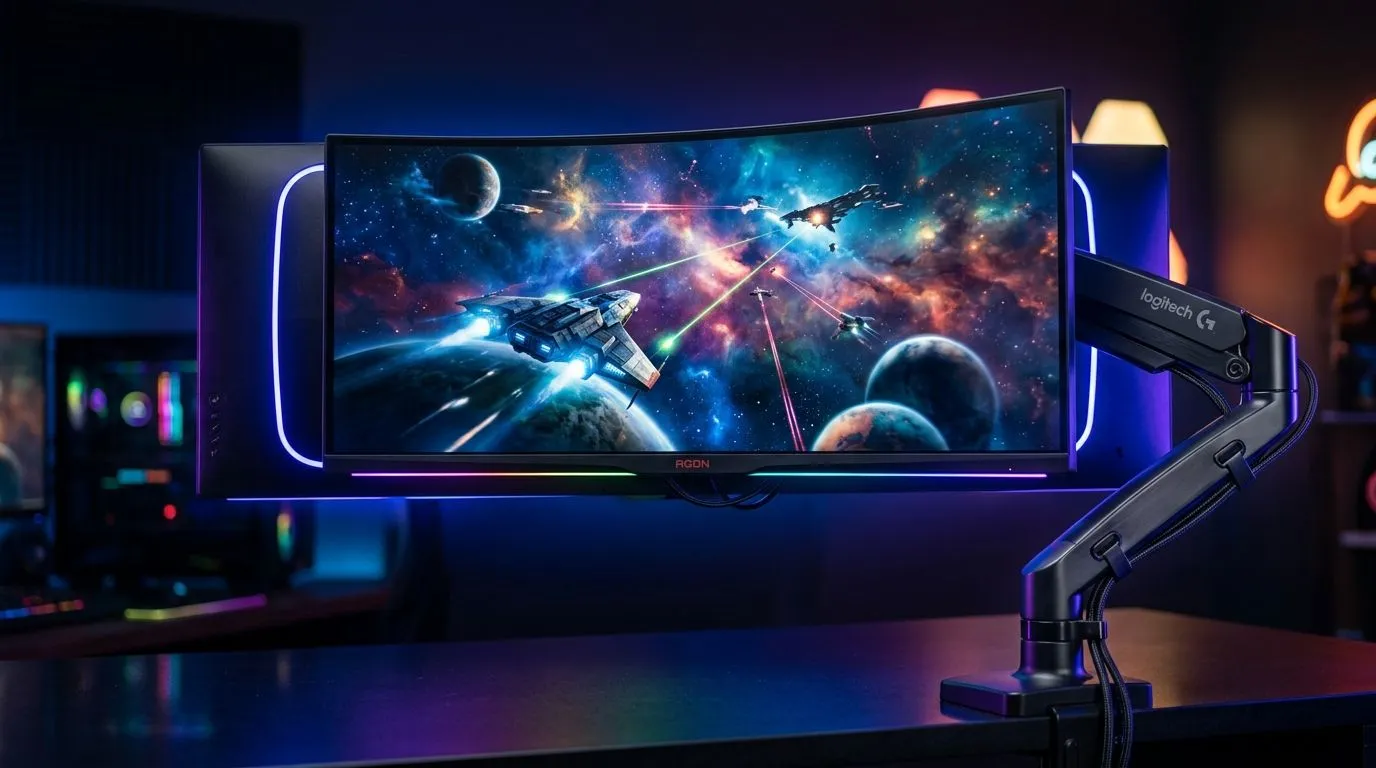
If you’ve ever sat down for a late-night Dota grind or a Sunday sim-racing session and thought, “This desk feels cramped,” you’re not alone. A 49-inch ultrawide curved monitor arm vs fixed stand decision sounds small... until your whole setup starts feeling it. The right choice can free up desk space, improve posture, and make your battle station look properly dialled in 🔧
A 49-inch ultrawide is a serious slab of screen. It usually sits in the “super ultrawide” category, often with a 32:9 aspect ratio, which gives you loads of horizontal workspace. That much panel changes everything about how your desk behaves. If you want to build around that kind of display, start with a proper foundation like a sturdy gaming desk in South Africa that can handle the footprint without wobble.
The big question is simple: do you want flexibility, or do you want set-and-forget stability?
A monitor arm usually gives you more adjustability. You can raise, lower, tilt, and pull the screen closer or further away. That matters on a 49-inch display because the panel is wide enough that small positional changes can improve comfort a lot. A fixed stand is easier. You unpack it, place it, and you’re done. Less faffing. Fewer moving parts. Often more predictable.
A lot of buyers only think about aesthetics. Fair enough. But the daily experience matters more.
With an arm, you can reclaim desk depth. That extra breathing room is gold if you keep a keyboard, mouse, speakers, and maybe a controller charging dock on the same surface. It also helps if you like pushing the display back for productivity and pulling it forward for competitive gaming. For many South African setups, especially in smaller rooms or shared spaces, that flexibility is worth paying for.
A fixed stand can still be the better call if you want maximum simplicity. It usually has a known footprint and no clamping drama. If your desk is already stable and deep enough, the stand may suit you just fine. That’s especially true if you’re building a clean, fuss-free setup and pairing it with a polished Arrozi gaming setup look.
These aren’t flashy details, but they save headaches later. If the arm can’t handle the monitor weight, don’t force it. If the fixed stand eats half your desk, don’t pretend it’s fine. Your back will remind you 😅
The biggest practical win of an arm is ergonomics. A monitor at the wrong height can nudge you into slouching. Over time, that gets uncomfortable fast. If you spend long hours editing, gaming, or working, the ability to position the screen so your eyes sit naturally near the top third can help reduce strain.
That said, a fixed stand is not “bad”. If its height is already correct for your chair and desk, it can be perfectly comfortable. This is where the rest of the setup matters. A decent chair and desk combo often does more for comfort than people expect. If you’re upgrading the whole space, it’s worth checking out gaming chairs in South Africa alongside your display choice.
For ambience, a clean monitor mount can also make lighting look better around the desk. A neat setup frames RGB and ambient effects more cleanly, especially if you’re building around subtle accent pieces like NZXT case lighting and accessories.
Choose the fixed stand if:
Choose the arm if:
If you’re using a 49-inch ultrawide, place the centre of the panel directly in front of you and angle the screen slightly so the edges stay within your natural field of view. It helps reduce head turning during long sessions and makes the whole setup feel less tiring.
In South Africa, the best choice often comes down to value, not hype. If you’re upgrading in phases, you may want to spend first on the desk, chair, and monitor itself, then decide whether an arm is needed later. That’s a smart way to build. It keeps the budget under control and avoids buying accessories before you know your exact layout.
If you already know you want a tidy, modern battlestation, the arm usually feels like the premium route. If you’d rather spend the money on performance elsewhere, a solid fixed stand can be the practical option. Either way, the goal is the same... make the screen work for you, not against you 🚀
Go for a monitor arm if comfort, desk space, and flexibility matter most.
Go for a fixed stand if you want simplicity, stability, and less setup hassle.
If you’re still deciding, don’t choose in isolation. Think about the whole desk ecosystem. The right desk, chair, and layout can make a bigger difference than one accessory alone. Start with the structure, then add the extras that improve your daily experience.
Ready to Find Your Perfect Match? The Mac vs Windows debate is complex, but for maximum power, choice, and value in South Africa, Windows is hard to beat. Explore our massive range of laptop specials and find the perfect machine to conquer your world.
Not always. A gas spring monitor arm helps positioning and ergonomics, but you also need the correct weight capacity and VESA mount support.
Check your monitor's exact weight and choose an arm rated above it. For stability, pick a higher capacity than the listed monitor weight.
A fixed stand can be very stable and simple, especially on heavy desks. A gas spring arm offers flexibility if it matches weight and VESA requirements.
Look for the VESA pattern on the monitor specs or back panel (e.g., 100x100). Then confirm the mount supports that VESA size.
Often yes. Monitor arms free up surface area and cable routing. Just ensure reach, clearance, and that the arm doesn't interfere with your keyboard.
You can fine-tune height, tilt, and sometimes position more easily. Better alignment can reduce neck strain during long sessions.
They can. If your mount tends to sag, choose an arm with strong joints or anti-sag design, and verify weight capacity for long-term stability.
Build a smart ZAR budget for upgrading to an ultrawide 34-inch display plus a heavy-duty arm—covering monitor, arm, mounting, cables, and setup costs 💸🖥️
Read more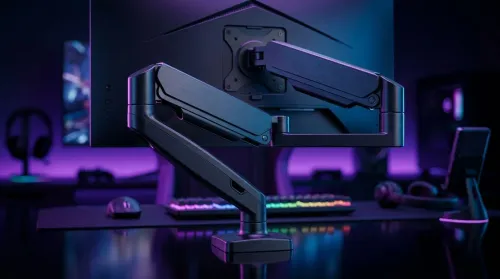
Gas spring monitor arms on a gaming desk budget in South Africa: fit options, mounting tips, and ZAR-friendly picks that boost comfort and setup ergonomics 🎮🛠️.
Read more
Every spec on PCIe 5.0 explained in plain English. What matters for gaming and creator work in 2026, what's marketing fluff, and how each number translates to real-world performance.

A head-to-head look at WiFi 7: real-world performance, ZAR pricing and which option delivers better value for SA builders. The clear answer — no fluff.

Everything you need to set up and tune PCIe 5.0 properly: the prep work, the settings that actually matter, and the mistakes to skip. Written for SA builders in 2026.

Everything you need to set up and tune X870E Motherboard properly: the prep work, the settings that actually matter, and the mistakes to skip. Written for SA builders in 2026.

Wondering what a 512GB SSD capacity really holds? This guide breaks down how many games, photos, and documents fit on 512GB, with real-world ranges 📦💾

Every spec on vrm explained in plain English. What matters for gaming and creator work in 2026, what's marketing fluff, and how each number translates to real-world performance.

Every spec on motherboard explained in plain English. What matters for gaming and creator work in 2026, what's marketing fluff, and how each number translates to real-world performance.

Premium vs Midrange Motherboards in South Africa: real-world performance, SA pricing, power draw and which one delivers better value for your build for SA buyers. The clear answer — without the fluff.
Wondering what a 512GB SSD capacity really holds? This guide breaks down how many games, photos, and documents fit on 512GB, with real-world ranges 📦💾
Every spec on PCIe 5.0 explained in plain English. What matters for gaming and creator work in 2026, what's marketing fluff, and how each number translates to real-world performance.
A head-to-head look at WiFi 7: real-world performance, ZAR pricing and which option delivers better value for SA builders. The clear answer — no fluff.

Every spec on USB4 explained in plain English. What matters for gaming and creator work in 2026, what's marketing fluff, and how each number translates to real-world performance.