

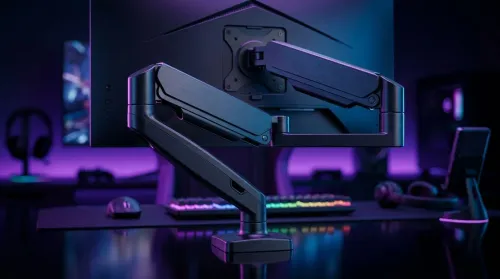
Gas Spring Monitor Arms on a Gaming Desk Budget in South Africa
Gas spring monitor arms on a gaming desk budget in South Africa: fit options, mounting tips, and ZAR-friendly picks that boost comfort and setup ergonomics 🎮🛠️.
Read moreBuild a smart ZAR budget for upgrading to an ultrawide 34-inch display plus a heavy-duty arm—covering monitor, arm, mounting, cables, and setup costs 💸🖥️
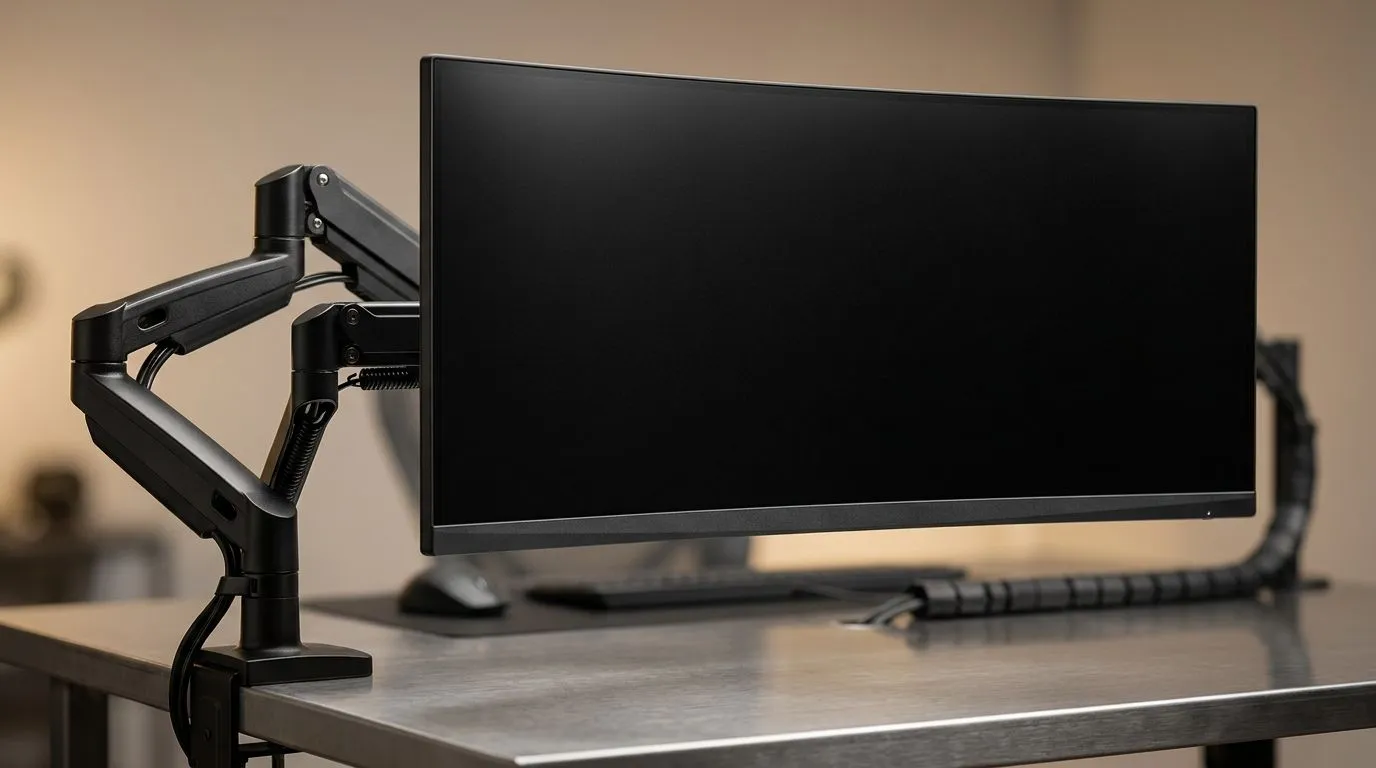
South African gamers, are you ready to level up your setup with an ultrawide 34-inch monitor? ⚡ A wider screen can boost your field of vision and immersion, but planning your ZAR budget carefully is key. You want to know how much to spend without sacrificing essential perks like colour accuracy, refresh rate, or accessories that turn your gaming nook into a fortress.
Let’s walk through what to expect when budgeting for that crisp ultrawide experience—and how other gear can compliment your purchase.
Ultrawide monitors around 34 inches hit a sweet spot: enough screen real estate for expansive games and productivity, yet not so huge that you need to reshuffle your entire battle station. Prices on Evetech's ultrawide offerings typically range from R6,000 to R15,000 depending on specs. Look for at least a 3440 x 1440 resolution and 100Hz+ refresh rate for silky-smooth gameplay.
Investing here adds depth to games like Apex Legends or Cyberpunk 2077, letting you spot enemies without constantly turning your head. Just make sure your GPU can handle that resolution to avoid bottlenecks.
To get the most from your widescreen, other components deserve attention. A dedicated gaming desk can make or break comfort—Evetech has great gaming desks from R2,500 upwards, designed for cable management and ergonomic posture.
Feeling inspired to create a full immersive environment? Check out some curated Arrozi gaming setups for ideas on blending style and function. They highlight how lighting and desk space complement monitor upgrades.
Lighting isn’t just ambience—it can reduce eye strain during marathon sessions. NZXT’s case lighting options are affordable and easy to install, upping the wow factor and comfort.
Comfort is king when gaming long hours. A quality gaming chair ensures your back thanks you later. Entry-level models start around R4,000, but ergonomic design pays off. Think: adjustable lumbar support, breathable fabric, and sturdy build.
Spreading your budget smartly between the monitor and accessories creates a balanced setup. Don’t pour all your ZAR into the screen and forget comfort essentials like a proper chair or desk space.
Start by setting a clear top budget—say R15,000 to R20,000 for your entire upgrade path. Allocate around 50-60% to the premium ultrawide monitor, 20% to a gaming desk and chair combo, and the rest for lighting and peripherals.
This balanced approach keeps your setup cohesive and maximises every rand spent.
Transform Your Gaming Setup Today Ready to upgrade? Find ultrawide monitors and all the essentials you need Shop now at Evetech for performance that leaves lag in the dust.
Start with monitor + heavy-duty arm + mounting hardware + cables. Use the 34-inch setup cost checklist to estimate your ZAR budget accurately.
Budget for the arm, VESA-compatible mounting, desk/edge clamps or base options, and installation accessories to keep the ultrawide stable.
Yes. Confirm your ultrawide 34-inch VESA size and weight rating before spending. This prevents mismatch costs and returns.
Plan for the correct video connection (DisplayPort/HDMI), plus power and any USB needs for built-in hubs, so your ultrawide is ready.
Check desk thickness, mounting style, and cable clearance. A strong arm plus proper mounting protects your desk and reduces wobble.
Often yes. Budget for cable management, monitor lighting, keyboard/mouse repositioning, and possibly a wider desk for ergonomics.
Use a quick category breakdown: display, arm, mounting, cables, and setup accessories. Add a small buffer for unexpected items.
If your current arm can’t support weight or VESA, prioritize the heavy-duty monitor arm. Stable positioning improves long-term comfort.
Gas spring monitor arms on a gaming desk budget in South Africa: fit options, mounting tips, and ZAR-friendly picks that boost comfort and setup ergonomics 🎮🛠️.
Read more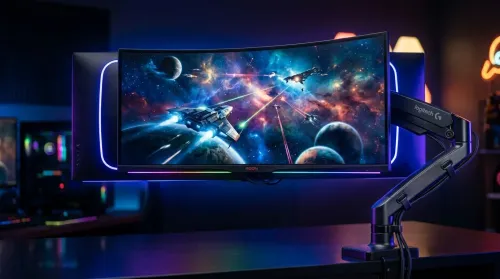
Choosing a 49-inch ultrawide curved monitor stand? Compare gas spring monitor arm vs fixed stand for stability, desk space, and comfort. ✅🖥️ Get the right setup fast.
Read more
Every spec on PCIe 5.0 explained in plain English. What matters for gaming and creator work in 2026, what's marketing fluff, and how each number translates to real-world performance.

A head-to-head look at WiFi 7: real-world performance, ZAR pricing and which option delivers better value for SA builders. The clear answer — no fluff.

Everything you need to set up and tune PCIe 5.0 properly: the prep work, the settings that actually matter, and the mistakes to skip. Written for SA builders in 2026.

Everything you need to set up and tune X870E Motherboard properly: the prep work, the settings that actually matter, and the mistakes to skip. Written for SA builders in 2026.

Wondering what a 512GB SSD capacity really holds? This guide breaks down how many games, photos, and documents fit on 512GB, with real-world ranges 📦💾

Every spec on vrm explained in plain English. What matters for gaming and creator work in 2026, what's marketing fluff, and how each number translates to real-world performance.

Every spec on motherboard explained in plain English. What matters for gaming and creator work in 2026, what's marketing fluff, and how each number translates to real-world performance.

Premium vs Midrange Motherboards in South Africa: real-world performance, SA pricing, power draw and which one delivers better value for your build for SA buyers. The clear answer — without the fluff.
Wondering what a 512GB SSD capacity really holds? This guide breaks down how many games, photos, and documents fit on 512GB, with real-world ranges 📦💾
Every spec on PCIe 5.0 explained in plain English. What matters for gaming and creator work in 2026, what's marketing fluff, and how each number translates to real-world performance.
A head-to-head look at WiFi 7: real-world performance, ZAR pricing and which option delivers better value for SA builders. The clear answer — no fluff.

Every spec on USB4 explained in plain English. What matters for gaming and creator work in 2026, what's marketing fluff, and how each number translates to real-world performance.