


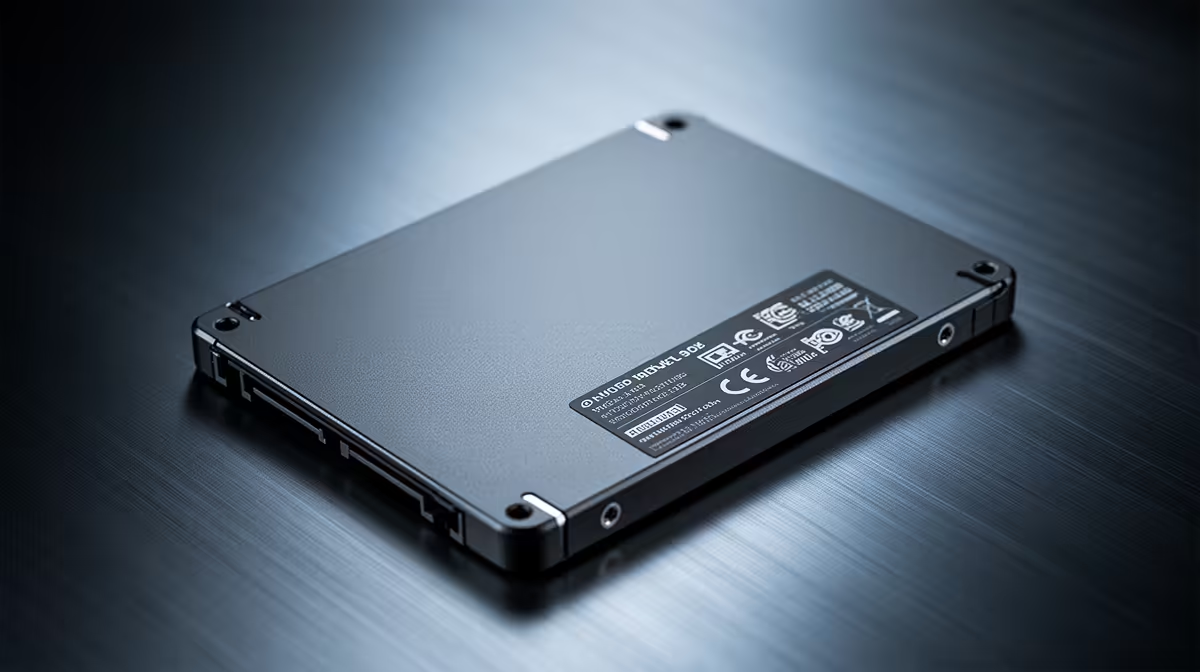
Is your PC feeling a bit... slow? Let's be honest, waiting for Windows to boot or a game level to load while your mates are already in the lobby is beyond frustrating. For years, the answer was just to accept it. But today, the single most impactful upgrade for any rig is surprisingly affordable. We’re talking about the magic of solid-state drives. Finding powerful, budget SSDs in South Africa is easier than ever, and they are key to transforming sluggish budget PC builds. 🚀
Why an SSD is Your Budget PC's Best Friend
If your computer still relies on an old-school hard disk drive (HDD), you're essentially using a tiny record player to access your data. It has spinning platters and a mechanical arm... it's slow. An SSD (Solid-State Drive), on the other hand, uses flash memory, like a massive, ultra-fast USB stick.
The difference is night and day.
- Blazing Boot Times: Your PC can go from off to fully usable in seconds, not minutes.
- Instant Application Loading: Programs and games snap open instantly.
- A Snappier System: Everything from opening folders to browsing the web just feels more responsive.
For a budget PC build, no other component offers this much of a performance boost for your rand. It makes an entry-level machine feel like a high-end beast, with rock-solid reliability from brands like Kingston.
Choosing the Right Budget SSD for Your Build
Diving into the world of SSDs can seem complex, but for a budget build, you only need to know a few key things. Getting the right drive will ensure your PC feels fast for years to come.
NVMe M.2 vs. SATA: What's the Difference?
Think of it like this: a SATA SSD is a massive upgrade over an HDD, like going from a bicycle to a car. An NVMe SSD is like strapping a jet engine to that car. 🔧
- SATA SSDs: These come in a 2.5-inch rectangular shape and connect with a cable. They are incredibly reliable and still worlds faster than any HDD, making them perfect for storing your game library or as a secondary drive.
- NVMe M.2 SSDs: These look like a small stick of RAM and plug directly into your motherboard. The modern M.2 2280 form factor offers incredible speeds, making it the absolute best choice for your operating system and favourite games.
For most budget PC builds, a 500GB or 1TB NVMe M.2 drive is the sweet spot for your OS and main applications.
Check Your Motherboard! 💡
Before buying an NVMe M.2 SSD, quickly check your motherboard's manual or product page online. You need to confirm it has an M.2 slot and see what PCIe generation it supports (e.g., Gen 3, Gen 4). This ensures you get a drive that works and runs at its full potential!
Finding the Best SSD Deals in South Africa
You don't need to break the bank to get a massive performance uplift. The market for budget SSDs in South Africa is competitive, which is great news for builders. You can find excellent value from brands like ADATA, known for offering great performance at a sharp price point.
While top-tier drives with a bleeding-edge Gen 5 interface offer futuristic speeds, a quality Gen 3 or Gen 4 NVMe drive provides more than enough power to eliminate loading screens and make your entire system fly. ✨
Ultimately, investing in an SSD is the most sensible first step on any upgrade path. It lays a lightning-fast foundation that makes every other component in your PC perform better. Stop waiting and start enjoying the speed you deserve by exploring the full range of solid state drives available right here in South Africa.
Ready to Turbo-Charge Your PC? Stop waiting and start playing. A budget SSD is the single biggest performance boost you can give your PC. It's affordable, easy to install, and completely transforms the experience. Explore our massive range of SSD deals and find the perfect drive to conquer your load times.











