


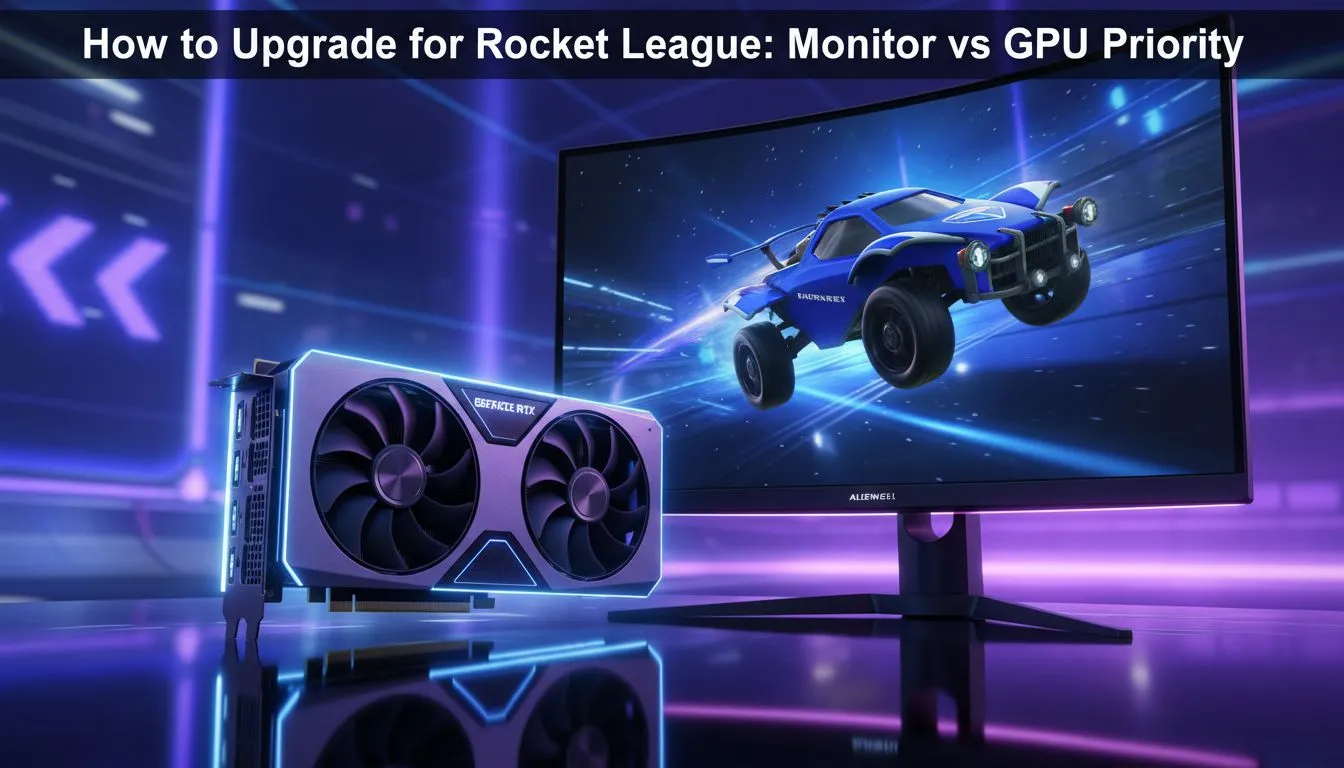
Missing a clutch save in Rocket League because of ghosting is a nightmare. You are staring at your setup, wondering about the rocket league monitor vs gpu: which upgrade first? debate. In South Africa, where every Rand counts, making the right choice determines if you hit Grand Champion or stay stuck in Diamond. Let us break down which component actually gives you the competitive edge. 🏎️
Why Refresh Rates Rule the Pitch
Rocket League is a physics-based game where timing is everything. If your GPU is pumping out 250 frames per second but your screen only refreshes 60 times, you are playing at a disadvantage. You are seeing outdated information. This is why many local pros suggest looking at the best pc monitor deals before touching your graphics card.
A 144Hz or 240Hz panel makes the ball movement look buttery smooth. It allows you to read bounces with much higher precision. When you browse the general category of pc monitors, look specifically for low response times. A 1ms GtG (Grey-to-Grey) rating is the gold standard for competitive play.
Pro Rocket League Settings ⚡
Always disable V-Sync in the Rocket League video settings. While it prevents screen tearing, it adds significant input lag. If the tearing is unbearable, consider a monitor with G-Sync or FreeSync compatibility to keep things smooth without the delay.
When to Prioritise the GPU Upgrade
The only time the GPU wins the rocket league monitor vs gpu: which upgrade first? argument is when your current hardware cannot maintain a stable frame rate. If you experience stutters or "heavy car feel" during intense 3v3 matches, your GPU might be struggling. Rocket League is not very demanding... even an entry-level modern card can handle it... but consistency is king.
If your frame rate is already stable, then it is time to look at all gaming monitors to actually see those frames. For players who enjoy a wider field of view, you might buy curved monitors to help with peripheral awareness. Seeing a demo coming from the side a fraction of a second earlier can save your match. 🔧
Visual Fidelity vs Competitive Edge
Not everyone plays to go pro. Some gamers want the pitch to look beautiful. If you prefer crisp textures and vibrant colours, you could buy 5k 4k monitors for a premium visual experience. Just ensure your GPU can actually push those extra pixels.
For the tournament grinders who travel across South Africa, you can even buy portable monitors to keep your practice sessions consistent. No matter what you choose, do not forget to buy monitor accessories like a sturdy VESA arm. Proper ergonomics prevent neck strain during those long overtime sessions. 🚀
Ready to Level Up Your Game? Deciding between a faster screen or a beefier GPU is the first step to victory. Whether you need high refresh rates for competitive play or 4K brilliance for the looks, we have you covered. Explore our massive range of gaming monitors and find the perfect upgrade to dominate the arena today.











