Is Your Drive Red-Lining? 5 Signs You’ve Outgrown Your PC
We’ve all been there. You’re ready to drop into a new season of your favourite shooter, but the update is 50GB and your drive is red-lining. If you’re constantly running out of storage, it’s a sign you’ve outgrown your PC. Don't let a full drive throttle your performance. Whether you're a content creator in Joburg or a competitive gamer in Cape Town, space is your most valuable resource. 🔧
1. The Infamous Red Bar of Doom
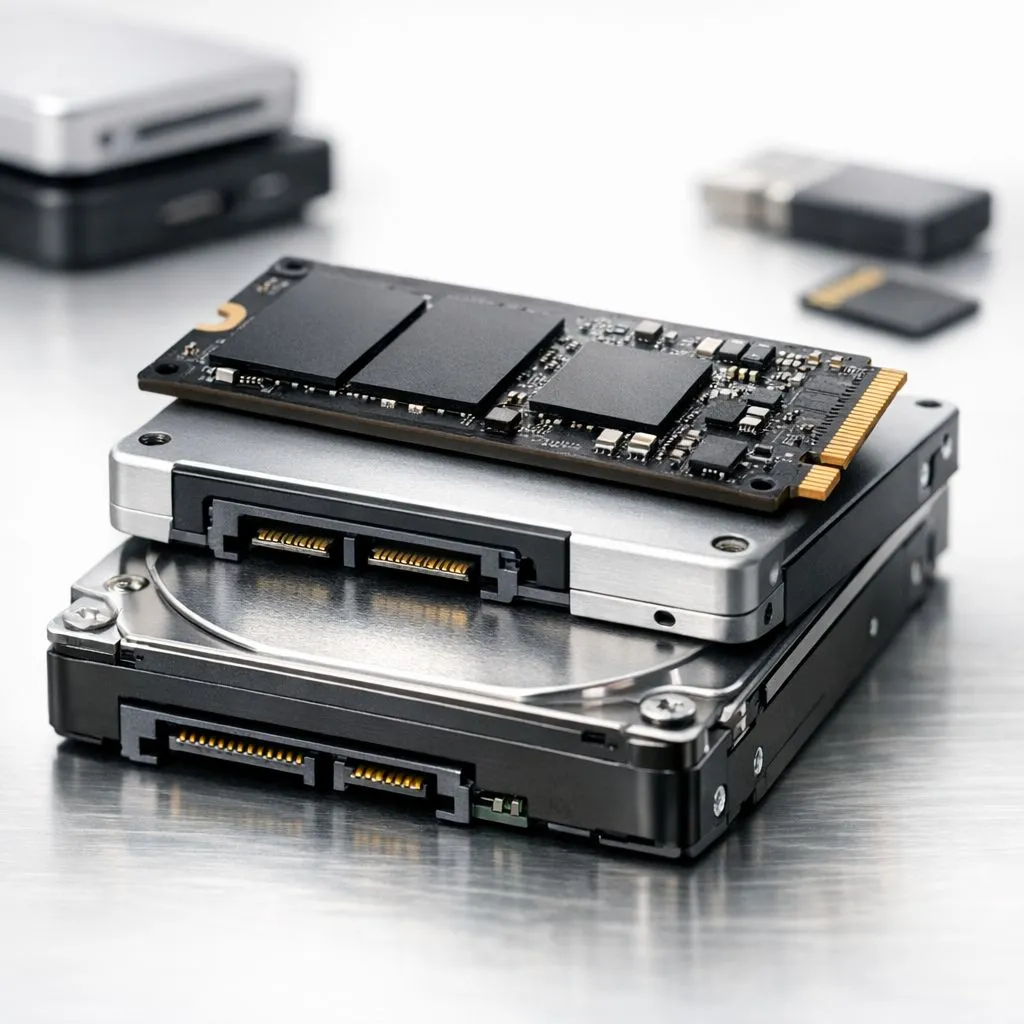
When you open "This PC" and your C: drive looks like a warning light, it is time to take action. Windows needs roughly 10% to 15% of your drive to be empty just to handle temporary files and updates. If you are constantly deleting old photos to make room for a single patch, it is much more efficient to buy solid state drives with higher capacities.
2. Performance Stutter and Sluggish Apps
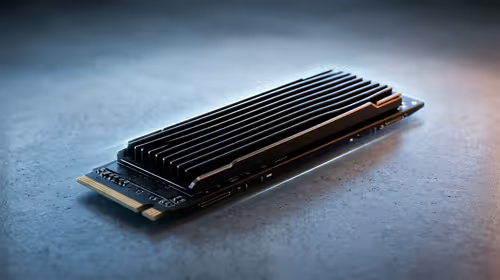
Have you noticed your PC takes longer to boot or apps take ages to open? When an SSD is nearly full, its write speeds drop significantly. This happens because the controller has to work harder to find available blocks. Upgrading to a high-performance drive from Western Digital ensures your system stays snappy even when your library grows. ⚡
Storage Management Pro Tip ⚡
Before buying new hardware, use a tool like WizTree to find large, forgotten files. Often, old game installations or temp folders from video editing can hide hundreds of gigabytes. If you still find yourself running out of storage after a clean-up, it is definitely time for a physical upgrade to your rig.
3. The "External Drive Juggling" Act
If your desk is covered in USB cables because you are constantly swapping drives to find files, your internal setup is failing you. While you can buy external SSD options for your media library, your primary games and apps should live on something faster. For those who need portability for work or LAN events, choosing specific External form factor drives provides the best balance of speed and convenience.
4. You Are Avoiding New Releases
Are you skipping the latest AAA titles because you cannot bear the thought of uninstalling three other games? Modern titles now regularly exceed 100GB. If you want to future-proof your setup, looking at Gen 5 (NVME) technology will give you the bandwidth required for DirectStorage, which allows games to load assets almost instantly. 🚀
5. System Updates Constantly Fail
Windows updates often require a "staging area" to unpack files. If your drive is cramped, these updates will fail, leaving your system vulnerable to security risks. Reliable brands like ADATA offer excellent value for money when you need to expand your capacity without breaking the bank. Spending a few hundred ZAR on extra space is far better than dealing with a corrupted OS. ✨
Ready to Expand Your Digital Horizon? Don't let a "Disk Full" message stop your win streak. Whether you need lightning-fast NVMe speeds or massive archival space, we have the right drive for your budget. Explore our massive range of storage specials and find the perfect upgrade to keep your PC running at its peak.