Quick Answer
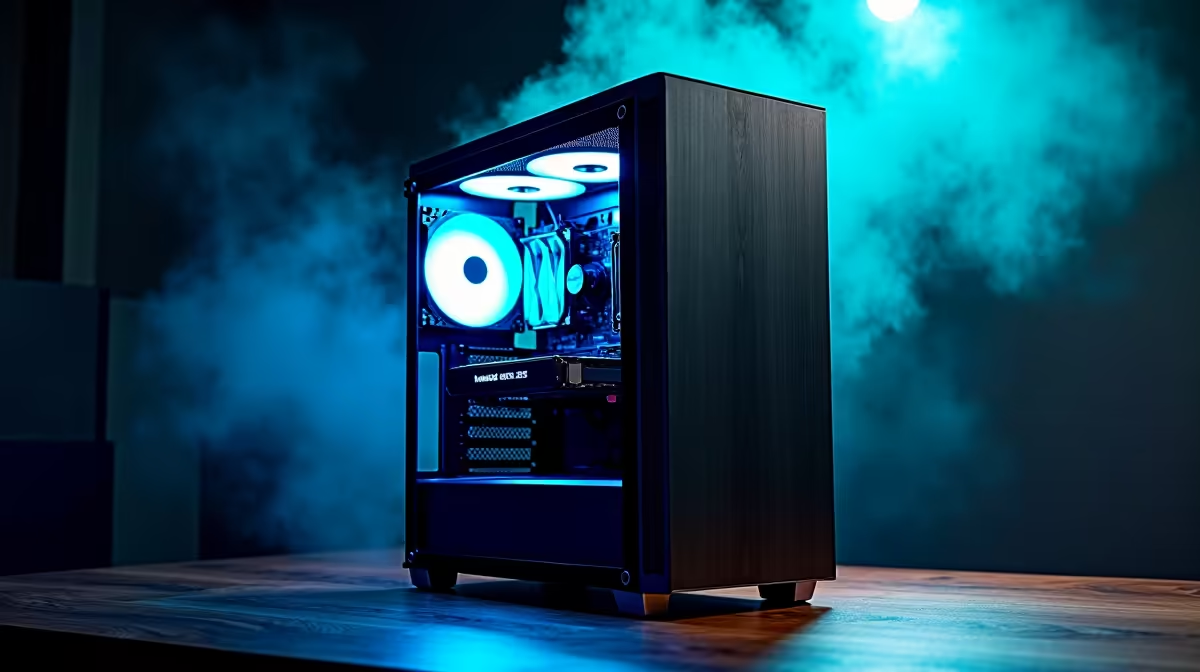
Yes, a properly specced content creation PC handles AI workloads well for SA developers. Look for an RTX 4070 or higher with 12GB+ VRAM, 32GB to 64GB RAM, and a Ryzen 9 or Core i7 CPU. This rig runs Stable Diffusion, local LLM inference, and ML model fine-tuning without breaking a sweat.
What AI Workloads Actually Need
Content creation PCs already lean heavy on GPU compute, RAM, and fast storage, which is exactly what AI workloads demand. Stable Diffusion image generation needs 8GB VRAM minimum and 12GB+ for comfortable resolution scaling. Running a local Llama 3 8B model needs 16GB RAM but benefits from GPU offload. Fine-tuning small models or generating embeddings hits all three subsystems hard, and a creator rig is generally well balanced for this.
Sweet Spot Build for SA Devs
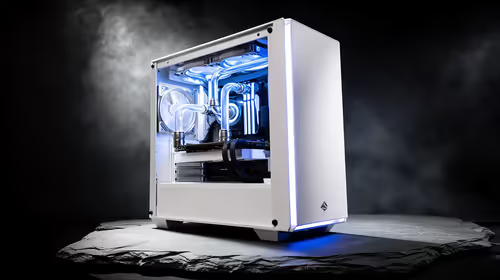
For SA developers wanting one rig that handles 4K video editing in DaVinci Resolve, Blender renders, and AI experimentation, target a Ryzen 9 7900X or 7950X paired with an RTX 4070 Super 12GB or RTX 4080 Super 16GB. Add 64GB DDR5-6000 in dual channel and a 2TB Gen4 NVMe for active projects plus a 4TB SATA SSD for archive. ZAR pricing for this build sits around R45,000 to R60,000 at Evetech, with full warranty and nationwide delivery.
Where Local Beats Cloud for SA
SA developers often pay more for cloud GPU time than their team budgets allow, especially when the rand is weak against the dollar. Running inference and fine-tuning locally avoids egress fees and lets you work offline during an unexpected outage if paired with a UPS. A local RTX 4080 Super pays itself back inside six to nine months versus equivalent cloud A10G hours for a developer running 30+ hours of GPU work weekly.
Frequently Asked Questions
Can the same PC run Premiere Pro and Stable Diffusion?
Yes. With 32GB+ RAM you can keep Premiere open while Stable Diffusion generates batches in the background, especially on a 16GB VRAM card.
Do I need a workstation GPU like the RTX 6000 Ada?
For most SA dev work, no. Consumer RTX 4070 to 4090 cards run almost all CUDA workloads. Workstation cards matter only for ECC memory and 24/7 datacentre validation.
How much VRAM is enough for local LLMs?
12GB runs 7B parameter models comfortably, 16GB handles 13B, and 24GB on the RTX 4090 unlocks 30B+ models with quantisation. Match VRAM to the model size you'll actually use.