


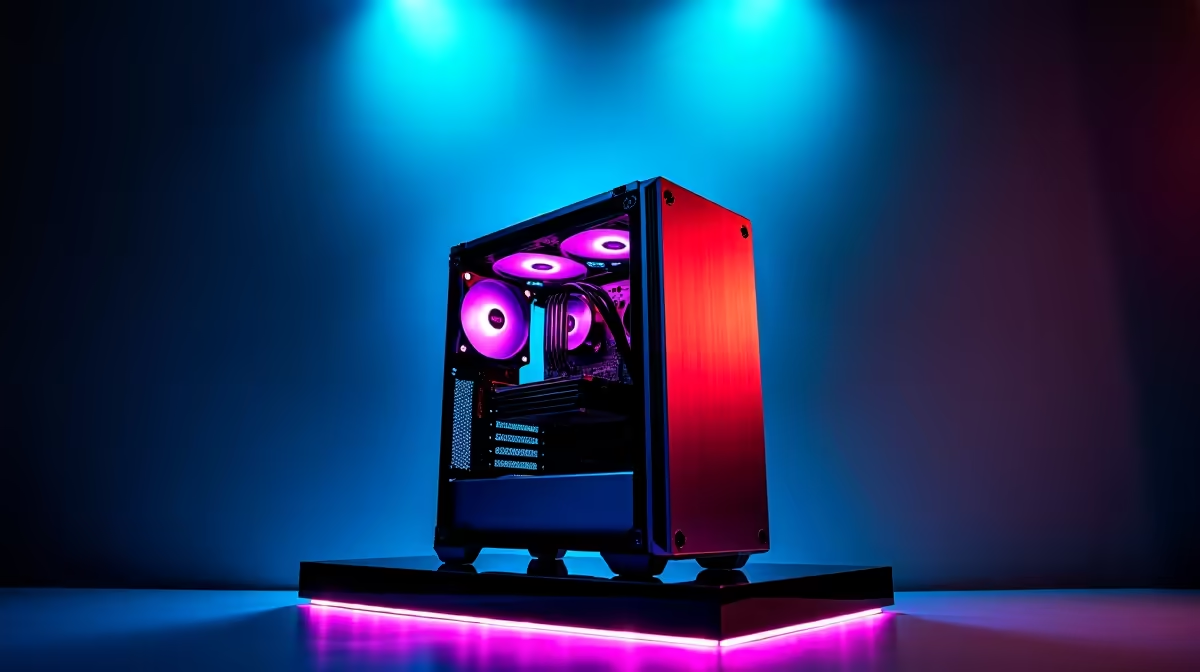
Your new AI PC is a powerhouse, crunching data and generating incredible content... until a classic South African heatwave hits. Suddenly, performance plummets, fans scream like a jet engine, and you start worrying about your expensive hardware. From Durban's sticky humidity to a scorching Highveld summer, our climate presents a unique thermal challenge.
Don't sweat it. We’ll show you exactly how to fix AI PC overheating and keep your machine running cool and fast. 🚀
Why Your AI PC Runs Hotter Than a Braai
Unlike traditional gaming which has peaks and troughs of intensity, AI workloads are a marathon. Tasks like training a model or running complex simulations push your components to their limits for hours on end. This sustained load generates a massive amount of heat that can overwhelm standard cooling setups.
The specialised hardware driving the AI revolution is the main culprit. The Tensor Cores inside modern GPUs are incredibly power-hungry, turning electricity into computational power... and heat. Whether you’re running one of the latest powerful NVIDIA GeForce gaming PCs or a rig built around Team Red, the demands are intense. Even the newest RDNA architecture in AMD Radeon gaming PCs includes AI accelerators that contribute to the thermal load when active.
When the ambient temperature in your room is already pushing 30°C, your PC case effectively becomes an oven.
Practical Steps to Fix AI PC Overheating 🔧
Before you start thinking about expensive upgrades, let's cover the essential, often-overlooked basics. Getting these right can solve most thermal issues.
1. Master Your Airflow
Heat needs a clear path to escape. A messy case full of tangled cables can create pockets of hot, stagnant air that suffocate your components.
- Cable Management: Tidy up your cables. Use cable ties or your case's routing channels to tuck them away from the main airflow path between your front intake and rear exhaust fans.
- Dust Busting: Dust is the enemy of cooling. In South Africa, it's a constant battle. Clean the dust filters on your case's intake fans at least once a month. A can of compressed air can clear out dust buildup on your CPU cooler and GPU heatsinks.
- Fan Configuration: Ensure you have a balanced setup. Typically, you want fans at the front and bottom pulling cool air in (intake) and fans at the back and top pushing hot air out (exhaust).
Cooling Control Pro Tip 🌡️
Download a free tool like HWMonitor or MSI Afterburner. Don't just rely on default settings! You can create a custom 'fan curve' that ramps up your fan speeds more aggressively as temperatures rise, preventing thermal throttling before it even starts. It's a simple software fix for a hardware problem.
2. Re-evaluate Your CPU Cooler
The stock cooler that came with your CPU might be fine for browsing and light gaming, but it’s often the first component to fail under a sustained AI workload. If your CPU temperatures are consistently hitting 90°C or higher, it's time for an upgrade. A quality tower air cooler or an All-In-One (AIO) liquid cooler will make a world of difference.
Advanced Cooling for Demanding SA Climates ✨
If the basics aren't enough, it's time to bring out the bigger guns. These techniques are crucial when you're running mission-critical tasks and can't afford any performance loss.
The Undervolting Advantage
This sounds technical, but the concept is simple: providing your CPU or GPU with slightly less voltage than its default setting. Often, manufacturers supply a bit more voltage than necessary for stability across all silicon. By carefully reducing it, you can achieve the same performance for significantly less power consumption and, therefore, less heat. It’s a free performance-per-watt upgrade.
When a Professional Build is the Best Fix
Sometimes, the fight against heat is best won before it begins. If your AI tasks are for professional work or generating income, thermal stability is non-negotiable. For these scenarios, relying on purpose-built workstation PCs is the smartest move. These systems are designed and tested from the ground up for sustained, heavy workloads, using cases with superior airflow and cooling components matched perfectly to the hardware inside.
Tired of Battling the Heat? An AI PC is a serious investment. Don't let our climate become its bottleneck. A professionally assembled system from Evetech is optimised for maximum airflow and thermal performance right out of the box. Build your ultimate, cool-running Custom PC today and focus on performance, not temperatures.







