


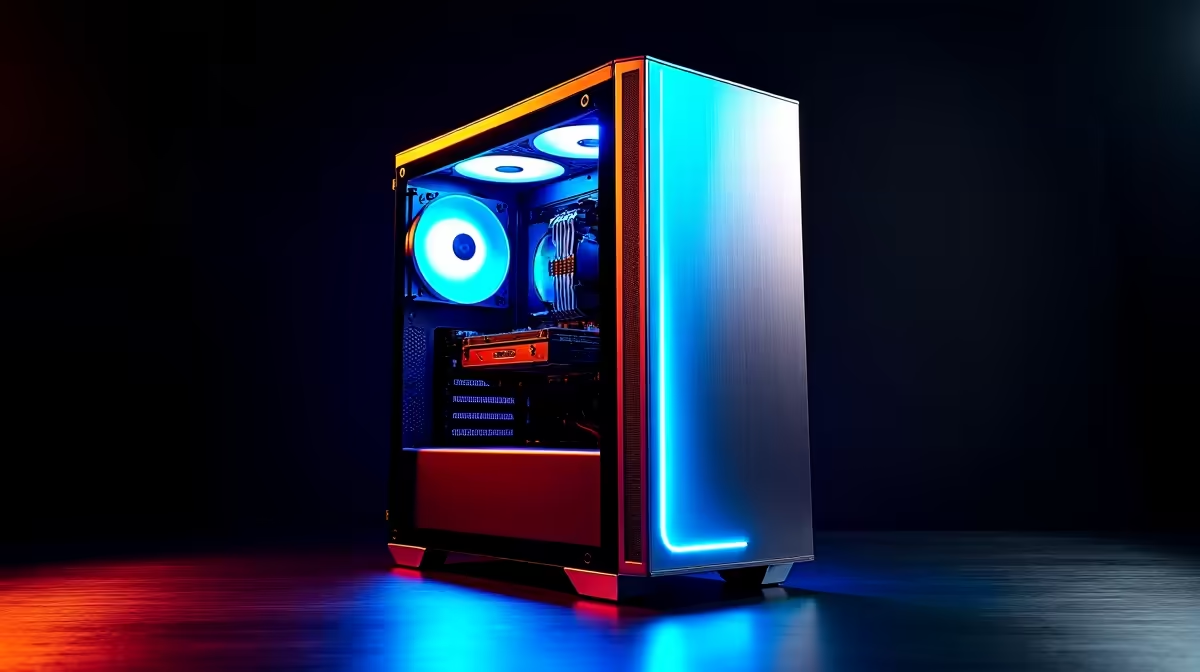
So, you've heard about DeepSeek? This powerful AI is changing how developers code and creators... create. But to unleash its full potential right here in South Africa, you can't just run it on any old rig. To run these complex models locally, you need a purpose-built PC for DeepSeek. This guide will walk you through the essential hardware, helping you build or choose a machine that won't buckle under pressure. Let's get you optimised. 🚀
Why Your Hardware Matters for DeepSeek
Running AI models like DeepSeek locally means your own computer is doing all the heavy lifting, rather than relying on a cloud service. The upside? No subscription fees, faster response times, and total privacy. The challenge? It demands serious computational power.
A standard office PC will grind to a halt. The key is a balanced system where the components work in harmony. A powerful graphics card (GPU) is the star of the show, but without a capable CPU, sufficient RAM, and fast storage to back it up, you'll create a bottleneck that cripples performance. Building the right DeepSeek PC is about making smart choices for each part.
The Ultimate PC for DeepSeek: Component Breakdown
Getting the hardware right is the most critical step. Here’s a look at the core components and what you should prioritise for a powerful AI machine.
GPU: The AI Engine ✨
The Graphics Processing Unit (GPU) is, without a doubt, the most important component for your PC for DeepSeek. AI models rely on its thousands of cores for parallel processing. The single most important specification here is VRAM (Video RAM). The more VRAM you have, the larger and more complex the models you can run.
- NVIDIA GeForce: NVIDIA is the current king in the AI space thanks to its mature CUDA software platform. Cards like the RTX 40-series offer excellent performance and ample VRAM. A system built around one of these is a fantastic choice for any NVIDIA GeForce gaming PC.
- AMD Radeon: Team Red offers compelling hardware with great performance-per-rand. While their software ecosystem (ROCm) is still developing, it's a powerful alternative for those who like to tinker. You can find these in our AMD Radeon gaming PCs.
- Intel Arc: As a newer player, Intel is making waves with competitive pricing. For those experimenting on a budget, an Intel Arc gaming PC could be an interesting starting point for AI exploration.
CPU: The Master Coordinator
While the GPU does the heavy lifting, the CPU (Central Processing Unit) prepares the data and keeps the entire system running smoothly. For AI workloads, a CPU with a high core count and strong single-thread performance is ideal. It ensures your GPU is never waiting for data.
- You can't go wrong with modern options from either camp. Our range of Intel PC deals offers fantastic performance for a variety of budgets.
- Similarly, the latest processors in our AMD Ryzen PC deals are renowned for their multi-core strength, making them excellent for demanding AI tasks.
RAM and Storage: The Supporting Cast
- System RAM: Aim for at least 32GB of fast DDR4 or DDR5 RAM. If you plan on running very large models or multitasking heavily, 64GB is a safer bet.
- Storage: A fast NVMe SSD is non-negotiable. It dramatically reduces load times for models and datasets, getting you to work faster. A 1TB NVMe drive is a great starting point.
Optimisation Pro Tip 🔧
"Once your PC for DeepSeek is built, use Windows Subsystem for Linux (WSL2) with GPU passthrough. This gives you a native Linux environment to manage Python packages and AI libraries like PyTorch and TensorFlow, while still having access to all your familiar Windows apps. It's the best of both worlds for AI development!"
Your Path to a Powerful DeepSeek PC
Now that you know the components, how do you get them? There are several routes to getting your ideal rig.
For a plug-and-play solution, our pre-built PC deals offer expertly configured systems that are ready for AI workloads right out of the box. If you're a professional needing certified drivers and maximum stability for mission-critical AI research, nothing beats a dedicated workstation PC.
Even if you're just starting out, you don't have to break the bank. Our selection of budget gaming PCs provides a solid foundation that you can upgrade as your needs grow. And for those hunting for maximum performance-per-rand, be sure to check out the best gaming PC deals in South Africa, which often pack the high-VRAM GPUs perfect for AI.
Choosing the right hardware for DeepSeek is the first step towards unlocking a new level of productivity and creativity. Happy building! ⚡
Ready to Build Your AI Powerhouse? Building the perfect PC for DeepSeek is an investment in your creativity and productivity. The right hardware makes all the difference. Use our expertise to configure your dream machine from the ground up. Start building with Evetech's Custom PC Builder and craft the ultimate rig for your AI projects.











