


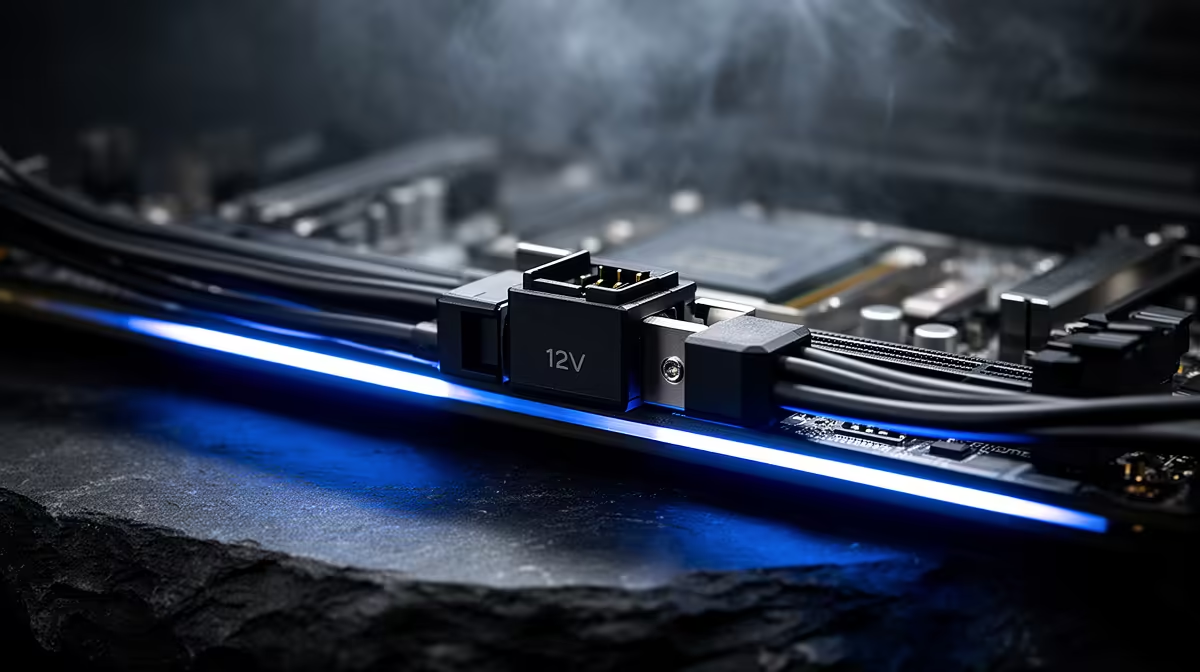
The side panel should close without pushing on your graphics-card cable. If it takes pressure to make the glass fit, stop and reroute it. A 12V-2x6 power connector needs a straight, fully seated plug and enough space for the cable to bend after it leaves the socket.
Quick Answer
Push the 12V-2x6 plug in until the latch locks and no gap remains between the connector bodies. Keep the first section of cable straight, avoid side-load from the case panel and inspect the plug again after your first few gaming sessions. Evetech's July 2026 stock snapshots put the median power supply at R2,099 and the median graphics card at R13,299, so cable fit deserves the same attention as the components it feeds.
🔌 Use one cable path from the start
Switch the power supply off, unplug the wall lead and let the PC sit before you work. Identify the cable supplied for the power supply or the adapter supplied with the card. Modular cables are not interchangeable between PSU models, even when the plugs appear to fit.
Route the cable to the GPU before seating it. Give it enough slack to approach the socket squarely. A cable pulled from below or twisted around a case cut-out can drag the plug sideways after you close the panel.
Check the power-supply end before the card goes in. A modular plug should sit flush in the labelled PSU socket, with no latch trapped against a neighbouring cable. If the power supply provides a native 12V-2x6 lead, use the connection path documented for that unit. If the card includes an adapter, lay out every required 8-pin lead and make sure the bundle can reach without tension.
If you are planning a card, use Evetech's NVIDIA graphics-card listings to check dimensions, then measure the remaining space between the socket and side panel.
👆 Seat the connector with your eyes on the gap
Support the card with one hand so you do not flex the PCIe slot. Hold the plug by its plastic housing and press it straight into the socket until the latch engages. Look along both sides and the top. The two housings should meet without a visible gap.
Do not judge the connection by the click alone. A stiff new plug can make a sound before it reaches the end. Give the housing a firm final push, then pull back with light pressure to confirm the latch holds.
📐 Give the cable room to turn
Keep the cable straight for the first few centimetres outside the plug. Form a broad curve farther away, and secure the bundle where a cable tie will not pull on the connector. If the side panel touches the cable, change the route or use a wider chassis.
Adapters with several 8-pin inputs need each required lead connected as the card maker specifies. Avoid a sharp fold at the adapter body. Check that no plug sits half-engaged on the PSU side while you focus on the GPU.
Close the panel while watching the cable through the glass or rear opening. If the panel pushes the bend closer to the plug, open it and route the lead again. A vertical GPU mount can create more cable room in one case and less in another, so measure the final installed position rather than relying on the chassis specification sheet.
🔦 Recheck after heat and movement
Run a demanding game for twenty to thirty minutes, shut the PC down and let it cool. Remove the side panel and inspect the connector under good light. Look for a gap, discolouration, a warped housing or a cable that has crept sideways.
Repeat the check after transporting the PC or changing nearby hardware. You do not need to unplug a sound connection for routine inspection; unnecessary removal adds wear. The GPU best-sellers page can help with card comparisons, while the physical clearance check must happen in your own case.
Frequently Asked Questions
What changed from 12VHPWR to 12V-2x6?
The revised connector uses shorter sense contacts and longer power contacts to improve seating detection and connection order.
How do you know a 12V-2x6 connector is fully seated?
The latch should lock and the plug housing should meet the socket with no visible gap on any side.
Should you check the connector after installation?
Yes. Inspect it after the first gaming sessions and whenever the PC has been moved or worked on.
Can you use an old 12VHPWR cable with a 12V-2x6 socket?
Connector compatibility depends on the card and power-supply documentation. Use the cable or adapter specified for that exact hardware.
Why can a poorly seated plug overheat?
Incomplete contact raises electrical resistance at a high-current connection, which can generate heat around the contact point.
Do all RTX 50-series cards use 12V-2x6?
No. Check the power connector listed for the exact model before buying a cable or power supply.
Checking clearance for a high-power graphics card? Compare GPU dimensions and power requirements at Evetech, then leave enough side-panel space for a relaxed cable curve before you order.











