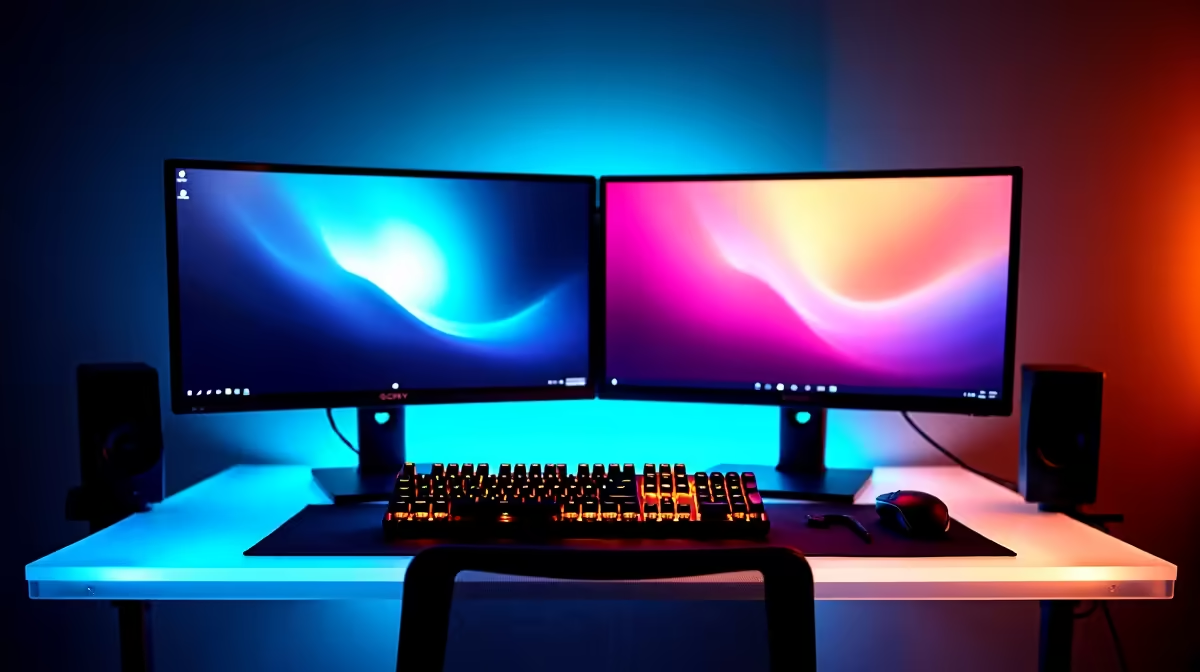
You've upgraded to a 240Hz monitor and the low FPS you hoped to leave behind is still there. The good news for SA gamers: this is nearly always free to fix, and the steps below pin the cause fast.
Quick Answer
After a 240Hz monitor upgrade, low FPS almost always means the new part isn't actually doing the work yet: the wrong GPU is selected, Resizable BAR is off, or a power plan is throttling clocks. Fixing those usually restores the 20-40% gain you paid for. That distinction saves South African gamers real money - it separates a free fix from a genuine upgrade you'd buy at Evetech.
Isolating Low Fps Before You Spend
Confirm the 240Hz monitor is actually doing the work: in the game's GPU/CPU overlay, check which part is at 95-100% load. If neither is, a power plan or frame cap is throttling you. If the GPU sits idle while frames stay low, the wrong GPU is selected or Resizable BAR is off. Each is a free fix worth real frames.
240Hz monitor Settings That Actually Matter
A 240Hz panel needs the GPU to actually push 240fps and Windows set to 240Hz - many setups silently default to 60Hz or 144Hz. Enable G-Sync/FreeSync in both the driver and the monitor's OSD so frames and refresh stay in lockstep. Use DisplayPort for 240Hz; many HDMI revisions can't carry it at full resolution, quietly dropping you to a lower refresh. As a yardstick, in Display Settings confirm the refresh rate reads 240Hz, then cap frames around 237fps with a low-latency mode for the cleanest feel, so use that as your pass/fail line rather than chasing a perfect number.
Reading Your Test Results
Treat the result as a buying guide. A problem that vanishes with a different cable, port, or sync setting costs nothing to fix. A problem that only shifts with more capable hardware tells you exactly what to budget for. That keeps SA spending sensible - you upgrade the 240hz gaming monitors or supporting part the test pointed at, instead of guessing and over-buying.
FAQ
Is it worth booking the build in at Evetech for low FPS?
Only after the free checks. If a clean driver install, verified memory profile and correct sync settings all fail, a workshop test can confirm a faulty part - but most low FPS clears up at the settings stage.
Does my display cable affect low FPS?
It can. Use DisplayPort for 240Hz; many HDMI revisions can't carry it at full resolution, quietly dropping you to a lower refresh. A cable that can't carry your panel's full refresh quietly caps performance and makes motion feel worse than the hardware should.
Does storage speed matter for low FPS?
For loading and streaming hitches, yes. A 240Hz panel needs the GPU to actually push 240fps and Windows set to 240Hz - many setups silently default to 60Hz or 144Hz. Keeping the game on your fastest NVMe drive with 15-20% free space removes a lot of avoidable stutter.
Worked through every free fix and the low FPS is still there? That's the point to look at the right part - browse current 240Hz Gaming Monitors stocked at Evetech and match the upgrade to the exact bottleneck your test exposed.