

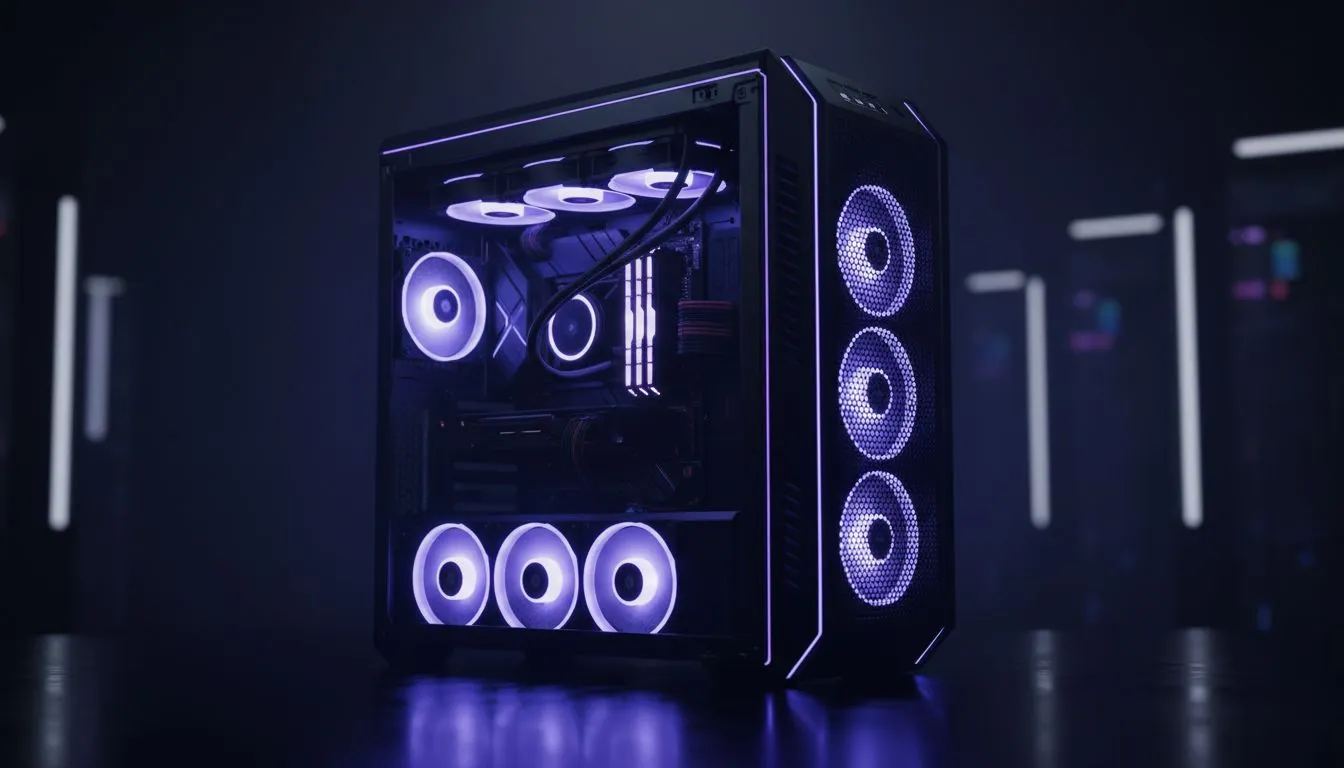
Mastering Airflow in a 15 Fan PC Build
Ever looked at your PC and thought it needed more wind? In the middle of a South African summer, keeping your high-end components cool isn't just a hobby... it's a necessity. If you are planning a 15 fan PC build, you are moving beyond basic cooling into the realm of extreme thermal management. Let's look at how to master this massive fan configuration guide without creating a vacuum. 🔧
When you pack fifteen fans into a single chassis, you aren't just moving air... you are managing a weather system. The goal is to create a balanced pressure environment. If you have too many intake fans, you create positive pressure which keeps dust out but might trap heat. Too much exhaust creates a vacuum that pulls dust through every un-filtered crack in your case. Finding the right computer cases is essential to ensure you have the mounting points for such an ambitious setup.
The Importance of Fan Hubs
Most motherboards only have five or six fan headers. To complete a 15 fan PC build, you will need high-quality PWM hubs or SATA-powered controllers. This allows you to sync the RPM and RGB colours across the entire system. Without a hub, your cable management will quickly become a nightmare that restricts the very airflow you are trying to optimise. ⚡
Selecting the Right Chassis for Massive Cooling
Not every mid-tower can handle this level of cooling. You need a full-tower or a dual-chamber 'aquarium' style case to fit everything comfortably. Many enthusiasts prefer fractal design pc cases because they offer incredible flexibility for radiator mounting and fan placement. These cases are designed with silence and thermal efficiency in mind... even when you are running a dozen fans at full tilt.
If you want something that stands out on your desk, gamdias gaming cases provide excellent tempered glass panels to show off your RGB fans. For builders watching their ZAR spend, you can even find affordable gaming cases under R1500 that provide enough clearance for multiple 360mm radiators and additional case fans.
Static Pressure vs Airflow Fans ⚡
When building a massive fan configuration, use static pressure fans for radiators or areas with restricted mesh. Use high-airflow fans for unrestricted intake and exhaust. Mixing them correctly ensures your 15 fan PC build remains efficient and quiet rather than sounding like a jet engine taking off from OR Tambo.
Optimising Your Massive Fan Configuration Guide
To get the most out of your setup, consider a 'bottom-to-top' or 'side-to-top' airflow path. Heat naturally rises, so exhausting through the roof of the case is standard practice. With fifteen fans, you can afford to dedicate three to the side, three to the bottom, and three to the front as intakes... leaving the top and rear for exhaust. This ensures every component, from your VRMs to your NVMe drives, receives a constant stream of fresh air 🚀.
Final Cable Management Tips
Label your cables. When you have fifteen sets of PWM and ARGB wires, troubleshooting a single dead LED becomes a massive chore. Use velcro ties instead of zip ties... you will thank yourself later when you decide to upgrade a component or clean your filters. Keeping the back of the case tidy is just as important as the front, as it prevents cables from blocking the exhaust paths of your rear-mounted fans ✨.
Ready to Build Your Ultimate Cooling Rig? A 15 fan configuration requires the right foundation and the best components. Whether you are looking for high-airflow fans or the perfect chassis to house them, we have the gear you need. Explore our massive range of PC cases and start your extreme cooling journey today.











