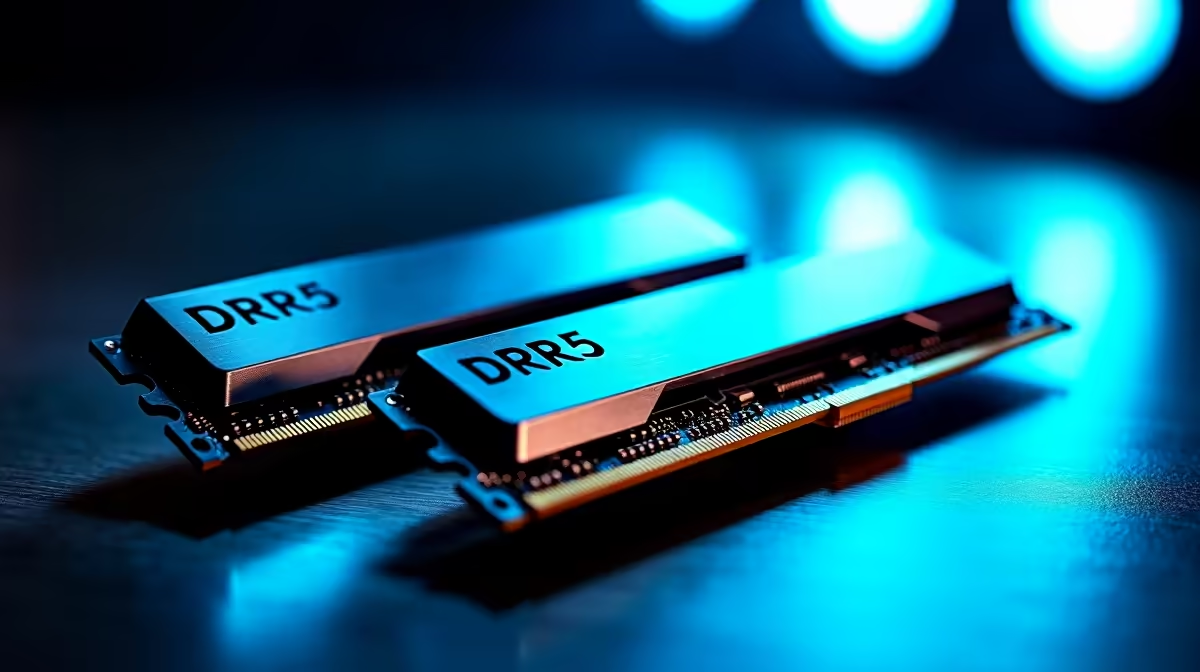
TEAMGROUP VULCAN 32GB current-gen 6000 at R1,460 suits a first-time South African PC gamer who wants smoother play, cleaner multitasking, and better long-term value than stopping at 16GB. A 16GB upgrade can help an older system, but a 32GB RAM kit is usually the smarter first gaming upgrade when the price gap is this practical.
Start with 32GB if the board supports it
The TEAMGROUP VULCAN 32GB current-gen 6000 at R1,460 is the easy value pick because it gives you 32GB memory and a 6000 speed target without pushing the budget into luxury territory. For a new gaming desktop, that capacity helps when a browser, launcher, voice chat, and game are all open together.
Kingston FURY 32GB current-gen 6400 at R2,300 is worth considering if the build is already aimed at a stronger platform and you want a faster 6400 speed option. It costs more than the TEAMGROUP VULCAN kit, but it still sits in a sensible zone for a first proper gaming PC where the memory should not feel like the weak part.
Student desk and first gaming room reality
For a student desk or first gaming room, the better question is not only whether 16GB works today, but whether it keeps the setup comfortable after updates, background apps, and heavier games arrive. Kingston 16GB current-gen SODIMM at R741 makes sense for a compatible laptop that only needs a basic lift, while the Kingston FURY 32GB 5600 at R5,100 is harder to justify for a first desktop when the TEAMGROUP VULCAN 32GB current-gen 6000 is far cheaper.
KLEVV CRAS V 32GB 7200 RGB at R6,400 is the enthusiast-style option here, with 32GB memory, 7200 speed, and RGB. It is not the first recommendation for a budget-conscious newcomer, but it fits a showpiece gaming room build where the rest of the system is already premium.
Ready to choose the right memory?
Compare the listed RAM range and pick the capacity and speed that match your first gaming build.