


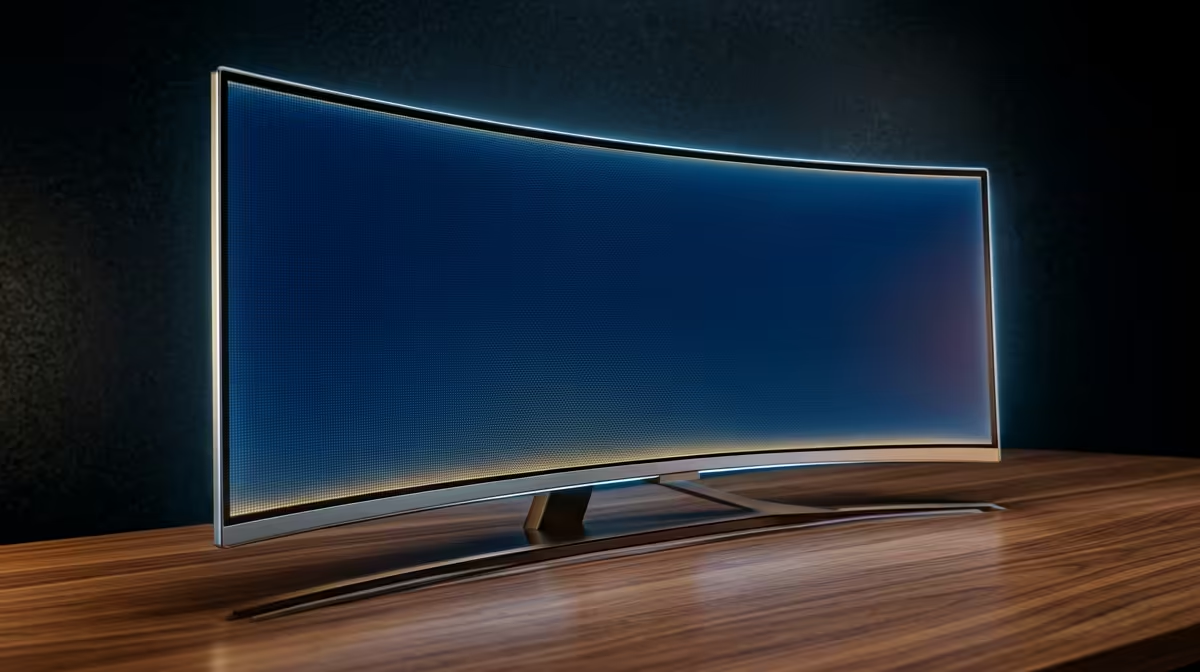
AOC 27"W IPS, QHD,200Hz,1H1DP, HAS MONITOR at R3200 suits a podcaster who wants a sharper creator desk than basic FHD while still shopping around the 4k monitor category. For recording notes, waveform editing, browser research, and a camera preview on one screen, resolution matters more than extreme refresh rate, but the listed AOC gives you a useful middle ground with QHD detail and a 200Hz panel.
Best screen direction for a podcast desk
The AOC 27"W IPS, QHD,200Hz,1H1DP, HAS MONITOR at R3200 is the strongest listed pick for a podcast workstation because the 27-inch QHD screen gives more room for timelines, scripts, browser tabs, and audio controls than a smaller FHD display. Its 200Hz spec is more than a podcasting setup needs, but it keeps general desktop movement smooth.
If budget is tighter, the Dell SE2726H 27-inch 1920 x 1080p FHD 16:9 144Hz 1ms LED IPS Monitor 210-B at R1797 is still a sensible 27-inch option. You lose the extra QHD workspace, but the FHD IPS panel and 144Hz refresh rate are practical for a simple recording desk, especially when the main job is clean monitoring rather than dense editing.
SA creator desk reality
For a home podcast corner, avoid buying only on size. The DAHUA DHI-LM27-A201X 27" LED MONITOR 100Hz at R1500 gives a large 27-inch screen at a low price, but the AOC QHD model at R3200 is easier to justify when your episodes involve editing timelines, show notes, thumbnails, and guest research on the same desk.
Pro Tip ⚡
W IPS QHD 200Hz monitor at R3200 gives more usable editing room than a 27-inch FHD panel."
Ready to choose the right 4k monitor? Use DAHUA DHI-LM27-A201X 27" LED MONITOR 100Hz at R1,500 when monitor right choice podcaster matters, then compare the desk fit against (622 in stock).







