


Best AMD GPU Under R40000 in SA 2026
Top AMD GPU Under R40000 picks evaluated on performance, value & SA availability with current Rand pricing from Evetech.
Read moreAIO cooling for a custom gaming PC under R25,000 in South Africa: balance temps, noise, and FPS without blowing your ZAR budget. Get smart AIO vs air tradeoffs and build tips. 🎮❄️
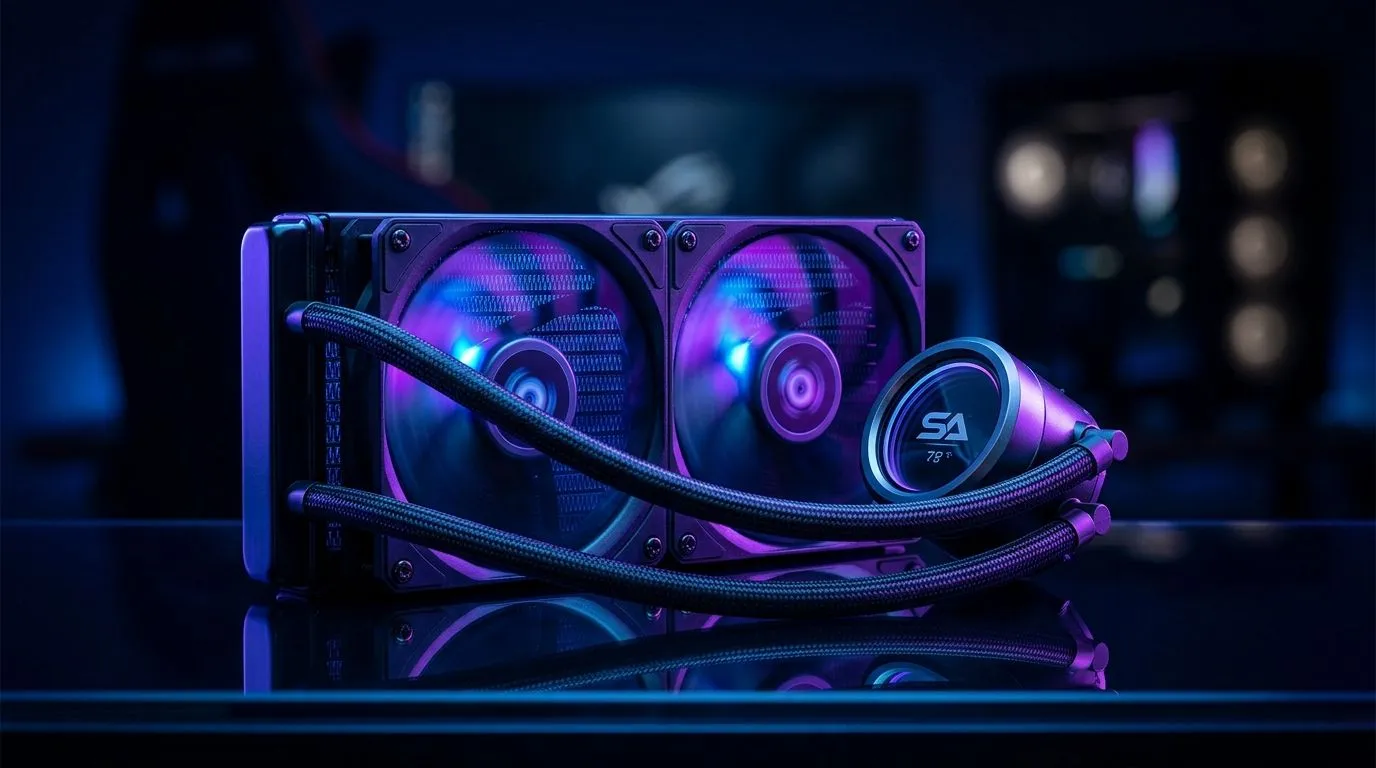
If you’re building a custom gaming PC under R25,000 in South Africa, cooling is not just an afterthought — it’s mission-critical. High-performance CPUs run hot, and without efficient cooling, you risk throttling your FPS and shortening your rig’s lifespan. That’s where AIO cooling comes in 🔧. Combining aesthetics and efficiency, an All-In-One liquid cooler keeps your system chill even during marathon gaming sessions or intense stream battles.
For a budget-conscious build, picking the right AIO liquid cooler under R25,000 involves balancing price, size, and thermal performance. Luckily, the local South African market offers great options proven by Evetech customers.
Explore the full range of CPU coolers to see what fits your build!
The most common AIO coolers come in 240mm and 360mm radiator sizes. For a budget build, a 240mm AIO is often the sweet spot — enough cooling muscle without breaking the bank or requiring an oversized case. But if you have space and want extra cooling power, consider a 360mm radiator AIO cooler. Larger radiators dissipate heat more efficiently, giving you more headroom for overclocking and quieter fans.
See the available options for 240mm radiator AIO coolers.
South African builders often trust brands like Corsair and Deepcool for AIO cooling reliability and value. Both brands offer models well-suited for budget builds while maintaining solid thermal performance.
Check out Corsair’s popular lineup here and Deepcool’s options here.
An AIO cooler is not just about raw cooling power; it also helps maintain a quieter gaming setup. The liquid cooling cycle moves heat away faster than air coolers, allowing your fans to run at lower speeds. This means reduced noise and better focus when headshots count.
Setting your fan curves more aggressively lowers temperatures by a few degrees. Just avoid pushing your pump speed to max constantly — it can shorten pump life. Balance is key to cooler temps and quieter gameplay.
Many custom build beginners hesitate on installing AIO coolers. But modern AIO kits come with easy-to-mount brackets and clear manuals. Good maintenance depends mostly on airflow management and occasional dust cleaning—no complicated refilling or tubing leaks to worry about.
For a hassle-free experience, explore Evetech’s curated selection of All-In-One liquid coolers.
Your R25,000 budget can stretch far if you allocate funds smartly. Investing in a quality AIO cooling system boosts your rig’s performance stability and longevity. Plus, it adds a sleek liquid-cooled aesthetic that every South African gamer loves to showcase on streams or LAN nights.
Wondering whether to choose a liquid cooler or stick to air? Evetech offers a diverse range of CPU air and liquid coolers so you can compare performance and prices directly.
Build Cooler, Play Longer For reliable, budget-friendly AIO cooling solutions tailored for South African gamers, Shop now at Evetech and keep your custom PC running cool and quiet all day.
Often yes if you prioritize lower temps and cleaner looks. For best value, choose a mid-range AIO and spend more on GPU while keeping airflow strong.
Compare noise, heat, and case clearance. If your case has limited radiator space, a good air cooler can match performance without pump-related risk.
Put it where it prevents thermal throttling, usually after you lock the GPU, CPU, and a quality PSU. Then choose an AIO that matches your CPU TDP.
A 240mm or 280mm AIO is a common sweet spot if your case supports it. Larger radiators usually improve thermals and reduce fan noise.
Use a compatible top or front mount based on your case. Keep tubing routes tidy, avoid tight bends, and ensure radiator fans pull or push consistently.
It helps both, but the biggest gains show under sustained CPU loads in AAA titles. For esports, smoother CPU thermals can still reduce stutters.
Prioritize the GPU first for gaming FPS, then CPU balance, a stable PSU, and airflow. Choose cooling only as much as your CPU needs.
You can, but reliability and temps depend on airflow. If your case is restrictive, upgrade intake/exhaust fans before going for a pricier AIO.
Top AMD GPU Under R40000 picks evaluated on performance, value & SA availability with current Rand pricing from Evetech.
Read more
Top RTX 4090 Under R12000 () picks evaluated on performance, value & SA availability with current Rand pricing from Evetech.
Read more
Ryzen 5 5600X + B550 + RTX 4060 Build Under. Full parts list, Rand pricing & expected performance. Build confidently with SA-available components.
Read more
Ryzen 5 5600X + B550 + RTX 4060 Build Under. Full parts list, Rand pricing & expected performance. Build confidently with SA-available components.
Read more
Top AMD GPU Under R25000 picks evaluated on performance, value & SA availability with current Rand pricing from Evetech.
Read more
Top Crucial GPU Under R15000 picks evaluated on performance, value & SA availability with current Rand pricing from Evetech.
Read more
Snapdragon X2 NPU Explained: How 80 TOPS Changes. Plain-English explanation of what it means, why it matters & how it affects your buying decisions in SA.

HBM? High Bandwidth Memory Used in GPUs and AI. Plain-English explanation of what it means, why it matters & how it affects your buying decisions in SA.

How much should you spend on sim racing accessories in South Africa for a realistic setup? We break down budgets by quality tiers, so you buy smart gear and avoid overspending 🎮💸

G-Sync and FreeSync? Variable Refresh Rate. Plain-English explanation of what it means, why it matters & how it affects your buying decisions in SA.

AMD Laptop: Value. SA-focused analysis with local pricing data, real-world insights & actionable buying advice.

How MacBook Neo Handles 30+ Chrome Tabs with Only. SA-focused analysis with local pricing data, real-world insights & actionable buying advice.

Why Apple Put 8GB RAM in MacBook Neo: The A18 Pro. SA-focused analysis with local pricing data, real-world insights & actionable buying advice.

Upgrade your work laptop with a New Motherboard. Step-by-step instructions with SA-specific tips, common pitfalls to avoid & expert recommendations.

Maintain wired headset — Checklist: • inspect cables • clean earpads • store properly 🔧🎧 Practical steps to preserve sound quality and avoid premature replacements.

Fix crackling headset fast: step-by-step checks for cables, connectors, drivers, and settings to remove static or distorted audio on wired headsets 🎧⚙️

Stereo vs mono headsets: learn which delivers clearer calls, better spatial music, or simpler mono voice performance — pick the right headset for meetings, music, or gaming 🎧💬

- Compare gaming headset vs studio headphones; - Assess comfort, mic and sound; - Recommend best daily picks. Gaming headset vs studio headphones: learn which suits work, music and casual gaming. 🎧⚖️