

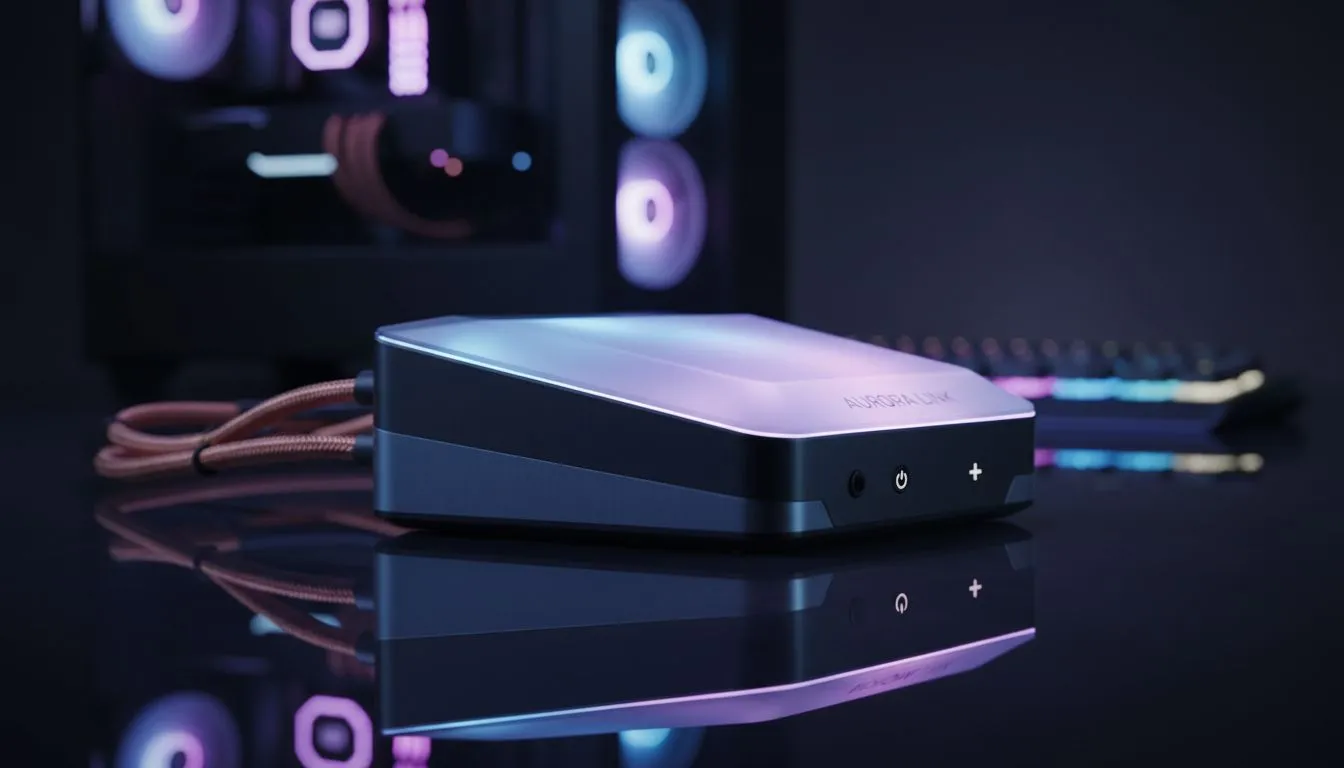
The Magic of a Synchronised Battle Station
Tired of fumbling with remote controls in the dark? When you automate gaming setup lighting to turn on with your PC, you transform your room into a command centre instantly. It is about more than just aesthetics... it is about creating a seamless experience. Whether you are grinding in Apex Legends or finishing a work project, your environment should react as soon as your fans start spinning 🚀.
The Easiest Ways to Sync Your Lights
The simplest method involves using your motherboard’s internal headers. Most modern boards feature 12V RGB or 5V ARGB pins that power up the moment you hit the switch. By connecting your strips directly to these, your lighting follows the PC power state perfectly. If you are looking for a new range of gaming accessories that support native RGB headers, checking compatibility is your first step to a cleaner desk.
Software Solutions for Total Control
For those using external lamps or smart bulbs, software is your best friend. Tools like SignalRGB or OpenRGB can sync multiple brands under one interface. You can even use "Trigger" apps that detect when your PC's IP address becomes active on your home network to flip your smart plugs on. Budget is always a factor... so keep an eye on the latest gaming accessories deals to find smart-compatible gear at a better price ⚡.
Power State Pro Tip ⚡
Check your BIOS settings for 'ErP Ready' or 'USB Power in S5 State'. Enabling ErP ensures your USB-powered LED strips turn off completely when the PC shuts down. This prevents that annoying ghost glow while you are trying to sleep.
Hardware Essentials for a Connected Room
Beyond the internal components, your peripherals play a massive role. High-quality keyboards and mice often come with "Power Save" modes that wake up alongside your OS. Investing in premium gaming accessories often means you get access to better software ecosystems like Corsair iCUE or Razer Chroma. These suites allow you to create "Start-up" profiles that trigger specific colour waves the moment you log into Windows ✨.
Setting Up Your Smart Ecosystem
If you want the whole room to glow, consider a smart plug. You can set a script on your PC to send a "Wake on LAN" command or a simple IFTTT trigger when the system boots. This ensures your floor lamps and wall panels join the party without you lifting a finger. It is the ultimate way to automate gaming setup lighting to turn on with your PC while keeping your cable management tidy 🔧.
Ready to Brighten Your Build? Automating your environment is the final step in creating the ultimate South African battle station. Explore our massive range of gaming accessories and find the perfect lighting solutions to bring your setup to life.











