You’re deep in the zone, hours into a complex 4K video edit. The deadline is looming. You hit "Render," and then it happens… the fan noise crescendos, the progress bar grinds to a halt, and your entire system crashes. Lost work, lost time, and pure frustration. In South Africa's heat, this nightmare is all too common. But what if the best cooling for your video editing PC could prevent this, ensuring smooth performance every single time?
Why Your Editing PC Turns into a Toaster 🔥
Video editing isn't like gaming or browsing. It places a unique, sustained, and brutal load on your computer's core components. When you're rendering a timeline with effects, colour grades, and multiple layers, both your Central Processing Unit (CPU) and Graphics Processing Unit (GPU) are running at or near 100% capacity for extended periods.
This intense activity generates a massive amount of heat. If that heat isn't efficiently removed, your components trigger a self-preservation mechanism called thermal throttling. Essentially, your PC deliberately slows itself down to avoid overheating and damage. For you, this means stuttering playback, painfully slow render times, and system instability. Finding the right cooling for your video editing PC isn't a luxury; it's essential for productivity.
The Big Cooling Showdown: Air vs. Liquid
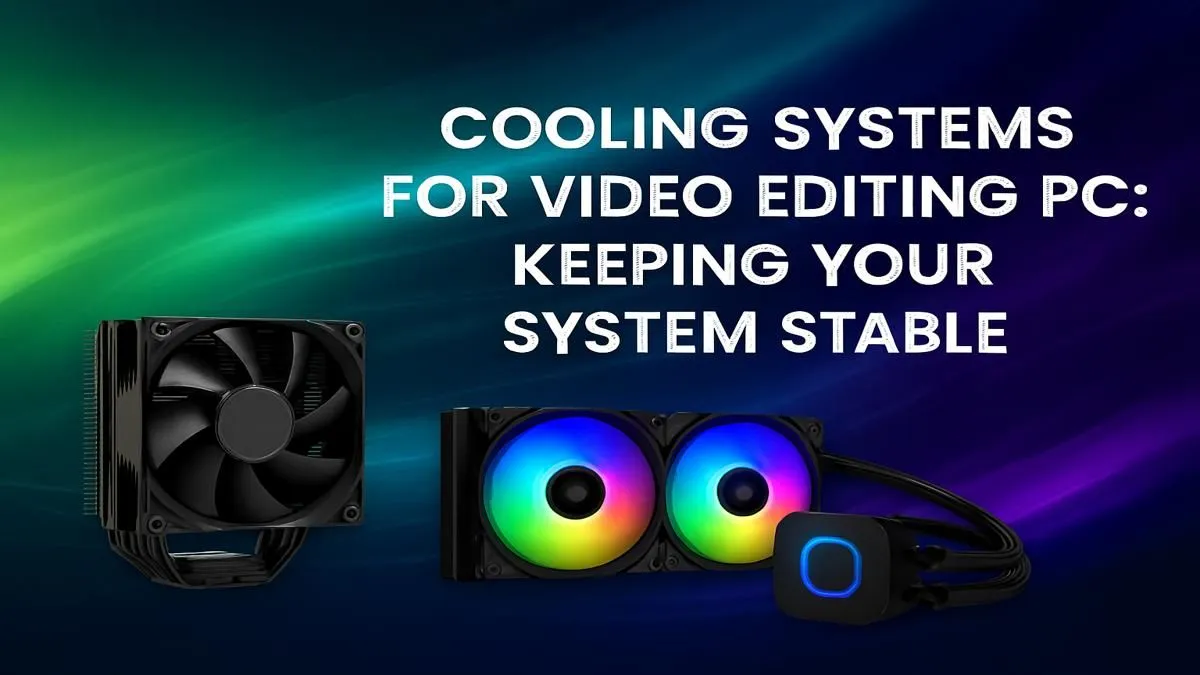
Choosing the right type of cooler is the first step to preventing throttling. The two main contenders are traditional air coolers and modern All-in-One (AIO) liquid coolers.
Air Coolers: The Reliable Workhorse
An air cooler uses a combination of a metal heatsink and fans to draw heat away from the CPU.
- Pros: Highly reliable with no moving parts besides the fan, generally more affordable, and simple to install. Many excellent pre-built PC deals come equipped with robust air coolers that are perfect for many editing workloads.
- Cons: High-performance models can be bulky, potentially interfering with RAM slots. They may also struggle to keep the most powerful, high-core-count CPUs cool under extreme, prolonged rendering tasks.
AIO Liquid Coolers: Peak Performance
An AIO uses a closed loop of liquid to transfer heat from the CPU to a radiator, where it's dispersed by fans.
- Pros: Superior thermal performance, making them the best cooling solution for a high-end video editing PC. They keep temperatures lower and more consistent, allowing your CPU to maintain its maximum boost clock for longer. They also offer a cleaner aesthetic inside your case. Whether you're running a powerful Intel i9 or a multi-core AMD Ryzen, an AIO can make a massive difference.
- Cons: More expensive and have more potential points of failure (like the pump), though modern AIOs are incredibly reliable.
For creators pushing the limits with 4K, 6K, or even 8K footage, an AIO is often the wisest investment. The stability it provides to powerful CPUs found in our Intel PC deals or AMD Ryzen PC deals is invaluable.
Case Airflow is Key 🔧
Your CPU cooler can't work effectively in a hot box. Ensure your PC case has good airflow. A standard setup is two intake fans at the front pulling cool air in, and one exhaust fan at the back pushing hot air out. Regularly cleaning dust filters also makes a huge difference to your PC's cooling performance.
Don't Forget Your GPU and Case
While the CPU does much of the heavy lifting, your graphics card is also a critical, heat-generating component, especially when accelerating effects and encoding video.
Modern GPUs from both teams have excellent cooling systems built-in. High-end NVIDIA GeForce gaming PCs often feature massive triple-fan coolers, while the latest cards in our AMD Radeon gaming PCs are also designed to handle intense thermal loads. The key is ensuring your case provides them with enough fresh, cool air to breathe.
Ultimately, the best cooling for a video editing PC is a holistic system. It’s a powerful CPU cooler working in harmony with a well-ventilated case and a capable GPU. For professionals who can't afford any downtime, investing in expertly configured Workstation PCs is the ultimate solution, as they are designed from the ground up for thermal stability and sustained performance.
Stop Throttling. Start Creating.
Don't let overheating sabotage your creative flow. A properly cooled PC is the foundation of a stable and powerful editing rig. Explore our range of purpose-built Workstation PCs and find a machine engineered to handle any project you throw at it, coolly and quietly.