

Best AMD GPU Under R15000 in SA 2026
Top AMD GPU Under R15000 picks evaluated on performance, value & SA availability with current Rand pricing from Evetech.
Read more• Assess needs; • Match cores and clocks; • Balance budget. Best CPU for RTX 5070 Ti guidance: recommended Intel and AMD picks for 1080p, 1440p and streaming to prevent CPU bottlenecks. 🔧🎮
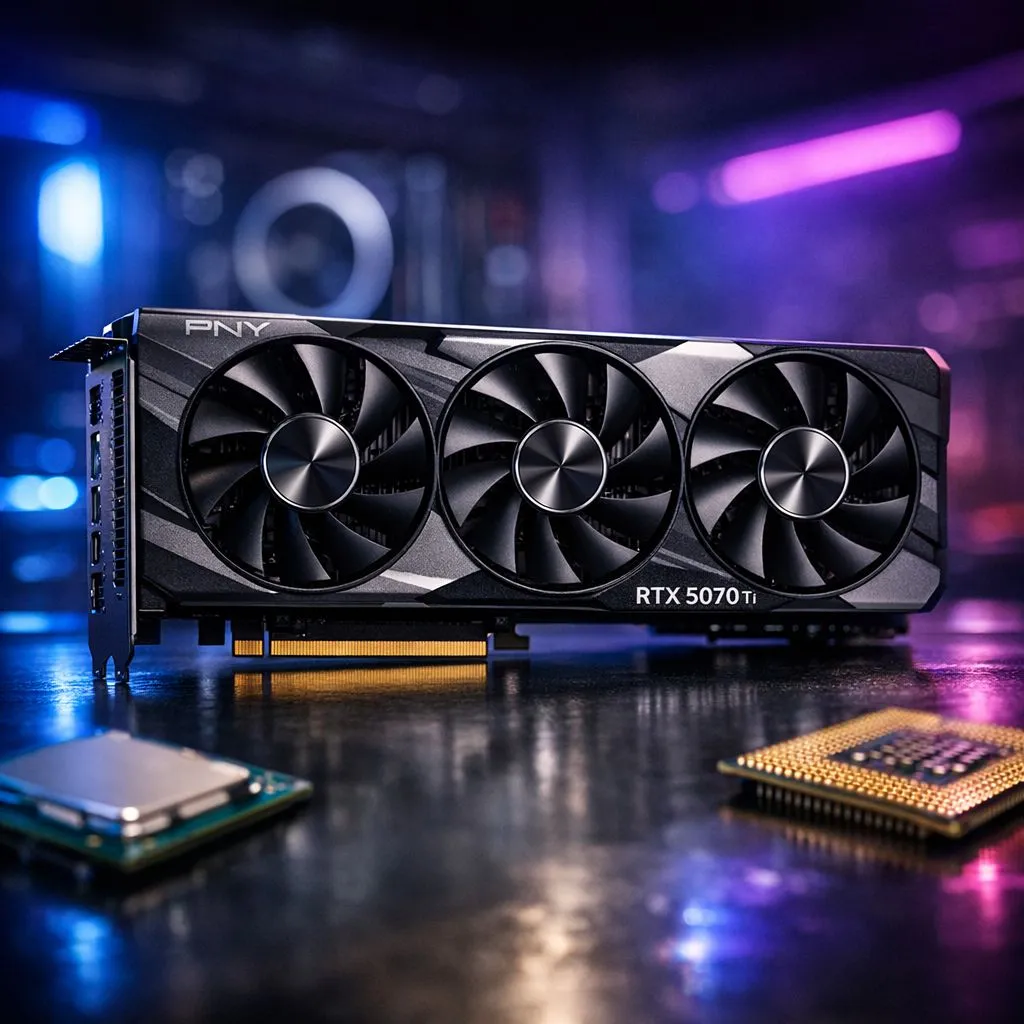
So, you’ve finally secured the latest GPU powerhouse. The RTX 5070 Ti promises insane frames at 1440p and beyond. But pairing it with an aging processor is like putting budget tyres on a Ferrari. To truly avoid bottlenecks, you need a chip that can keep up with those lightning-fast frame times. Let’s find the best CPU for RTX 5070 Ti builds available in South Africa right now. 🚀
When you spend thousands of Rands on a premium GPU, the last thing you want is a stuttering experience. A bottleneck occurs when your processor cannot prepare frames as fast as your graphics card can render them. This is especially noticeable in CPU-intensive titles like Cyberpunk 2077 or Warzone. Many local enthusiasts choose MSI graphics cards for their superior cooling... but even the best cooler won't fix a slow CPU.
Choosing the best CPU for RTX 5070 Ti setups requires a balance of core count and high clock speeds. For most gamers, the sweet spot lies in the latest generation of i7 or Ryzen 7 processors. These chips offer enough "grunt" to ensure your GPU runs at 100% utilisation... giving you every frame you paid for.
If you are building a machine centered around the GeForce Graphics Cards family, the Intel Core i7-14700K or the AMD Ryzen 7 7800X3D are the current kings. The Ryzen chip, in particular, uses 3D V-Cache technology. This massive L3 cache significantly boosts gaming performance in South Africa's favourite competitive shooters.
When installing your new high-end CPU, don't skimp on the thermal paste. High-performance chips can run hot under load... especially during a warm South African summer. A pea-sized amount is usually perfect for ensuring optimal heat transfer to your liquid cooler or heatsink.
Technology moves fast. While you might be looking at Radeon Graphics Cards as an alternative, the CPU requirements for high-end gaming remain consistent across brands. Investing in a platform like AM5 or LGA 1700 ensures you won't need an upgrade for several years.
High-resolution gaming at 4K actually puts less stress on the CPU than 1080p gaming does. However, if you want to play at high refresh rates on a 240Hz monitor, your processor choice becomes critical. Browsing our full range of graphics cards will show you just how much power the 50-series requires. Don't let a mid-range chip from three years ago hold back your brand-new hardware. ✨
A balanced build is a happy build. By selecting the best CPU for RTX 5070 Ti, you ensure a smooth, tear-free experience in every triple-A title. Remember to pair these components with high-speed DDR5 memory to further eliminate any potential performance hitches. 🔧
Ready to Build Your Dream Rig? Finding the best CPU for RTX 5070 Ti builds is the first step toward gaming nirvana. Whether you are upgrading or starting fresh in South Africa, we have the components you need at the best prices. Explore our massive range of GPU and CPU deals and find the perfect hardware to conquer your digital worlds.
A modern Ryzen 5 (5600X class or newer) rarely bottlenecks the RTX 5070 Ti at 1440p; it performs well for 1080p and streaming with the right clock speeds.
Both work well; choose high single-thread clocks for 1080p. Intel i5/i7 and AMD Ryzen 5/7 midrange chips are top CPU pairing for RTX 5070 Ti.
A 6-8 core CPU with strong single-thread performance (modern Ryzen 5/7 or Intel i5/i7) prevents CPU bottlenecks at 1440p.
No. At 4K the GPU limits performance more; a midrange CPU avoids bottlenecks and saves budget for the GPU or monitor.
Look for recent-gen Ryzen 5 or Intel i5 with good clock speeds; these budget CPU for 5070 Ti picks minimize bottlenecks while saving cost.
Monitor CPU and GPU utilization in-game: low GPU and 100% CPU indicate a bottleneck. Use benchmark tools and check 5070 ti bottleneck tests for guidance.
Yes. Streaming raises CPU load; choose a CPU with more cores or use hardware encode. A strong streaming CPU for RTX 5070 Ti prevents drops in FPS.
Top AMD GPU Under R15000 picks evaluated on performance, value & SA availability with current Rand pricing from Evetech.
Read more
Top RTX 4060 Ti Model Under R8,000 picks evaluated on performance, value & SA availability with current Rand pricing from Evetech.
Read more
Top PC Build Around the RTX 4080 Super picks evaluated on performance, value & SA availability with current Rand pricing from Evetech.
Read more
Top ASUS GPU Under R40000 picks evaluated on performance, value & SA availability with current Rand pricing from Evetech.
Read more
Top RTX 4080 Laptop Under R30,000 picks evaluated on performance, value & SA availability with current Rand pricing from Evetech.
Read more
Top RTX 4070 Super Model Under R12,000 picks evaluated on performance, value & SA availability with current Rand pricing from Evetech.
Read more
Snapdragon X2 NPU Explained: How 80 TOPS Changes. Plain-English explanation of what it means, why it matters & how it affects your buying decisions in SA.

HBM? High Bandwidth Memory Used in GPUs and AI. Plain-English explanation of what it means, why it matters & how it affects your buying decisions in SA.

How much should you spend on sim racing accessories in South Africa for a realistic setup? We break down budgets by quality tiers, so you buy smart gear and avoid overspending 🎮💸

G-Sync and FreeSync? Variable Refresh Rate. Plain-English explanation of what it means, why it matters & how it affects your buying decisions in SA.

AMD Laptop: Value. SA-focused analysis with local pricing data, real-world insights & actionable buying advice.

How MacBook Neo Handles 30+ Chrome Tabs with Only. SA-focused analysis with local pricing data, real-world insights & actionable buying advice.

Why Apple Put 8GB RAM in MacBook Neo: The A18 Pro. SA-focused analysis with local pricing data, real-world insights & actionable buying advice.

Upgrade your work laptop with a New Motherboard. Step-by-step instructions with SA-specific tips, common pitfalls to avoid & expert recommendations.

Maintain wired headset — Checklist: • inspect cables • clean earpads • store properly 🔧🎧 Practical steps to preserve sound quality and avoid premature replacements.

Fix crackling headset fast: step-by-step checks for cables, connectors, drivers, and settings to remove static or distorted audio on wired headsets 🎧⚙️

Stereo vs mono headsets: learn which delivers clearer calls, better spatial music, or simpler mono voice performance — pick the right headset for meetings, music, or gaming 🎧💬

- Compare gaming headset vs studio headphones; - Assess comfort, mic and sound; - Recommend best daily picks. Gaming headset vs studio headphones: learn which suits work, music and casual gaming. 🎧⚖️