

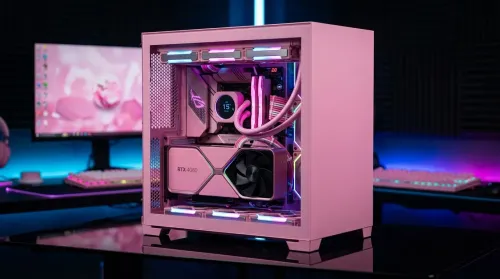
Pink Aesthetic Gaming Setup Ideas Without Sacrificing Performance
Build a pink aesthetic gaming setup without sacrificing performance. Get smart parts, lighting, cable control, and airflow tips to keep FPS high and style on point. 💗🎮
Read moreFind the best entry-level microphone setup for South African streamers with limited desk space—clean audio, easy placement, and fast setup. 🎙️🇿🇦
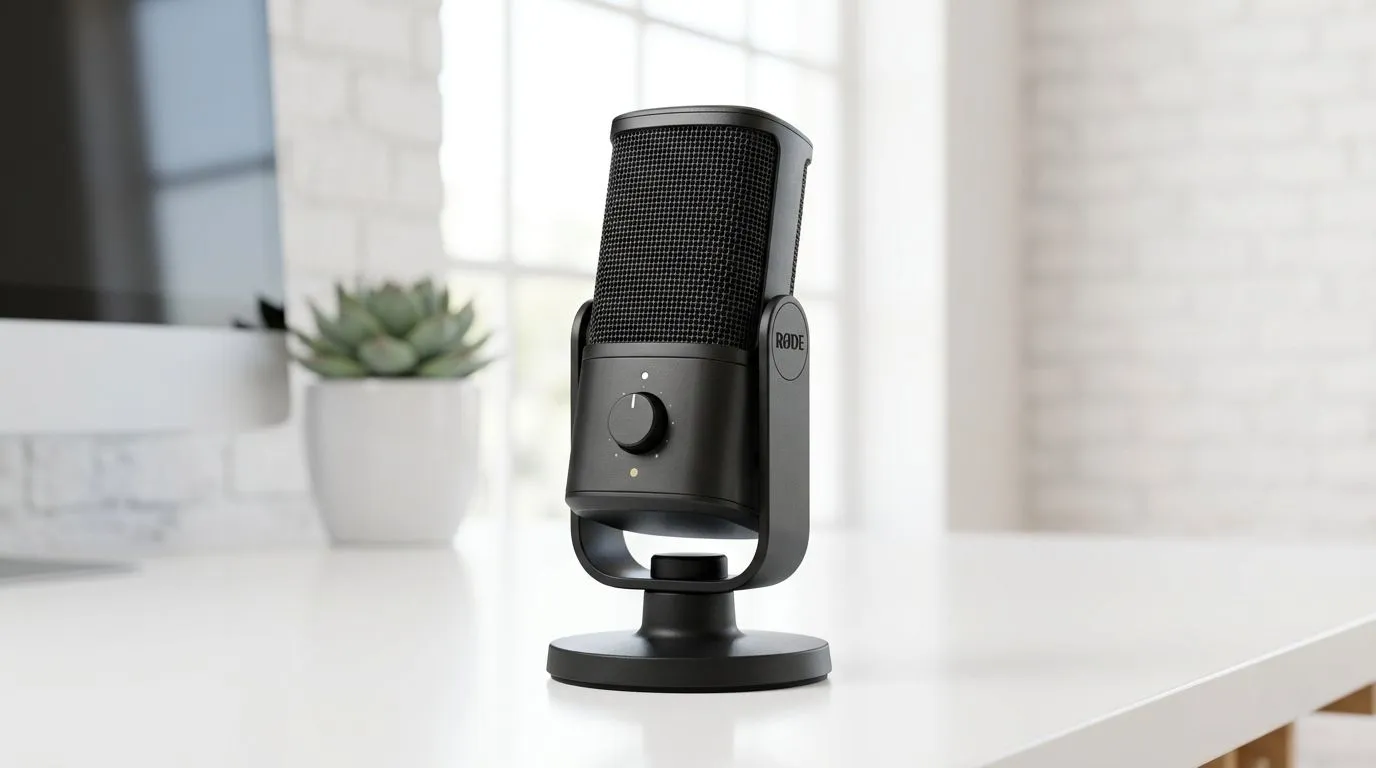
If you’ve ever tried to start streaming from home in South Africa, you’ll know the pain. The webcam looks fine. The gameplay is solid. Then your mic sounds like it’s trapped in a tin can somewhere in Gauteng. The good news? A clean, affordable setup does not need a studio budget. With the right entry-level microphone setup, you can sound sharper, keep viewers listening, and level up your stream without wasting rand. 🎙️
The best entry-level microphone setup for South African streamers starts with one simple goal... clear voice capture before fancy extras. You do not need the most expensive mic on the shelf. You need a setup that reduces background noise, keeps levels stable, and suits your room.
For most beginners, a USB condenser microphone is the easiest place to start. It plugs straight into your PC, avoids extra audio interfaces, and gets you streaming faster. That matters when you are setting up after work, between power cuts, or before a weekend session with the squad.
A proper starter setup usually includes:
This is the heart of the setup. Pick one with a cardioid pickup pattern if possible. That helps focus on your voice and reject some room noise.
A mic sounds better when it sits close to your mouth and away from keyboard clatter. Even a basic arm can make a big difference.
This reduces harsh plosive sounds like “p” and “b”. It is a small add-on with a real benefit.
If you can hear yourself, you can catch clipping, hum, or weird levels early.
A stream is more than audio. If you are building a proper starter kit, browse these streaming essentials to round out the rest of the desk setup.
A lot of first-time streamers overspend on the mic and ignore the room. That’s where things go wrong. A noisy fan, hard walls, or a keyboard too close to the mic can ruin an otherwise decent setup.
Keep the mic about a hand’s width from your mouth. Angle it slightly off-centre to reduce breath noise.
Too much gain picks up every chair squeak and ceiling fan. Start low, then test while speaking normally.
Curtains, rugs, and even a wardrobe behind you can help reduce echo. You are not building a recording booth. You are just improving the sound enough for a cleaner stream.
Record a 30-second sample. Listen back with headphones. Fix the obvious issues before your first viewer hears them.
Keep your mic closer and your gain lower. That simple change usually improves clarity more than buying a pricier microphone.
When shopping locally, value matters. You want gear that is available, dependable, and easy to replace if needed. For many streamers, that means looking at bundles and trusted brands rather than chasing the flashiest spec sheet.
If you prefer a more polished desk aesthetic, check out the CORSAIR options in Evetech’s streaming essentials range. If you want some RGB flair around your setup for that live-stream vibe, the Cololight selection is worth a look too. Subtle lighting can make a small room feel more intentional on camera.
A webcam also matters more than people think. If your face cam is soft, dark, or badly framed, viewers notice. A decent mic plus a clear camera makes your channel feel more trustworthy. Browse Evetech’s webcams if you are upgrading both at once.
You do not need studio-grade equipment to sound good. You need consistency.
OBS and other streaming apps offer basic filters like noise suppression, compressor, and limiter. These help smooth out volume spikes and cut background hiss. If you use them, test one change at a time.
A clean desk is not just for looks. It reduces accidental bumps, cable noise, and mic movement.
Do not run two apps trying to control your microphone at once. That can cause echo or weird delay. Pick one main app for audio control and stick to it.
Start with the mic. Then improve the mount. Then lighting. Then the camera. That way, every rand spent makes a visible difference.
The best entry-level microphone setup for South African streamers is the one that fits your room, your budget, and your workflow. If you can speak clearly, keep the mic positioned properly, and tidy up your audio chain, you are already ahead of many new creators.
Start simple. Improve one part at a time. And focus on sounding like yourself, just cleaner. That is what keeps viewers around... not a flashy box on the desk. 🚀
Ready to Find Your Perfect Match? The Mac vs Windows debate is complex, but for maximum power, choice, and value in South Africa, Windows is hard to beat. Explore our massive range of laptop specials and find the perfect machine to conquer your world.
A compact USB mic with a small boom arm, pop filter, and basic gain settings gives clear voice without taking much space for South African streamers.
USB is usually best for beginners because it is plug-and-play. XLR can be better long-term, but it needs an interface and more setup.
Use a microphone arm or short stand, position the mic 10–15 cm from your mouth, and angle it to reduce desk reflections and background noise.
Focus on a pop filter and shock mount to reduce plosives and vibration. Optional upgrades include a better arm and a compact desk damper.
Start with conservative gain, then speak at your loudest. Adjust until peaks sit safely below clipping, and confirm using your streaming software meters.
Isolate the mic from the desk (shock mount or arm), soften hard surfaces, keep the mic closer to your mouth, and reduce keyboard volume.
Cardioid is typically best for streaming because it focuses on your voice and rejects more noise from behind you on a busy desk.
Plug in the USB mic, set the correct input in your software, add a pop filter, position the mic consistently, and test with a short recording.
Build a pink aesthetic gaming setup without sacrificing performance. Get smart parts, lighting, cable control, and airflow tips to keep FPS high and style on point. 💗🎮
Read more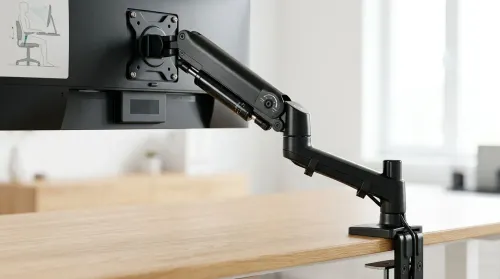
Set up a gas spring monitor arm for perfect ergonomic height and viewing angles in minutes. Get less neck strain, better posture, and smoother adjustments 😊🛠️
Read more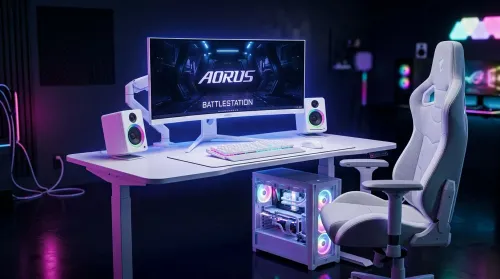
Want a white gaming battlestation setup in South Africa? From desk to monitor to chair, we map the right parts for smooth FPS, tidy cable runs, and all-day comfort 😊🖱️
Read more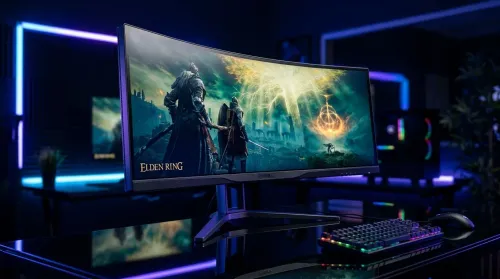
49-inch ultrawide vs dual monitors for gaming in South Africa: pick the setup that fits your games, desk space, and budget. Get clear trade-offs, smooth performance, and the right resolution plan. 🎮🇿🇦
Read more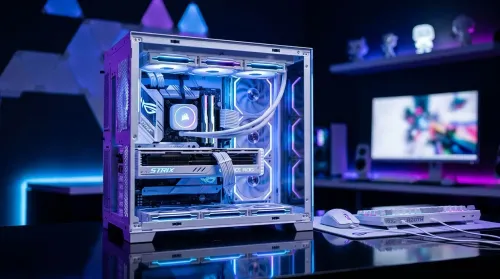
Want a white gaming setup in South Africa that performs? Here’s a complete ZAR component breakdown, from CPU to monitor—optimized for FPS, smooth play, and clean aesthetics. 🎮⚪
Read more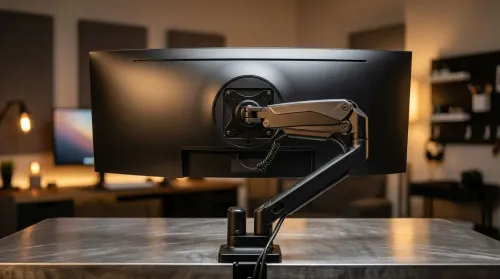
Gas spring monitor arms vs fixed stands for 49-inch ultrawide setups: learn what matters for stability, height, and desk clearance. Get the right mount fast and avoid misalignment issues. 🖥️⚙️
Read more
Every spec on PCIe 5.0 explained in plain English. What matters for gaming and creator work in 2026, what's marketing fluff, and how each number translates to real-world performance.

A head-to-head look at WiFi 7: real-world performance, ZAR pricing and which option delivers better value for SA builders. The clear answer — no fluff.

Everything you need to set up and tune PCIe 5.0 properly: the prep work, the settings that actually matter, and the mistakes to skip. Written for SA builders in 2026.

Everything you need to set up and tune X870E Motherboard properly: the prep work, the settings that actually matter, and the mistakes to skip. Written for SA builders in 2026.

Wondering what a 512GB SSD capacity really holds? This guide breaks down how many games, photos, and documents fit on 512GB, with real-world ranges 📦💾

Every spec on vrm explained in plain English. What matters for gaming and creator work in 2026, what's marketing fluff, and how each number translates to real-world performance.

Every spec on motherboard explained in plain English. What matters for gaming and creator work in 2026, what's marketing fluff, and how each number translates to real-world performance.

Premium vs Midrange Motherboards in South Africa: real-world performance, SA pricing, power draw and which one delivers better value for your build for SA buyers. The clear answer — without the fluff.
Wondering what a 512GB SSD capacity really holds? This guide breaks down how many games, photos, and documents fit on 512GB, with real-world ranges 📦💾
Every spec on PCIe 5.0 explained in plain English. What matters for gaming and creator work in 2026, what's marketing fluff, and how each number translates to real-world performance.
A head-to-head look at WiFi 7: real-world performance, ZAR pricing and which option delivers better value for SA builders. The clear answer — no fluff.

Every spec on USB4 explained in plain English. What matters for gaming and creator work in 2026, what's marketing fluff, and how each number translates to real-world performance.