

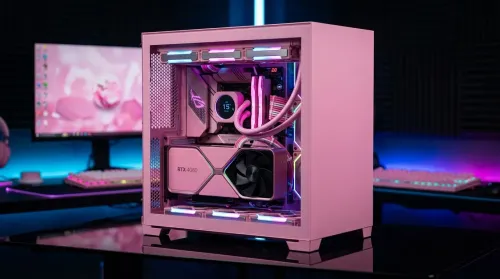
Pink Aesthetic Gaming Setup Ideas Without Sacrificing Performance
Build a pink aesthetic gaming setup without sacrificing performance. Get smart parts, lighting, cable control, and airflow tips to keep FPS high and style on point. 💗🎮
Read moreGas spring monitor arms vs fixed stands for 49-inch ultrawide setups: learn what matters for stability, height, and desk clearance. Get the right mount fast and avoid misalignment issues. 🖥️⚙️
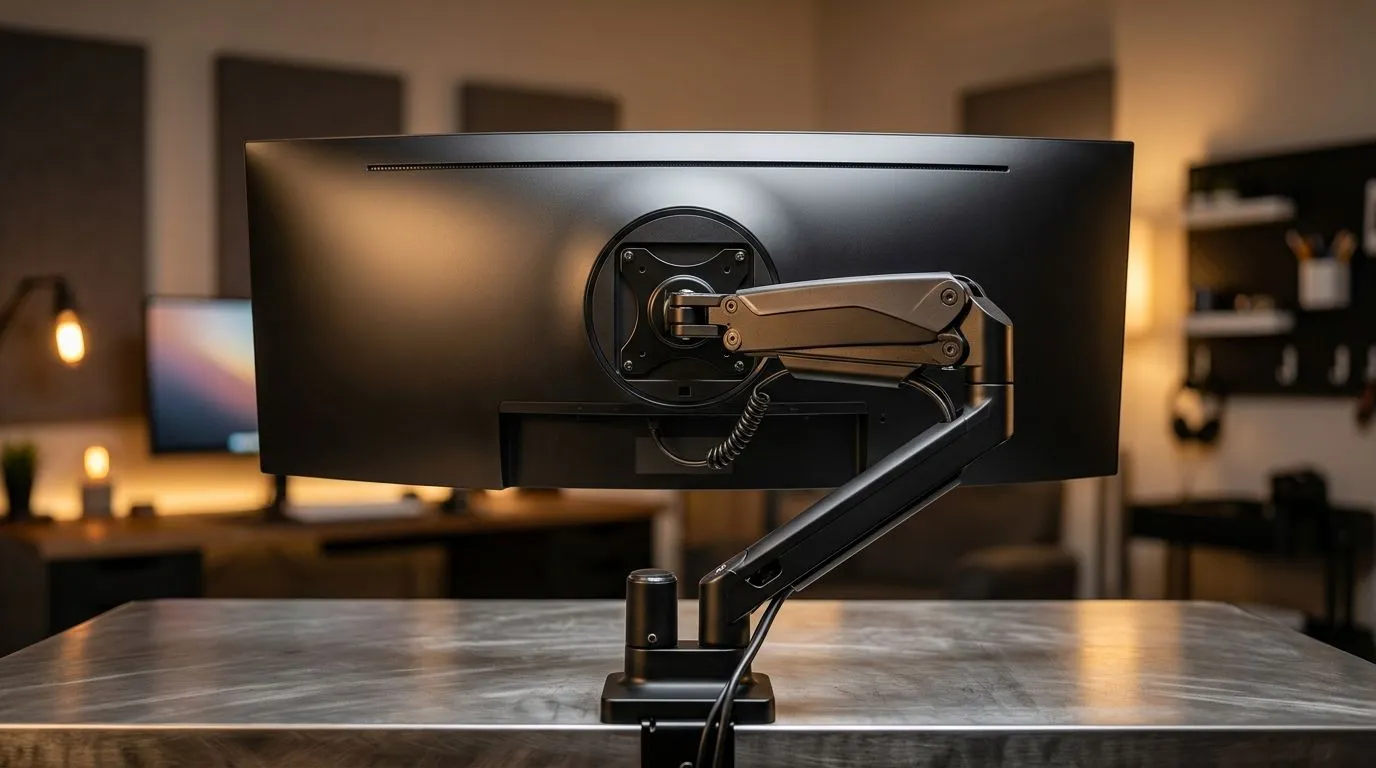
A 49-inch ultrawide looks incredible until it starts taking over your desk, your neck, and your cable situation. If you’re building a proper South African gaming setup, the stand you choose matters just as much as the monitor itself. Gas spring arms promise flexibility and cleaner desk space. Fixed stands promise simplicity and stability. So which one makes more sense for a big ultrawide in a real home office or gaming corner? Let’s break it down properly 🔧
With a display this wide, desk depth becomes a bigger deal than most people expect. A solid gaming desk from Evetech gives you the surface area and support you need before you even think about mounting options. That matters because a 49-inch panel often pushes ergonomics to the limit. If the screen sits too close, you get eye strain. Too far back, and you start leaning forward all day.
A gas spring arm helps by lifting the monitor off the desk and letting you fine-tune height, tilt, and depth. That can make a huge difference for mixed use... gaming at night, spreadsheets in the day, and maybe a bit of editing in between. A fixed stand is less flexible, but it usually offers a more predictable footprint. If your desk is already sturdy and deep enough, that can be a welcome trade-off.
Gas spring arms suit users who tweak their setup often. Maybe you shift between a couch-facing angle and a straight-on work posture. Maybe you share the desk. Maybe your ultrawide also doubles as your main productivity screen. In those cases, adjustability feels premium for a reason.
There’s also the visual payoff. A monitor arm can make a setup look cleaner fast, especially if you’re planning a proper battlestation with coordinated gear. If you’re building around one of Evetech’s Arrozi gaming setup options, a mounted ultrawide can complete that streamlined look nicely ✨
That said, not every gas spring arm is equal. For a 49-inch monitor, you want to confirm VESA compatibility, weight support, and arm reach before buying. Check the monitor’s official specs and the arm’s product page. If either side is vague, skip the guesswork.
<TipBox title:"Setup Tip ⚡" , If your monitor feels too low or too close, test desk depth before buying a new arm. A bigger screen often needs more breathing room than people expect, especially if you sit fairly upright for long sessions. >
Fixed stands get overlooked because they sound basic. But basic can be good. They are often easier to set up, less fiddly, and less likely to introduce wobble if your desk or wall is not ideal. For some South African homes, that peace of mind matters more than extra adjustability.
If your desk sits on carpet, or your setup already includes heavy peripherals, a fixed stand can feel reassuring. You place it once and move on. No tension adjustments. No arm sag. No constant rebalancing. For users who mostly game in one position, that simplicity is worth a lot.
The same logic applies if you care about keeping your desk clear for accessories, speakers, or décor. You might want room for subtle lighting too. A clean NZXT lighting upgrade can add ambience without cluttering your workspace.
Comfort should lead the decision. A monitor that is too low can force a rounded back. Too high, and your neck pays the price. South African gamers often spend long hours switching between play, chat, and work. That makes ergonomic positioning more than a luxury.
A good chair helps here too. If your seat height and lumbar support are dialled in, your monitor choice becomes easier to judge. You can browse gaming chairs in South Africa to build the rest of the ergonomics around your display, not the other way around.
For many buyers, the real answer is this: buy the option that matches your habits. If you want adjustability and a cleaner desk, go gas spring. If you want simplicity and a set-and-forget solution, fixed stands still hold their own. Either way, a 49-inch ultrawide deserves proper support.
Before you decide, check five things:
If the monitor is staying in one spot for years, fixed may be enough. If your setup changes often, an arm earns its keep. In both cases, aim for stability first. A giant ultrawide only feels premium when it is properly supported.
Ready to Find Your Perfect Match? The Mac vs Windows debate is complex, but for maximum power, choice, and value in South Africa, Windows is hard to beat. Explore our massive range of laptop specials and find the perfect machine to conquer your world.
They can, if the arm supports your ultrawide's weight, VESA pattern, and width. Prioritize published weight capacity and stability specs for long sessions.
Often yes for heavy, wide monitors. Fixed stands may reduce motion, but a well-rated gas spring arm can still stay stable if mounting is correct.
Check VESA compatibility, monitor weight, arm/stand load rating, and clearance needs. For 49-inch ultrawides, also confirm reach and range of motion.
It depends on clamp position, arm length, and the adjust range. Measure your desk depth and ensure the arm won’t collide with peripherals or wall mounts.
Use the correct VESA plate, tighten hardware, mount on a solid surface, and avoid overextending the arm. Cable drag and loose joints also increase wobble.
Sometimes. Look for compatibility with your VESA mount size and consider a universal adapter if needed. Avoid mixing plates that don’t match your VESA standard.
Gas spring arms typically win for fine height and viewing angle adjustments. Fixed stands can work well if they offer adjustable height or a correct base height.
Build a pink aesthetic gaming setup without sacrificing performance. Get smart parts, lighting, cable control, and airflow tips to keep FPS high and style on point. 💗🎮
Read more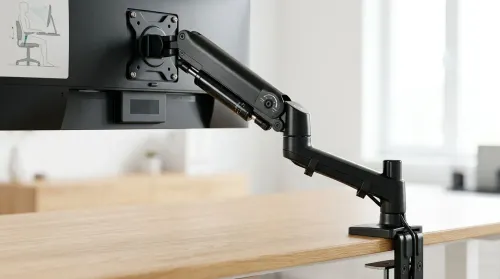
Set up a gas spring monitor arm for perfect ergonomic height and viewing angles in minutes. Get less neck strain, better posture, and smoother adjustments 😊🛠️
Read more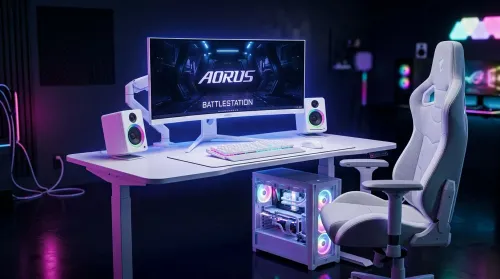
Want a white gaming battlestation setup in South Africa? From desk to monitor to chair, we map the right parts for smooth FPS, tidy cable runs, and all-day comfort 😊🖱️
Read more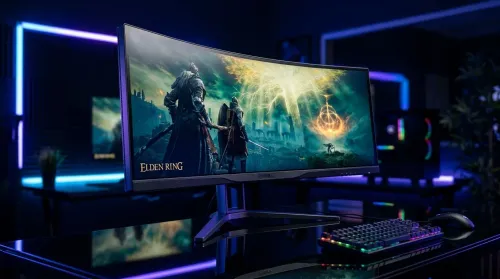
49-inch ultrawide vs dual monitors for gaming in South Africa: pick the setup that fits your games, desk space, and budget. Get clear trade-offs, smooth performance, and the right resolution plan. 🎮🇿🇦
Read more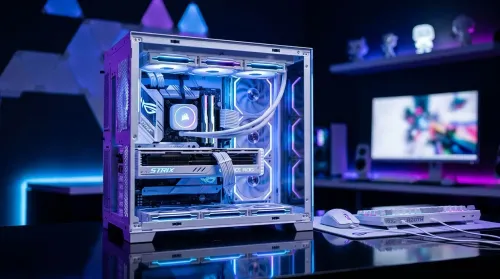
Want a white gaming setup in South Africa that performs? Here’s a complete ZAR component breakdown, from CPU to monitor—optimized for FPS, smooth play, and clean aesthetics. 🎮⚪
Read more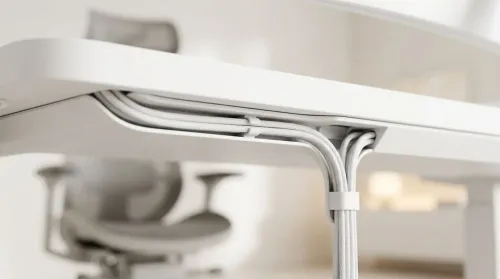
Integrated cable management channels keep your all-white gaming desk spotless—no messy loops. Route power, RGB, and peripherals cleanly with a tidy, pro finish. ✨🧩
Read more
Every spec on PCIe 5.0 explained in plain English. What matters for gaming and creator work in 2026, what's marketing fluff, and how each number translates to real-world performance.

A head-to-head look at WiFi 7: real-world performance, ZAR pricing and which option delivers better value for SA builders. The clear answer — no fluff.

Everything you need to set up and tune PCIe 5.0 properly: the prep work, the settings that actually matter, and the mistakes to skip. Written for SA builders in 2026.

Everything you need to set up and tune X870E Motherboard properly: the prep work, the settings that actually matter, and the mistakes to skip. Written for SA builders in 2026.

Wondering what a 512GB SSD capacity really holds? This guide breaks down how many games, photos, and documents fit on 512GB, with real-world ranges 📦💾

Every spec on vrm explained in plain English. What matters for gaming and creator work in 2026, what's marketing fluff, and how each number translates to real-world performance.

Every spec on motherboard explained in plain English. What matters for gaming and creator work in 2026, what's marketing fluff, and how each number translates to real-world performance.

Premium vs Midrange Motherboards in South Africa: real-world performance, SA pricing, power draw and which one delivers better value for your build for SA buyers. The clear answer — without the fluff.
Wondering what a 512GB SSD capacity really holds? This guide breaks down how many games, photos, and documents fit on 512GB, with real-world ranges 📦💾
Every spec on PCIe 5.0 explained in plain English. What matters for gaming and creator work in 2026, what's marketing fluff, and how each number translates to real-world performance.
A head-to-head look at WiFi 7: real-world performance, ZAR pricing and which option delivers better value for SA builders. The clear answer — no fluff.

Every spec on USB4 explained in plain English. What matters for gaming and creator work in 2026, what's marketing fluff, and how each number translates to real-world performance.