

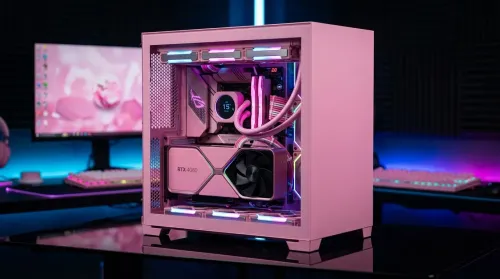
Pink Aesthetic Gaming Setup Ideas Without Sacrificing Performance
Build a pink aesthetic gaming setup without sacrificing performance. Get smart parts, lighting, cable control, and airflow tips to keep FPS high and style on point. 💗🎮
Read moreIntegrated cable management channels keep your all-white gaming desk spotless—no messy loops. Route power, RGB, and peripherals cleanly with a tidy, pro finish. ✨🧩
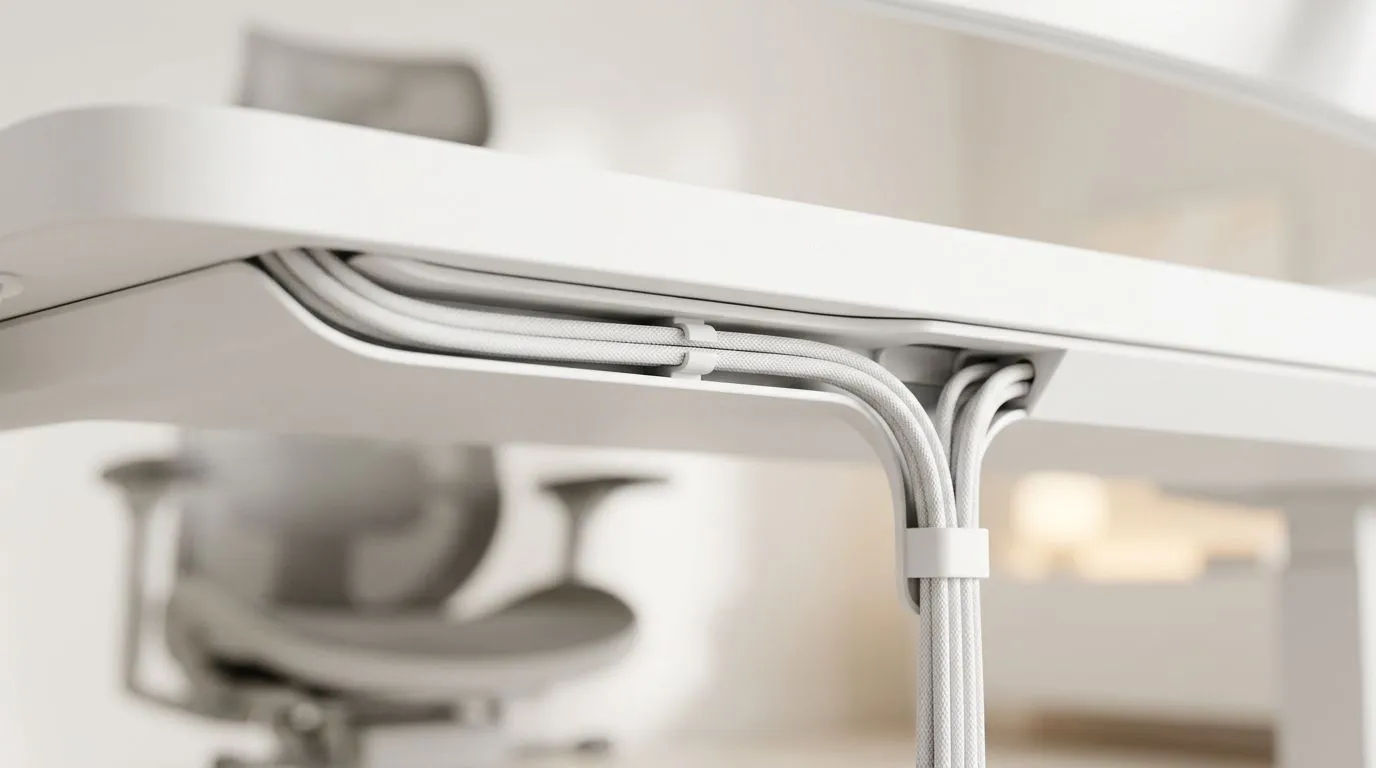
A clean white desk looks amazing in a South African setup. It also exposes every loose cable, stray charger, and mismatched lead. That is why integrated cable management matters so much. It keeps the space calm, sharp, and easier to live with. If you want your battlestation to look premium, start underneath the desk… not on top of it. ✨
Cable clutter does more than spoil the look. It makes dust harder to manage, slows down troubleshooting, and turns upgrades into a chore. With integrated channels, your power strip, display cable, keyboard lead, and headset cable all have a proper route. The result is a desk that feels intentional.
For gamers, that matters. You move gear around. You plug and unplug controllers. You may swap a mouse, add a capture card, or reposition a mic arm. A tidy routing plan means less friction every single day.
White desks are unforgiving. Every black cable stands out. Every dangling cable catches the eye. That is why it helps to think in layers. Keep visible surfaces minimal. Run cables through the desk channels first. Then bundle excess length behind the desk, not underneath your chair.
If you are building a full room setup, it also helps to match the desk with the rest of the space. The gaming desk range at Evetech gives you a strong starting point for a neater layout, especially if you want a more polished look without doing a full custom build.
Try this order:
That small bit of planning saves hours later. It also keeps your desk looking intentional during streams, study sessions, and late-night gaming.
Keep a small label on each cable before routing it. When you upgrade a monitor or move your tower, you will know exactly what to unplug. It sounds simple, but it saves real time when you are rebuilding a setup.
A clean desk is not just about the furniture. It is also about the surrounding pieces. If you want the whole setup to feel coordinated, choose accessories that support the same visual language. The Arrozi gaming setups collection is worth a look if you want a unified aesthetic and practical desk planning ideas.
Lighting helps too. Soft, controlled illumination can make white surfaces pop without looking sterile. If your tower has side glass, the NZXT case lighting options can add a subtle glow that complements an all-white desk rather than fighting it.
It is easy to focus only on the visual side. But a clean desk should still feel good during long sessions. If your chair is off, the whole setup suffers. A proper chair keeps your posture steady and reduces the urge to lean forward, which can also pull cables loose over time. The gaming chairs in South Africa at Evetech can help round out the setup without breaking the visual flow.
Think of it this way... the desk handles the look, while the chair handles the hours. Both matter.
A white desk does not need expensive extras to look refined. It needs consistency. Keep cable colours as neutral as possible. Avoid mixing too many adapters on the surface. Choose one charging spot and stick to it. If possible, tuck the monitor power brick out of sight. Even little changes make the whole space feel calmer.
This is the kind of setup that photographs well, streams well, and feels better to use every day. It also makes future upgrades less stressful, because you already know where everything lives.
Integrated cable management channels are not just about neatness. They are about making your desk easier to use. For South African gamers and tech buyers, that means less clutter, less frustration, and a cleaner daily routine. If you are planning a white desk setup, start with the hidden stuff first. You will notice the difference immediately 🔧
Ready to Find Your Perfect Match? The Mac vs Windows debate is complex, but for maximum power, choice, and value in South Africa, Windows is hard to beat. Explore our massive range of laptop specials and find the perfect machine to conquer your world.
Integrated cable management channels are built-in or attachable raceways that route cables inside the desk for concealed, clean-looking power and data runs.
Start at your power source, map each device cable length, then route with an under desk tray and integrated channels to minimize visible cable drops.
Yes for visibility. Cable raceways and integrated channels keep runs straight and hidden, while zip ties mainly bundle cords without controlling appearance.
Install channels along the desk perimeter and near monitor mounts, then keep vertical drops short from the channel to the devices.
They work well when you separate power and signal runs and use channel space for thicker connectors, ensuring tidy routing and airflow.
Use a desktop cable routing path and channel the drop behind the monitor, then run keyboard and peripheral cables through the same integrated route.
Choose a channel with room for current cables plus easy bends. If connectors are bulky, measure them and select a wider integrated raceway.
Build a pink aesthetic gaming setup without sacrificing performance. Get smart parts, lighting, cable control, and airflow tips to keep FPS high and style on point. 💗🎮
Read more
Set up a gas spring monitor arm for perfect ergonomic height and viewing angles in minutes. Get less neck strain, better posture, and smoother adjustments 😊🛠️
Read more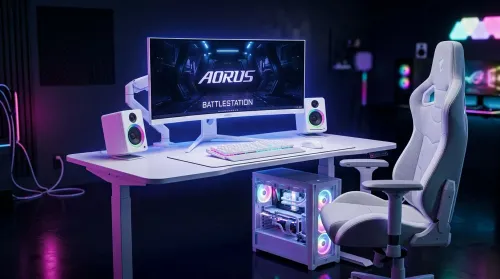
Want a white gaming battlestation setup in South Africa? From desk to monitor to chair, we map the right parts for smooth FPS, tidy cable runs, and all-day comfort 😊🖱️
Read more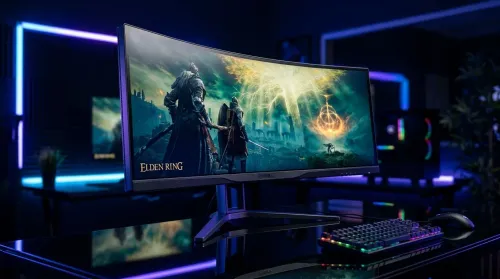
49-inch ultrawide vs dual monitors for gaming in South Africa: pick the setup that fits your games, desk space, and budget. Get clear trade-offs, smooth performance, and the right resolution plan. 🎮🇿🇦
Read more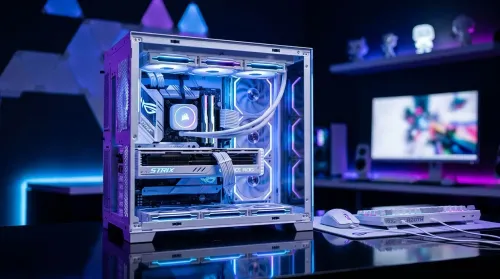
Want a white gaming setup in South Africa that performs? Here’s a complete ZAR component breakdown, from CPU to monitor—optimized for FPS, smooth play, and clean aesthetics. 🎮⚪
Read more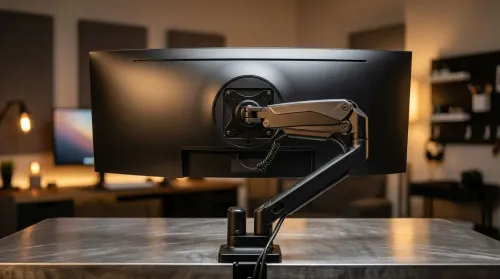
Gas spring monitor arms vs fixed stands for 49-inch ultrawide setups: learn what matters for stability, height, and desk clearance. Get the right mount fast and avoid misalignment issues. 🖥️⚙️
Read more
Every spec on PCIe 5.0 explained in plain English. What matters for gaming and creator work in 2026, what's marketing fluff, and how each number translates to real-world performance.

A head-to-head look at WiFi 7: real-world performance, ZAR pricing and which option delivers better value for SA builders. The clear answer — no fluff.

Everything you need to set up and tune PCIe 5.0 properly: the prep work, the settings that actually matter, and the mistakes to skip. Written for SA builders in 2026.

Everything you need to set up and tune X870E Motherboard properly: the prep work, the settings that actually matter, and the mistakes to skip. Written for SA builders in 2026.

Wondering what a 512GB SSD capacity really holds? This guide breaks down how many games, photos, and documents fit on 512GB, with real-world ranges 📦💾

Every spec on vrm explained in plain English. What matters for gaming and creator work in 2026, what's marketing fluff, and how each number translates to real-world performance.

Every spec on motherboard explained in plain English. What matters for gaming and creator work in 2026, what's marketing fluff, and how each number translates to real-world performance.

Premium vs Midrange Motherboards in South Africa: real-world performance, SA pricing, power draw and which one delivers better value for your build for SA buyers. The clear answer — without the fluff.
Wondering what a 512GB SSD capacity really holds? This guide breaks down how many games, photos, and documents fit on 512GB, with real-world ranges 📦💾
Every spec on PCIe 5.0 explained in plain English. What matters for gaming and creator work in 2026, what's marketing fluff, and how each number translates to real-world performance.
A head-to-head look at WiFi 7: real-world performance, ZAR pricing and which option delivers better value for SA builders. The clear answer — no fluff.

Every spec on USB4 explained in plain English. What matters for gaming and creator work in 2026, what's marketing fluff, and how each number translates to real-world performance.