

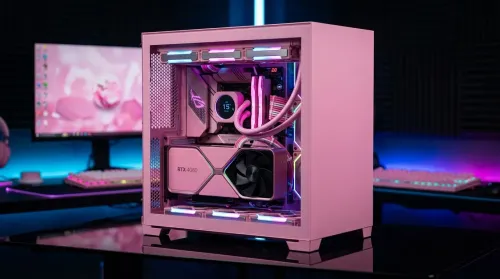
Pink Aesthetic Gaming Setup Ideas Without Sacrificing Performance
Build a pink aesthetic gaming setup without sacrificing performance. Get smart parts, lighting, cable control, and airflow tips to keep FPS high and style on point. 💗🎮
Read moreSet up a gas spring monitor arm for perfect ergonomic height and viewing angles in minutes. Get less neck strain, better posture, and smoother adjustments 😊🛠️
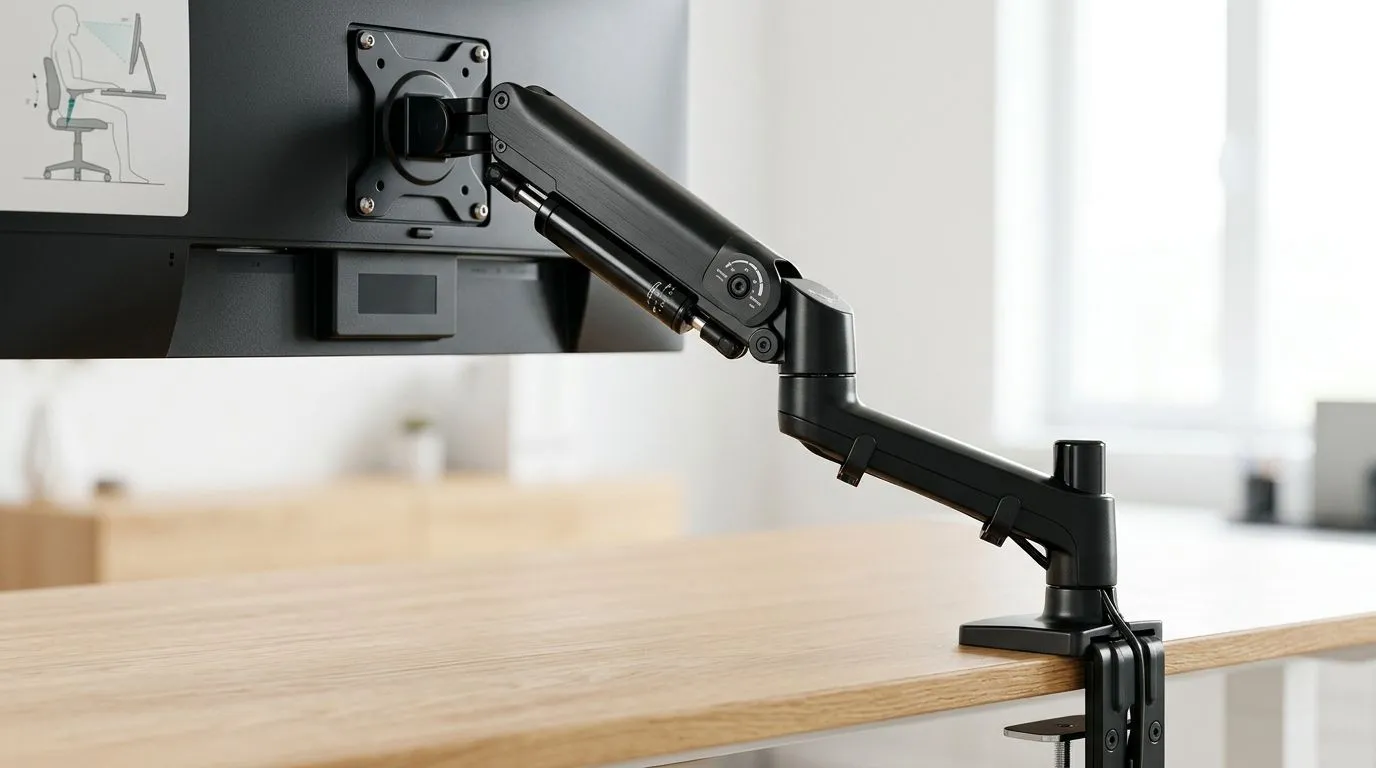
South African gamers and tech enthusiasts know how long hours at the desk can strain the neck and back. Finding that perfect ergonomic height for your monitor isn't a luxury—it’s a necessity. A gas spring monitor arm setup offers smooth adjustability and effortless positioning. This flexibility lets you maintain ideal posture and reduces fatigue, so every gaming session or work sprint feels comfortable and focused. 🔧
Using a gas spring monitor arm means you can lift, lower, or tilt your screen without awkward strain. Unlike fixed stands, these arms have a pneumatic spring that balances the monitor’s weight for seamless movement. This adaptability helps maintain your screen at eye level, which is essential to preventing slouched shoulders and neck stiffness. Adjusting your monitor height to match your seated position optimises blood flow and reduces eye strain—perfect for prolonged gaming or streaming marathons.
If you’re building the ultimate setup, pairing your monitor arm with a sturdy gaming desk enhances stability. Look for desks with enough depth to support your arm’s range of movement. A solid desk foundation avoids wobbling and ensures your monitor stays steady during intense moments.
Adding a comfortable gaming chair from Evetech complements your monitor setup. Ergonomic seating and adjustable monitor height work hand-in-hand to improve posture.
A quick swivel every hour helps reduce stiffness. Use your gas spring arm's flexibility to switch orientation for multi-tasking or different work modes.
Once your monitor arm and gaming chair are installed, upgrade your setup lighting with NZXT case lighting. The subtle ambient lighting can reduce eye strain and elevate the gaming vibe. Complement this with a carefully organised workspace for max performance.
If you want a ready-to-go gaming ecosystem, check out Evetech’s curated Arrozi gaming setups. These are built with performance and ergonomic design in mind, so you get the full package without the guesswork.
Your gaming rig deserves more than just raw power. Comfort impacts how long and how well you perform. With a gas spring monitor arm setup, plus the right desk, chair, and lighting, your space will match your skills. Ready to take your setup to the next level?
Upgrade Your Gaming Setup Now Don’t wait to level up your comfort and gameplay. Shop now at Evetech for ergonomic solutions that keep you in the game longer.
Aim for your eyes to align near the top third of the screen. This gas spring monitor arm setup helps you maintain neutral neck posture.
Adjust monitor viewing angle so the screen is slightly tilted and glare is minimized. A proper gas spring monitor arm setup keeps your head relaxed.
Most users do best with a slight tilt that reduces reflection and keeps your gaze level. Tune the arm to match your desk and seat.
Set tension so the monitor stays where you place it without drifting or forcing you to hold it. Then re-check height and angle.
Use an arm's-length range for many setups, then fine-tune for readability. Correct ergonomic monitor height and distance work together.
Yes. Proper gas spring monitor arm setup targets eye-level positioning, comfortable viewing angles, and reduced forward head posture.
Yes. Mount height can shift based on desk thickness and clamp type. Confirm mounting points first, then dial in ergonomic height.
Build a pink aesthetic gaming setup without sacrificing performance. Get smart parts, lighting, cable control, and airflow tips to keep FPS high and style on point. 💗🎮
Read more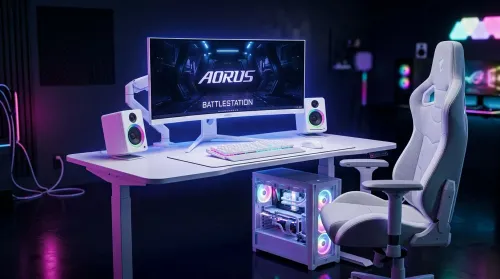
Want a white gaming battlestation setup in South Africa? From desk to monitor to chair, we map the right parts for smooth FPS, tidy cable runs, and all-day comfort 😊🖱️
Read more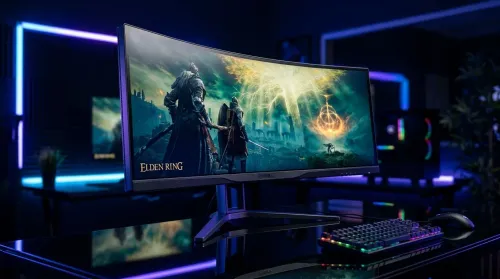
49-inch ultrawide vs dual monitors for gaming in South Africa: pick the setup that fits your games, desk space, and budget. Get clear trade-offs, smooth performance, and the right resolution plan. 🎮🇿🇦
Read more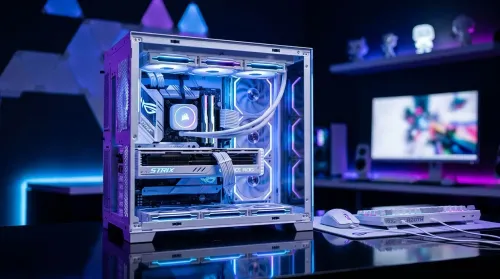
Want a white gaming setup in South Africa that performs? Here’s a complete ZAR component breakdown, from CPU to monitor—optimized for FPS, smooth play, and clean aesthetics. 🎮⚪
Read more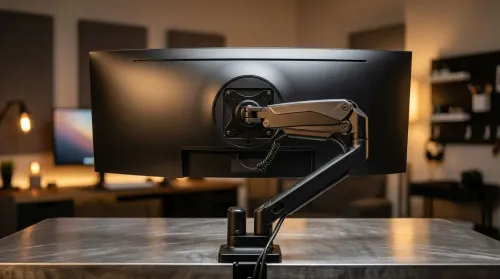
Gas spring monitor arms vs fixed stands for 49-inch ultrawide setups: learn what matters for stability, height, and desk clearance. Get the right mount fast and avoid misalignment issues. 🖥️⚙️
Read more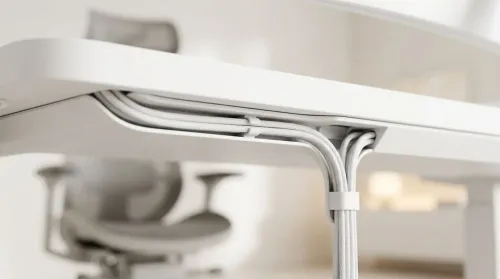
Integrated cable management channels keep your all-white gaming desk spotless—no messy loops. Route power, RGB, and peripherals cleanly with a tidy, pro finish. ✨🧩
Read more
Every spec on PCIe 5.0 explained in plain English. What matters for gaming and creator work in 2026, what's marketing fluff, and how each number translates to real-world performance.

A head-to-head look at WiFi 7: real-world performance, ZAR pricing and which option delivers better value for SA builders. The clear answer — no fluff.

Everything you need to set up and tune PCIe 5.0 properly: the prep work, the settings that actually matter, and the mistakes to skip. Written for SA builders in 2026.

Everything you need to set up and tune X870E Motherboard properly: the prep work, the settings that actually matter, and the mistakes to skip. Written for SA builders in 2026.

Wondering what a 512GB SSD capacity really holds? This guide breaks down how many games, photos, and documents fit on 512GB, with real-world ranges 📦💾

Every spec on vrm explained in plain English. What matters for gaming and creator work in 2026, what's marketing fluff, and how each number translates to real-world performance.

Every spec on motherboard explained in plain English. What matters for gaming and creator work in 2026, what's marketing fluff, and how each number translates to real-world performance.

Premium vs Midrange Motherboards in South Africa: real-world performance, SA pricing, power draw and which one delivers better value for your build for SA buyers. The clear answer — without the fluff.
Wondering what a 512GB SSD capacity really holds? This guide breaks down how many games, photos, and documents fit on 512GB, with real-world ranges 📦💾
Every spec on PCIe 5.0 explained in plain English. What matters for gaming and creator work in 2026, what's marketing fluff, and how each number translates to real-world performance.
A head-to-head look at WiFi 7: real-world performance, ZAR pricing and which option delivers better value for SA builders. The clear answer — no fluff.

Every spec on USB4 explained in plain English. What matters for gaming and creator work in 2026, what's marketing fluff, and how each number translates to real-world performance.