


Quick Answer
A Worcester podcast PC should be quiet, stable, and modestly specced, with the audio chain taking priority. A Ryzen 5 or 7, 16GB to 32GB RAM, a 1TB SSD, and a quality mic into a clean interface handle recording and editing, with the PC around R14,000 to R22,000. Back up each episode as soon as you record it, before editing, in case a drive fails mid-project. The microphone and interface shape your sound far more than any internal PC part.
What The PC Needs To Do
Podcast production, recording, editing, and exporting audio, is undemanding, so a six-core CPU and 16GB RAM cover audio-only shows. Reserve 32GB and a stronger CPU for video podcasts or effect-heavy editing. The defining requirement is quietness: a low-noise cooler keeps fan sound out of recordings made near the machine.
Audio Gear And Backups
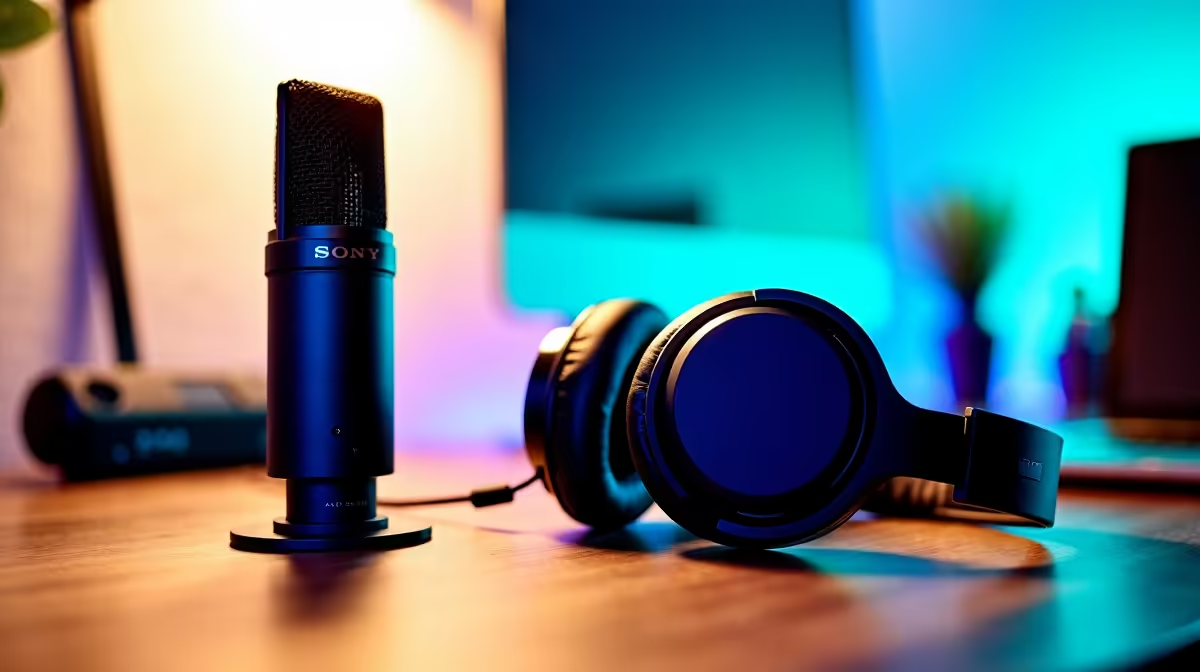
The microphone and interface shape your sound far more than any PC part, so invest there and monitor with closed-back headphones. Soft furnishings tame echo cheaply. Keep recordings on a fast 1TB SSD, and run a backup to a second drive or the cloud, since each finished episode represents hours you cannot easily recreate.
FAQ
What CPU is enough for podcast editing?
A six-core processor handles audio editing comfortably. A stronger CPU only helps with video podcasts or projects loaded with many effects and tracks.
How do I make my podcast sound professional?
Use a quality microphone in a treated room, record clean separate tracks, and monitor on closed-back headphones. These steps matter more than any PC upgrade.
Is cloud or local backup better for episodes?
Both have value: local backups are fast to restore, while cloud copies survive theft or hardware failure. Using both gives the strongest protection for your work.
Pro Tip
Back up each episode as soon as you finish recording, before you start editing. Losing a raw recording to a drive failure means re-recording the whole conversation, which is rarely possible.









