

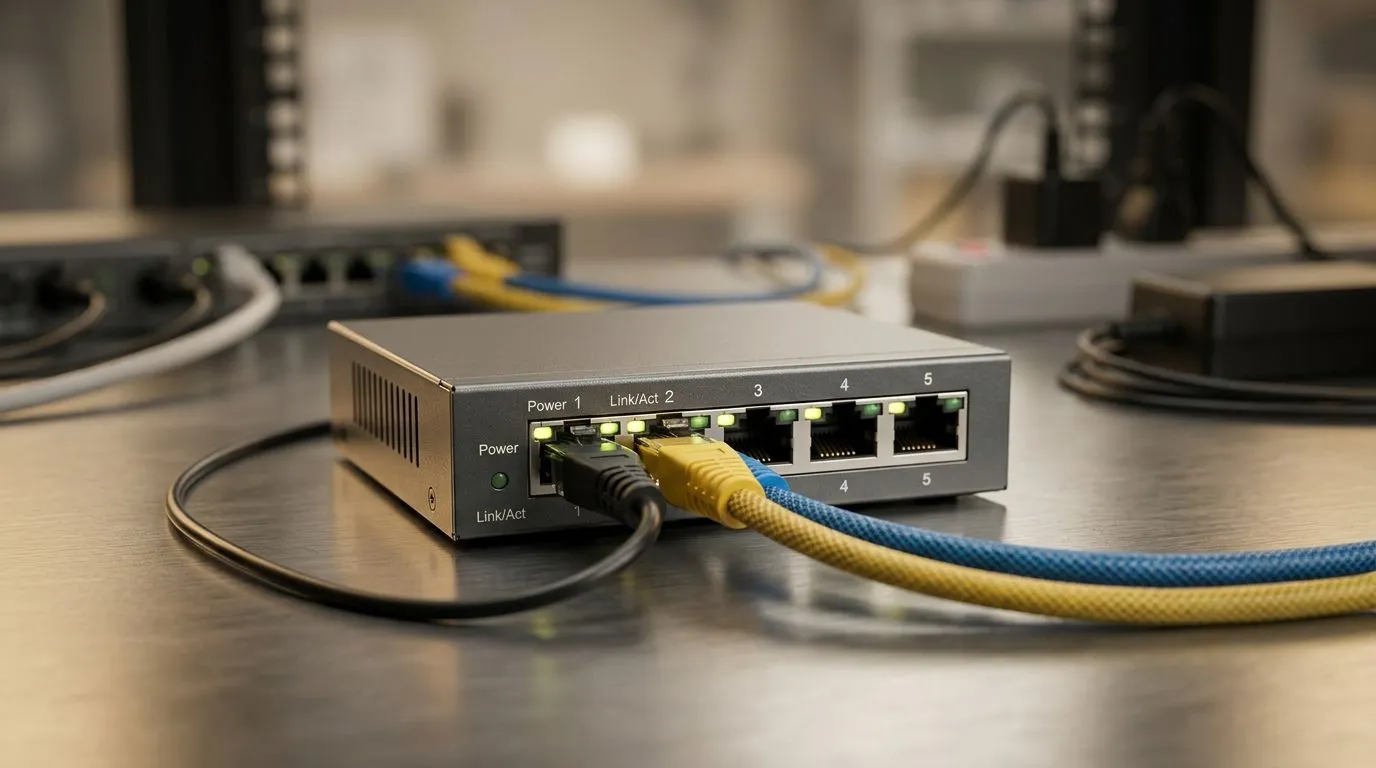
For a small office in South Africa, the network has to do more than “just work” 🔧. It needs to survive load-shedding, keep video calls stable, and handle printers, laptops, VoIP phones, and the odd gaming break without drama. That’s why the best network setup for small offices in South Africa starts with planning, not guesswork. A smart layout saves money, reduces downtime, and makes everyday work feel smoother for everyone.
Best Network Setup for Small Offices in South Africa: Start with the layout
Before you buy anything, map the space. Count desks, Wi-Fi dead zones, and devices that must stay wired. A switch is usually the backbone of a small office network because it gives every device a reliable lane. If your team shares files, prints documents, or works on cloud apps all day, wired connections often feel faster and more stable than relying on Wi-Fi alone.
If you’re building from scratch, begin with a properly sized switch from Evetech’s switches range. Then place the router centrally, keep cables short where possible, and avoid tucking network gear into a hot, cramped cupboard. Heat and poor airflow can shorten hardware life.
Best Network Setup for Small Offices in South Africa: Choose gear that fits growth
Small offices change quickly. One extra hire, one new printer, or one more access point can push a weak setup over the edge. That’s why it helps to buy with a little headroom. A 16-port switch can make more sense than an 8-port model if you expect growth over the next year. It costs more now, but it can save you from a messy upgrade later.
For teams watching budgets, this filtered switch selection at around R1 153 and up is a useful place to compare options. When choosing, focus on practical needs first: number of ports, whether it’s unmanaged or managed, and whether you need Gigabit speeds for file transfers and cloud work. If the office uses surveillance cameras or Wi-Fi access points, PoE support may also matter.
Where a budget-friendly brand fit makes sense
Some offices just need dependable networking without overthinking it. In that case, browsing Cudy switches can help narrow the field. The right choice depends on your layout and workload, not the brand name alone. Always match the switch to your actual device count and usage pattern.
Network Setup Pro Tip ⚡
Keep one spare Ethernet cable, one spare power adapter, and at least one unused switch port. That tiny bit of planning can save a whole workday when a cable fails or a new device arrives unexpectedly.
Best Network Setup for Small Offices in South Africa: Reduce downtime and frustration
A good office network should feel invisible. Staff should connect once and keep working. To get there, separate guest Wi-Fi from work devices, label cables clearly, and use a UPS for core networking gear if load-shedding is common in your area. Even a short power interruption can knock routers and switches offline, which is annoying when deadlines are tight.
If your team relies heavily on cloud storage, remote meetings, or POS systems, consider a dual-connection strategy. A fibre line for the main link and a failover LTE option can keep the office online when one connection drops. It’s not flashy, but it’s the kind of practical thinking that pays off over time ✨.
Best Network Setup for Small Offices in South Africa: Buy for today, plan for tomorrow
The smartest office setup isn’t the most expensive. It’s the one that balances stability, scalability, and value. Start with a solid switch, wire the most important devices, and leave room to expand. That approach is easy to manage, easier to troubleshoot, and far less stressful when business picks up.
CALLTOACTION
Ready to Find Your Perfect Match? The Mac vs Windows debate is complex, but for maximum power, choice, and value in South Africa, Windows is hard to beat. Explore our massive range of laptop specials and find the perfect machine to conquer your world.











