Staring at a stuttering timeline in Premiere Pro? We’ve all been there. You’ve invested in a powerful CPU and a decent graphics card for your editing PC, but your workflow still feels sluggish. The culprit is often hiding in plain sight: your storage. Choosing the best storage for an editing PC under R30k isn't just about capacity; it's the secret to unlocking smooth, lag-free creative work. Let’s get your rig sorted. 🚀
Why Storage Speed is Your Secret Weapon
In video editing, your storage drives are constantly at work. They aren't just for holding files; they're actively reading and writing data as you scrub through 4K footage, apply effects, and render your final masterpiece. A slow drive creates a bottleneck, leaving your expensive processor and GPU waiting for data.
Here’s a quick breakdown of the main players:
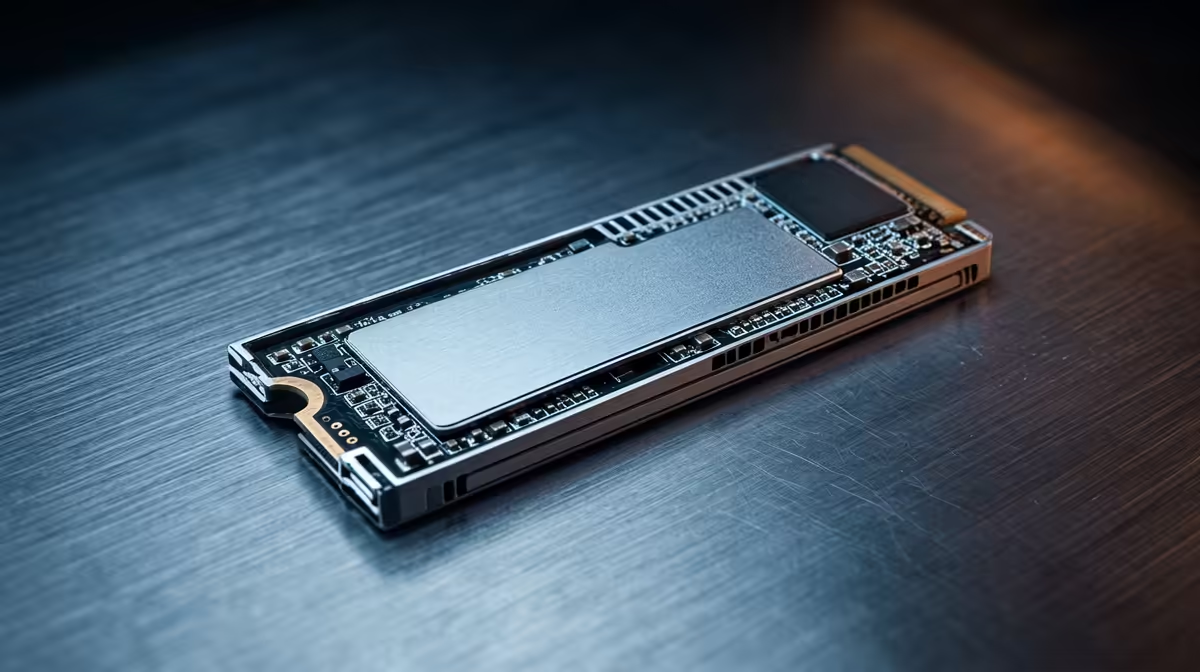
- NVMe M.2 SSDs: The undisputed champions of speed. These connect directly to your motherboard's PCIe lanes, offering lightning-fast read/write speeds perfect for your operating system and active project files.
- SATA SSDs: Faster than traditional hard drives, but slower than NVMe. They are a great middle-ground for storing assets, games, or as a larger project drive if your budget is tight.
- Hard Disk Drives (HDDs): The workhorses of capacity. While too slow for active editing, their low cost per gigabyte makes them essential for archiving completed projects and storing raw footage.
Even our budget gaming PCs prioritise a fast SSD for the operating system, because responsiveness is key to a good experience.
The Ideal Storage Setup for an Editing PC Under R30k
Forget putting all your eggs in one basket. The most effective strategy for an editing PC is a tiered approach. This ensures you have speed where it counts without blowing your entire budget on storage. This smart configuration is a principle we apply to many of our PCs under R20k, proving you don't need a massive budget for a smart setup.
Your Three-Tier Storage Hierarchy 🔧
- Boot Drive (OS & Software): A 500GB to 1TB NVMe SSD. This makes your PC boot in seconds, launch editing software instantly, and feel incredibly snappy. Don't compromise here.
- Project & Cache Drive: A 1TB to 2TB NVMe or high-quality SATA SSD. This is where your active project files, media cache, and scratch files should live. Fast performance here means smooth timeline scrubbing and quicker effect previews.
- Archive Drive: A 4TB+ HDD. Once a project is complete, move it here for long-term, cost-effective storage.
Editing Pro Tip ⚡
In Adobe Premiere Pro or DaVinci Resolve, navigate to your project settings and manually assign your cache scratch disk to your fastest SSD (not your boot drive). This simple tweak prevents your OS drive from getting bogged down with temporary files and dramatically improves timeline playback and render speeds.
Balancing Your Budget for Maximum Performance
With a budget of R30,000, every component choice matters. The goal is a balanced system. There’s no point having the world's fastest storage if your CPU can't process the data quickly enough.
When planning your storage for an editing PC, prioritise the NVMe boot drive first, then the project drive. You can always add a large HDD for archiving later when funds allow. For builds that push towards the top of this budget, like many of the powerful PCs above R20k, you'll often find this balanced approach with premium components. It's a similar philosophy found in many of the best gaming PC deals, where a fast NVMe SSD is paired with larger storage for a game library.
Putting It All Together: Example Configurations ✨
So, what does the best storage for an editing PC under R30k look like in practice? Here are two solid examples:
- The Speed Demon: A single, high-quality 2TB NVMe SSD to handle both the OS and active projects, paired with a 4TB HDD for archives. This simplifies your setup and guarantees maximum performance for your current work.
- The Capacity King: A 1TB NVMe SSD for the OS and apps, a 2TB SATA SSD for projects and cache, and a massive 8TB HDD for archiving. This gives you more overall space and dedicated drives for each task.
Ultimately, the right choice depends on your specific workflow. If building isn't your thing, you can see these principles in action across our wide selection of pre-built PC deals, professionally assembled and ready to go.
Ready to Build Your Ultimate Editing Machine?
A powerful PC is a balanced PC. Don't let slow storage bottleneck your creativity. Use our insights to configure the perfect rig. Start designing your dream PC with our Custom PC Builder and pair the right components for a seamless workflow.