


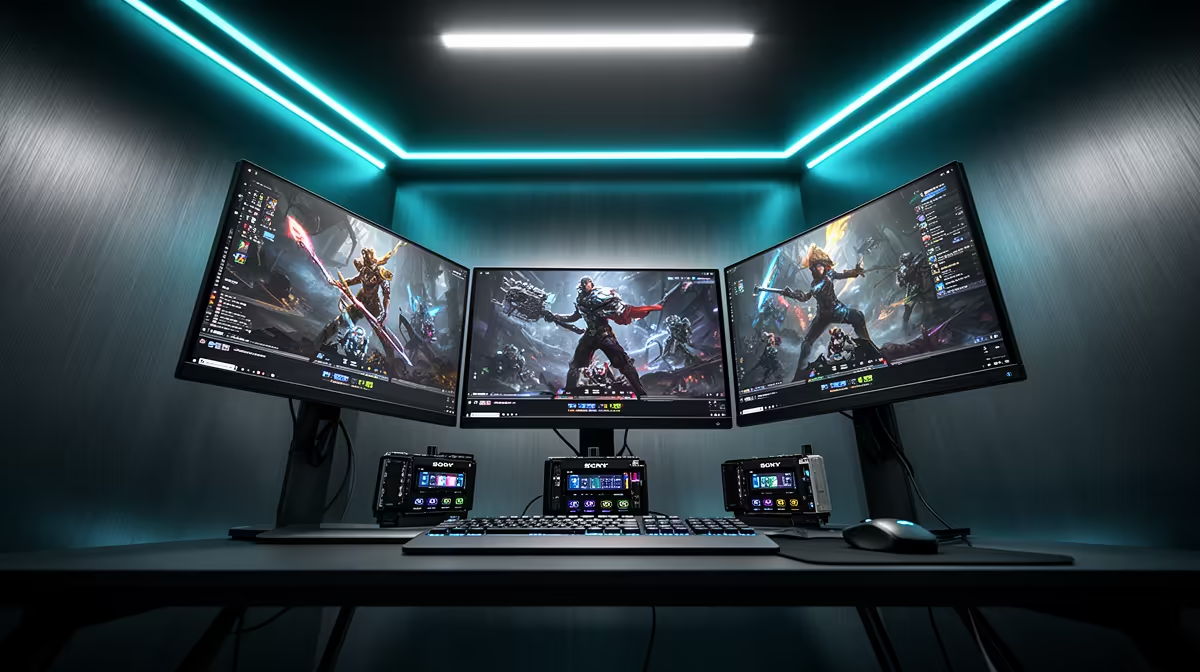
A three-camera broadcast setup sounds like a serious investment, and it can be -- if you try to buy three professional cameras. A smarter approach accepts that not every angle earns the same spend. Your hero shot needs the best glass and the deepest processing budget. The angles that exist to add coverage variety can be respectable without being expensive. Building a multi-cam broadcast setup on a Rand budget is an exercise in spending concentration: heavy where it counts, modest where it does not.
Quick Answer
Spend around 40 percent of your total budget on the primary camera and use the rest for two simpler secondary angles, a hardware or software switcher, and cabling. On a R20,000 total, that gives you a credible three-angle live production. A R1,000 key light improves all three angles more than a third-tier camera ever could.
💰 Budget Allocation: Where the First Rand Should Go
The instinct when budgeting a three-camera rig is to divide the total equally between three cameras. That instinct is wrong. Equal allocation produces three mediocre cameras when a better strategy produces one excellent primary and two adequate secondaries, which looks better on screen than three mediocre equals.
On a R20,000 total, allocate roughly R8,000 to R9,000 for the hero camera. This should be your primary angle -- likely the wide establishing shot or the tight presenter frame that your broadcast spends the most time on. The remaining R11,000 to R12,000 covers two secondary cameras, the switcher, cabling, and a critical item many people forget until after they have already bought everything else: a key light.
Secondary cameras at R3,500 to R4,500 each are genuinely capable at 1080p and cover side angles, reaction shots, or alternative framings. They do not need 4K output, advanced zoom, or AI audio processing. They need a stable image, correct exposure, and a reliable connection to the switcher.
Pro Tip ⚡
White-balance all three cameras to the same setting before the broadcast begins. On a live-switched show a colour temperature mismatch between the hero and a secondary angle is immediately obvious to viewers. A matched white balance makes mismatched cameras look like a cohesive production.
🔧 Switcher Selection
The switcher is the piece most creators underinvest in. A budget-squeezed build that spends heavily on three cameras and then routes them through an unstable software switcher on a taxed laptop will drop frames and stall on cuts exactly when the broadcast is live.
A dedicated hardware switcher at around R3,000 to R4,500 handles the switching independent of the broadcast PC's load. It delivers cut and dissolve transitions without consuming CPU cycles needed for encoding. For a three-input show this is not over-engineering -- it is removing a failure point from the signal chain.
If budget does not allow a hardware switcher, software running on a dedicated second machine performs well. What to avoid is one laptop simultaneously handling a software switcher, three capture cards, encoding, and the stream connection. Under that combined load it will stutter at the worst moment.
🎯 What to Cut and What Not to Cut
Secondary camera resolution is the safest corner to cut. A 1080p secondary angle on a live-switched broadcast is invisible to viewers when it is cutting against a 4K hero. Audiences do not see the spec sheet; they see the image quality at the moment of the cut. A 1080p side angle that is sharp, well-exposed, and correctly white-balanced reads as professional.
Audio budget should not be cut further than the built-in array or a basic external microphone. The technical bar for acceptable video is lower than most people expect. The bar for acceptable audio is not. Viewers tolerate modest video limitations; they abandon streams with poor audio. If the hero camera has an 8-MEMS array or a decent built-in condenser, use it. If it does not, a R500 to R800 external microphone into the camera's audio input is a better spend than upgrading a secondary camera.
Lighting belongs in the budget before the third camera. A single R800 to R1,200 LED key light positioned to the side of the presenter lifts all three camera angles simultaneously. The improvement in apparent production quality from proper lighting beats what you gain from replacing a R4,000 secondary camera with a R7,000 secondary camera. Light first, upgrade cameras later.
Frequently Asked Questions
What share of a R20,000 multi-cam budget should the primary camera take?
Around 40 percent, or R8,000, gives you access to a camera with meaningful quality advantages over budget options -- better low-light, better zoom range, better audio. Spending above that on the hero while secondary angles are R3,500 to R4,500 is a better trade than spreading the budget evenly across three cameras.
Do secondary cameras need to match the hero camera brand?
No, provided you can white-balance all cameras to the same colour temperature before the show. A matched white balance matters far more than brand consistency. The switcher or encoding software does not care about manufacturer -- it receives video feeds, not brand identifiers. Mismatched colour temperatures are what viewers notice.
At what point does a dedicated hardware switcher become necessary?
When the laptop handling encoding is already working hard. A machine encoding a final output stream at reasonable bitrates is already using a significant portion of its CPU. Running a software switcher on the same machine during a live show adds to that load. A hardware switcher at R3,000 to R4,500 removes that load entirely and gives you stable cuts without worrying about what else the machine is doing.
Is lighting really more valuable than upgrading a secondary camera?
In most setups, yes. A properly positioned key light increases apparent sharpness, improves colour accuracy, and reduces noise on all three cameras simultaneously. That collective lift is larger than what a secondary camera upgrade delivers to one angle. Build to two cameras and a key light before adding a third camera.
What is the most overlooked cost in a first multi-cam build?
Cabling. HDMI cables, capture devices for each camera if the switcher needs them, cable management solutions, and the access point if you are running any wireless angles. Budget R1,500 to R2,000 for infrastructure before the show is set up. Many first builds arrive at setup day having spent every rand on cameras and switcher, then discover the cables alone cost several hundred rand each at adequate lengths.
Ready to put a three-angle show together on a realistic Rand budget? Browse the streaming camera range and pair your hero camera choice with the switcher and accessories that make a credible multi-cam production achievable.









