


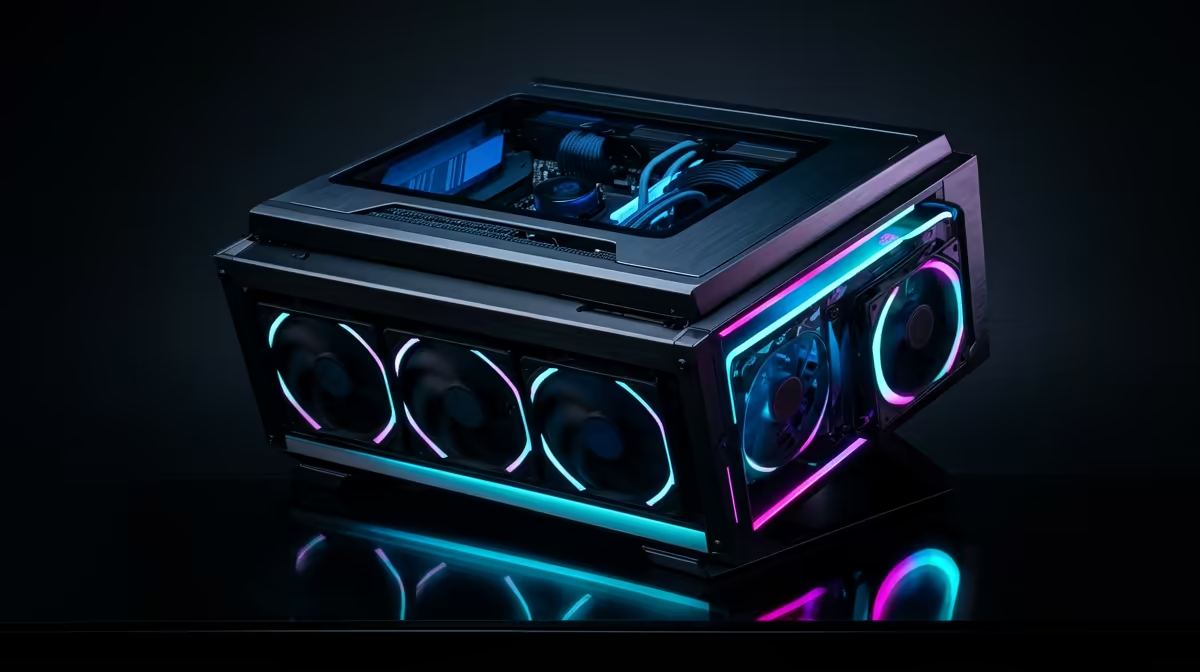
Quick Answer
At R20,000, an Intel Core i5-13600K with an RX 7600 XT and 32GB DDR4 is the strongest 1080p build available at Evetech. Expect 120–180 fps in Apex Legends, 160–200 fps in Valorant, and 90–120 fps in Hogwarts Legacy at 1080p high settings — well into 144Hz monitor territory.
Why R20,000 Unlocks the Sweet Spot
At R20,000, you move beyond entry-level components into parts that deliver genuinely smooth 144Hz gameplay. The RX 7600 XT (R7,500) outperforms the RX 6600 by 25–35% in rasterisation and adds AV1 hardware encode for streaming. The i5-13600K (R5,200) brings 14 cores (6P+8E) — dramatically stronger in CPU-bound games like strategy titles and open-world RPGs than a budget 6-core chip.
R20,000 Parts List
- CPU: Intel Core i5-13600K — ~R5,200
- Motherboard: MSI Z690-A PRO DDR4 — ~R3,100
- RAM: 32GB DDR4-3600 — ~R1,800
- GPU: RX 7600 XT — ~R7,500
- SSD: 1TB NVMe PCIe 4.0 — ~R900
- Case + 650W 80+ Bronze PSU — ~R2,000
- Total: ~R20,500
A 24-inch 1080p 144Hz IPS monitor adds ~R2,200 at Evetech to complete the setup.
Performance at 1080p
- Apex Legends (high, 1080p): 160–200 fps
- Hogwarts Legacy (high, 1080p): 90–120 fps
- CS2 (low, competitive): 250–350 fps
- Starfield (medium, 1080p): 80–110 fps
All figures without DLSS/FSR — enabling FSR 2 Quality in demanding titles adds 30–50 fps.
FAQ
Is the RX 7600 XT worth the premium over the RX 6600 at R20,000?
Yes — the RX 7600 XT's AV1 encoder makes it the better choice for anyone who streams. It's also 25–35% faster in rasterisation, adding meaningful fps in demanding titles like Hogwarts Legacy and Cyberpunk 2077 at 1080p high settings.
Should I go Ryzen or Intel for a R20,000 1080p gaming build?
For gaming specifically, both platforms are close in frame rates. The i5-13600K edges ahead slightly in 1080p CPU-limited scenarios. For a mixed gaming + workload machine, the i5-13600K's hybrid core count handles background tasks more smoothly. Either is a strong choice at this budget.
What's the best monitor upgrade path from a R20,000 1080p build?
Start with a 1080p 144Hz IPS (~R2,200). When you're ready to upgrade, this GPU handles 1440p 75–100Hz gaming comfortably — so a 1440p 144Hz monitor at ~R5,500 is a natural next step without changing the PC components.
BAR in your Z690 motherboard's BIOS settings (under Advanced → PCIe → Resizable BAR) — the RX 7600 XT gains 5–12% fps in open-world games like Hogwarts Legacy and Cyberpunk 2077 with this feature enabled at no cost.









