


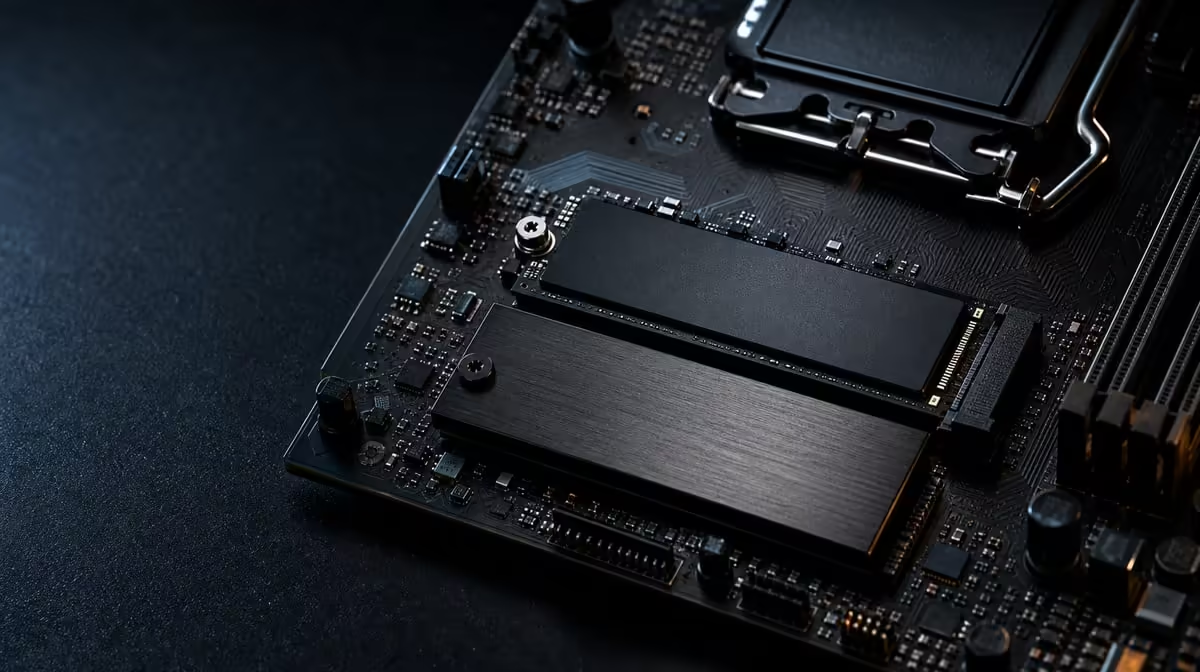
The best M.2 position is not always the one closest to the processor or easiest to reach. Choosing the right M.2 slot for NVMe performance means matching interface support, physical layout, cooling and the rest of the expansion plan. On a board with five positions, that small decision deserves a written map.
Quick Answer
Give the fastest suitable position to the SSD whose workload can use it, then place other drives around their actual roles. Buyers spending R24,899 on the X870E Extreme receive five M.2 locations and PCIe 5.0 capability, which makes the board map essential rather than interchangeable.
?? Rank drives before slots
List every drive and what it will do. The operating system, competitive games, a current editing project, scratch data and long-term storage do not create the same traffic. Once those jobs are visible, choose which SSD deserves the board's highest-capability route.
A PCIe 4.0 drive does not become a PCIe 5.0 device because it occupies a newer position. Conversely, a PCIe 5.0 model cannot express its full interface potential through a slower path. Match capability to capability, then ask whether the workload benefits enough to justify that assignment.
Evetech's X870 motherboard page can help compare current designs once the drive list exists. Look beyond the total and examine the arrangement that works with the intended graphics card, add-in devices and case.
?? Include cooling in the map
An M.2 position also has a thermal context. Fit the board's relevant cooling parts as directed, remove protective films where the installation requires it, and make sure the SSD sits correctly before fastening anything. Never use force to compensate for a misplaced standoff or misaligned module.
Case airflow influences the result after the panels close. A drive near another warm component may behave differently from the same model in another position. Test the completed PC under the workload that matters, not only on an open bench.
Preserve service access
Consider which drives might be replaced first. A position hidden beneath a large expansion card can still be appropriate, but the future maintenance step should be understood before the build is complete. Photograph or record the final layout so each installed SSD remains identifiable.
?? Consider the complete device plan
Storage placement cannot be separated from expansion. Review the exact board arrangement when several M.2 devices and add-in cards are planned. The aim is to avoid discovering a conflict after data has been migrated and the build fully assembled.
The processor belongs in the same plan because platform compatibility comes before storage tuning. Build the CPU shortlist from Evetech's current AMD processor options, then confirm the precise CPU and board support path before purchase.
Do not populate all five positions merely because they exist. Empty space can be useful. Leaving a suitable route open for a later high-capacity drive may be more upgrade-friendly than dividing the launch budget among small devices.
?? Validate one placement at a time
After installation, confirm that the drive is recognised correctly. Run a repeatable task, observe sustained behaviour and keep the test conditions consistent. If the result disappoints, change one element, such as slot choice or cooling contact, then retest.
At R24,899, the Crosshair is a flagship reference whose storage breadth must compete for money with drive capacity and the rest of the PC. Compare alternative layouts through Evetech's broader AMD motherboard collection. A cheaper board with enough suitable positions may be the better system decision.
Turn the plan into labels
Give each physical position a role in the build sheet: installed drive, expected interface, workload, thermal arrangement and replacement priority. That record makes later diagnosis and expansion far less disruptive.
Choose the installation order
Fit drives that will be difficult to reach before installing large expansion cards, but only after confirming every standoff and thermal part is correctly positioned. Keep screws and covers associated with their original locations. Rushing this stage can create poor contact or require unnecessary disassembly once the graphics card fills the workspace.
After the first boot, identify each drive by its model and intended role rather than relying on capacity alone. Similar devices are easy to confuse during later maintenance. A simple photograph paired with the slot map makes it much safer to remove the correct module.
Revisit the map when the build changes
Adding a capture device, a different graphics card or another NVMe drive can change physical access and the preferred route. Do not assume the launch layout remains optimal forever. Return to the board's current device guidance, back up important data and make one controlled change.
If performance remains below expectation, test the drive in context before relocating it. Check recognition, workload, temperature and competing activity. A different position is useful evidence only when the rest of the test remains stable.
Review the slot map after six months. Capacity growth, a new graphics card or changed project workload may alter the best arrangement. Update the plan before moving hardware so the change remains deliberate and recoverable.
Frequently Asked Questions
Is the first M.2 position automatically best'
No. Use the exact board layout and the SSD's requirements. Physical order alone does not prove the capability or suitability of a position.
Can all five positions be filled'
Five positions are specified, but a complete populated layout should follow the board's current installation and device guidance. Plan the entire configuration before buying five drives.
Does a PCIe 4.0 SSD gain PCIe 5.0 performance in a newer slot'
No. The drive retains its own interface capability. Use the newer route where it creates value for a matching device.
Why should the graphics card be considered'
Large components affect physical access, heat and the sequence of installation. The finished expansion layout matters more than an isolated storage diagram.
What is the safest first performance check'
Confirm correct recognition, cooling and the intended position, then run a workload that can be repeated under similar conditions.
Ready to assign every NVMe drive a proper home' Compare AMD motherboards at Evetech, sketch the complete expansion layout and choose positions according to workload instead of slot order.











