

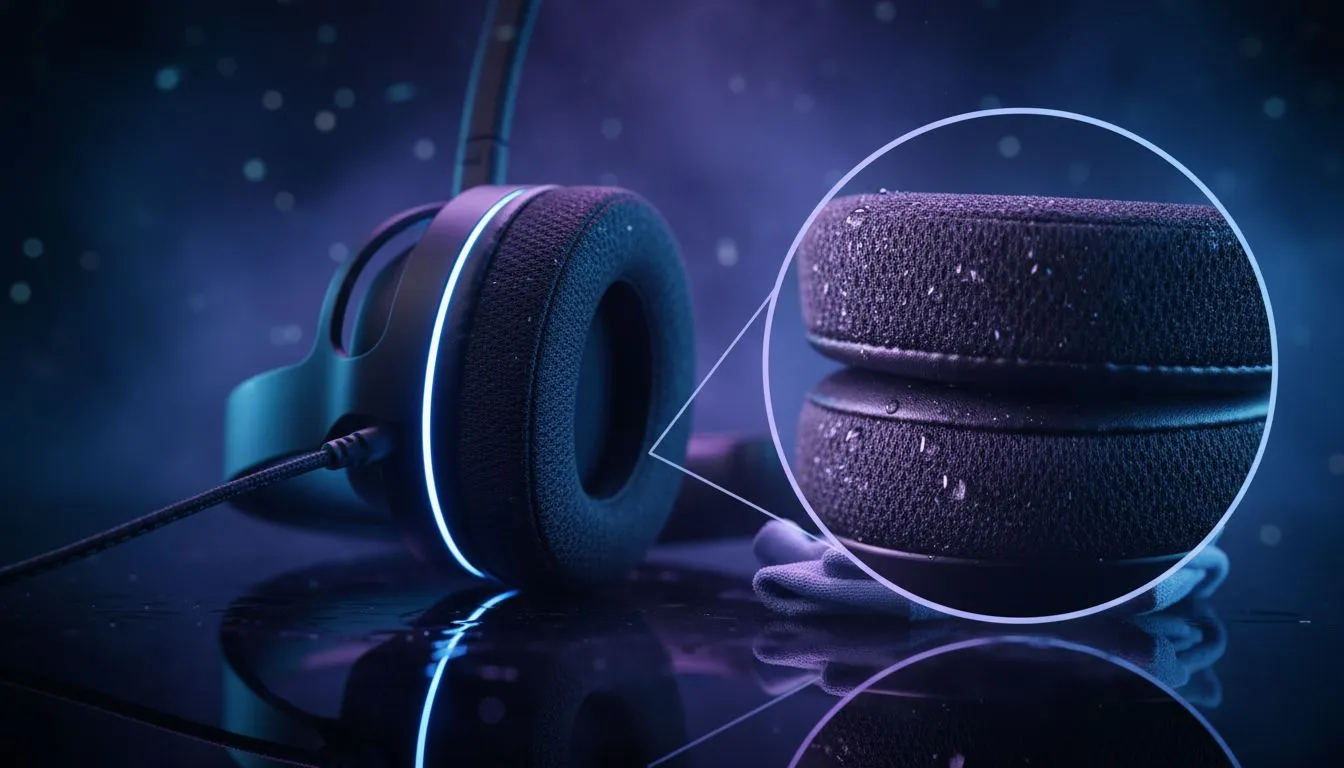
Quick clean wins for busy South African gamers 🔧
Sweaty FPS nights and long Raid sessions leave headset cushions damp, smelly and flat. Clean memory foam headset cushions: step-by-step care that actually works — and saves you from buying replacements every season. This short guide gives local buyers practical, safe steps, quick-dry tricks, and gear links so your next raid sounds as crisp as day one. ✨
Why gentle cleaning matters for memory foam
Memory foam is porous and loves moisture; harsh detergents or soaking will break down the cell structure and shorten cushion life. Use low‑temperature, low‑soap cleaning and air‑dry in shade to preserve shape and longevity. For product details and replacement options, check the Razer Barracuda X Chroma product page on Evetech for official spec guidance and compatibility. (Razer lists materials and care notes on their product pages.)
Step-by-step care routine
- Remove cushions from the headset when possible. Most modern headsets detach for easy cleaning. If yours doesn’t, be careful around wiring and pads.
- Brush off loose dust with a soft toothbrush or lint roller.
- Spot-clean with a mild detergent: mix a teaspoon of gentle detergent in 250 ml cool water. Dampen a microfiber cloth, wring well and blot — don’t soak.
- Rinse cloth and blot again to remove soap residue.
- Reshape memory foam gently with your hands and place cushions on a rack to air dry in shade. Avoid direct sun and heaters.
- Reattach only when fully dry to avoid mildew.
Deep clean and deodorise (monthly)
If cushions smell or have heavy sweat build-up, make a deeper clean: remove covers (if removable) and wash them by hand. For non-removable covers, use a diluted 50:50 mix of water and white vinegar to neutralise odours; dab, then follow with plain-water blotting. Always let memory foam dry fully overnight.
Replacement and upgrades ✨
If cushions are permanently compressed or torn, replacement is cheaper than compromised audio comfort. Browse Evetech’s range of Razer headphones & headsets to match replacements or upgrade to a more sweat-resistant model. For broader headset options and price listings in ZAR, see Evetech’s headphone headsets category.
Headset Care Tip 🔧
After cleaning, slip cushions onto a roll of kitchen paper for 30 minutes to help wick residual dampness. It speeds drying and keeps shape.
Quick checks before heavy use
- Test for residual soap by pressing lightly; if bubbles appear, blot more.
- Keep a spare pair of cushions for marathon sessions or travel.
- Consider breathable covers for heavy-gamers; they cut sweat build-up.
Local buying note
Looking for a versatile wireless gaming headset with comfy cushions? The Razer Barracuda X Chroma is listed at Evetech and often features ZAR deals — check the product page for current pricing and specs. For more models, compare Razer’s headset range on Evetech’s Razer headphones & headsets category, or browse the full headphone headsets section for alternatives and replacements.
Ready to Find Your Perfect Match? The Mac vs Windows debate is complex, but for maximum power, choice, and value in South Africa, Windows is hard to beat. Explore our massive range of laptop specials and find the perfect machine to conquer your world.











