


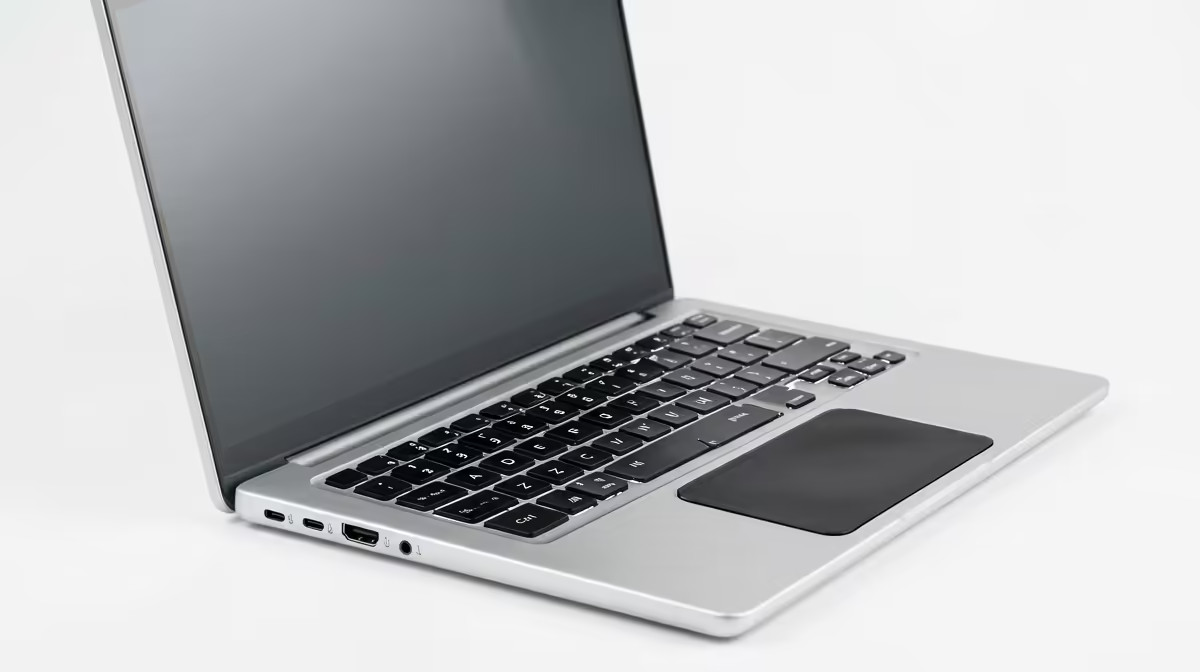
A clean Windows install is not overkill when a first-year student computer is unstable, filled with unwanted software or changing ownership and simpler repairs have failed. It is excessive as a routine performance trick before assignments, especially without license, driver and recovery preparation.
Build the recovery checklist first
Inventory required course applications, browser profiles, accessibility tools, printers and local files. Back up assignments and personal data, verify the backup on another device, record the Windows edition and obtain official installation media plus drivers. Check encryption recovery keys and account access before erasing anything.
The ASUS ExpertBook P1503 with Core i5-13420H, 8GB, 512GB and Windows 11 Pro is verified at R9,858 as a separate current-laptop reference. It does not justify replacing or reinstalling another machine. Use manufacturer support for activation, firmware and driver requirements.
Never start near submission deadlines. Use only official media, disconnect unnecessary drives and test video calls, campus portals, printing and file restore after installation. Protect assignments in two independent locations and avoid restoring unknown utilities that caused the problem.
Reinstall when diagnosis and recovery preparation support it. A new user profile, removed startup application or repaired driver may solve a narrower fault with far less risk.
Keep a checklist of restored applications so no required course tool is missed.
Pro Tip ⚡
Restoring a study PC? > Compare Evetech laptops and storage after completing the recovery checklist.











