


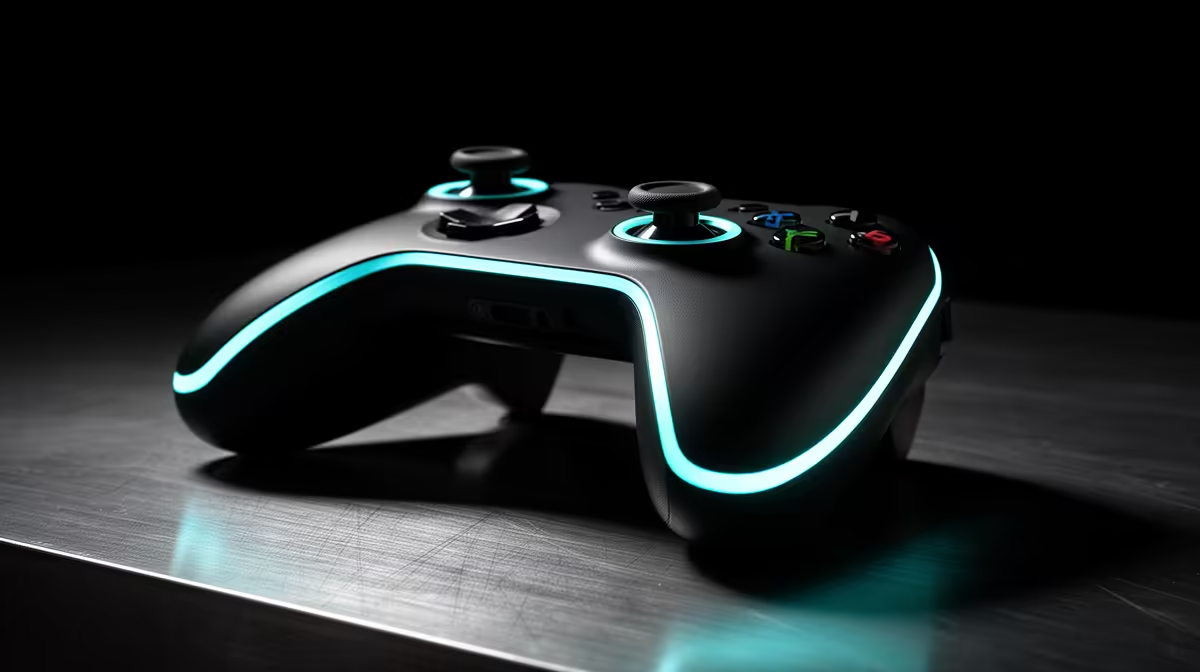
Your character walks left while the controller sits untouched on the desk. That movement may come from calibration, dirt around the stick or wear inside the joystick module. Controller stick drift starts as a small off-centre input, and a test screen tells you whether software can contain it or the hardware needs attention.
Quick Answer
Open the controller test screen, release both sticks and watch the crosshair at centre. Reset the controller, update firmware and calibrate it before increasing the game's dead zone. A GameSir Nova Lite tri-mode controller was R449 at Evetech in July 2026; compare Hall-effect options when a worn contact module needs replacement rather than endless dead-zone changes.
🎯 Measure drift outside the game
Connect the controller by cable and open Windows game-controller properties or the maker's test utility. Move each stick in a slow circle, release it and watch the position. Record whether the crosshair returns to centre or jitters in one direction.
Repeat over Bluetooth or the receiver. A clean wired test plus wireless movement points toward connection or firmware. Drift that stays on one axis in every mode points back at calibration or the stick module.
Test both the raw value and the game. Some titles add their own dead zone, aim curve or controller profile, so one game can walk while another stays still. Reset the game's controller settings for one pass and check that Steam Input or another remapper is not adding a second calibration layer.
Evetech's controller category gives you alternative stick technologies once the test identifies the hardware.
🔄 Reset, update and calibrate
Use the controller's documented reset method and install firmware through the maker's app. Calibrate the centre and full stick range only on a stable, flat surface. Do not touch the sticks while the tool records centre.
Return to the test screen. A small residual movement can be hidden with a modest game dead zone, but a large zone makes aim feel unresponsive. Save the original value so you can see whether the drift grows over time.
Raise the dead zone one step at a time until the character stops moving, then test a slow aim near centre. If the new value creates a large jump before the camera responds, the software fix has consumed too much control. Keep the test screenshot with the chosen number.
🧼 Keep dirt out without flooding the module
Switch the controller off. Rotate the stick and use a soft brush around the shaft. Follow the maker's cleaning guidance; avoid spraying cleaner into the gap, where liquid can carry grime deeper into the module.
Store the controller where the sticks are not pressed against a drawer or bag. Do not use the analogue stick as a handle when lifting it. These habits protect the mechanism and keep the centre free of constant load.
Avoid snapping the stick from edge to centre during loading screens. The module is built for full travel, but repeated impacts add wear to the plastic and return spring. A case with clearance around both sticks protects them during transport.
🧲 Understand the Hall-effect option
Traditional joystick modules read movement through contacting parts that wear. Hall-effect sticks use a magnetic position sensor, which removes that contact point from the measurement. Springs, pivots and other parts can still age, so the technology reduces one common drift cause without making the whole controller indestructible.
Check warranty terms before opening a drifting controller. Module replacement needs soldering on many designs and can damage pads or ribbon cables. A repair makes sense for a premium pad or a model with available parts; an entry controller may cost less to replace.
After a repair, run the full-circle test and check the outer range as well as centre. A new module can sit off-axis or fail to reach 100% in one direction until calibrated. Do that before reinstalling every shell screw.
Evetech's peripheral best-sellers offer local comparison after calibration and cleaning have reached their limit.
Frequently Asked Questions
What causes controller stick drift?
Wear, contamination, calibration errors or damaged stick mechanics can create input while the stick rests at centre.
Can stick drift be prevented?
Careful storage, clean hands and avoiding pressure on the sticks reduce stress, though mechanical parts still wear.
How do you calibrate a drifting stick?
Use the console, Windows or maker's calibration tool, leave the stick untouched for centre and move through its full range when prompted.
Does calibration permanently fix drift?
It fixes a bad centre reading. Wear that keeps changing will return and may need repair or replacement.
Why do Hall-effect sticks resist drift?
They measure position through a magnetic field instead of a rubbing electrical contact at the sensing point.
Is a DIY stick repair worth it?
Only when you have soldering skill, the correct module and no warranty route. Otherwise use a repairer or replace the controller.
Replacing a controller after drift survives calibration? Compare Hall-effect and standard gamepads at Evetech, then choose the connection and layout that fit the games you play.











