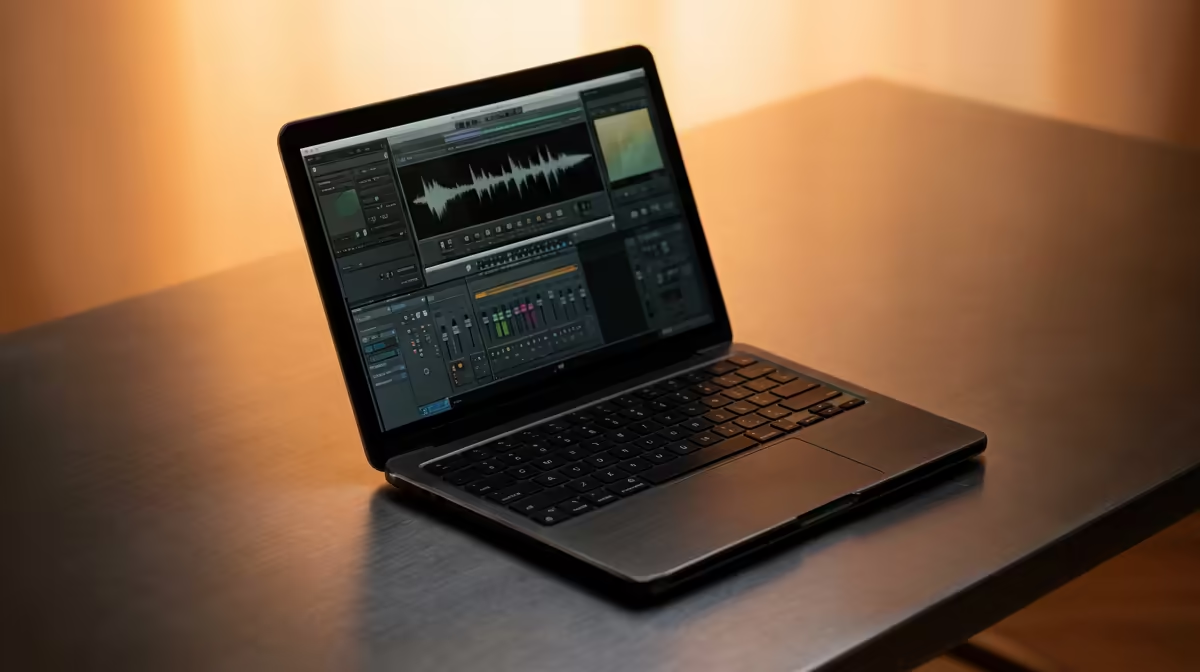
Crafting Your Ultimate Music Production Rig
Tired of your laptop crackling under the pressure of that new VST plugin? That moment when your DAW freezes, killing your creative flow, is every producer’s nightmare. In South Africa, finding a machine that can handle complex projects without breaking the bank feels like a mission. But it doesn't have to be. Building custom laptops for music production in South Africa is the secret to unlocking smooth, uninterrupted creativity and making your beats hit harder. 🚀
Why a Standard Laptop Can't Keep Up
Most off-the-shelf laptops are built for browsing and spreadsheets, not for processing dozens of audio tracks, virtual instruments, and effects in real-time. They often lack the specific processing power and cooling required, leading to audio dropouts, high latency, and frustrating thermal throttling right when you're in the zone. A dedicated custom laptop for music production is optimised from the ground up for the unique demands of a Digital Audio Workstation (DAW).
The Core Components for Flawless Production
Building your perfect mobile studio means focusing on the parts that matter most. It’s not about flashy lights; it’s about raw, reliable power.
The CPU: Your Studio's Brain 🧠
The Central Processing Unit (CPU) is the single most important component for music production. Your DAW relies heavily on strong single-core performance to process individual audio channels and effects. However, multi-core performance becomes crucial as you add more tracks and instruments.
- Intel Processors: Often praised for their powerful single-core speeds, making them an excellent choice for handling complex effect chains on a single track. Check out our range of Intel laptops on special to see the latest options.
- AMD Processors: Known for offering fantastic multi-core value, which is perfect for producers running massive projects with lots of virtual instruments. Explore our current AMD laptops on special for powerhouse options.
RAM: Your Creative Workspace
RAM (Random Access Memory) is like your studio's short-term memory. It holds your operating system, your DAW, and all the audio samples you're currently using.
- 16GB: The absolute minimum for serious production. It's enough for most projects.
- 32GB or more: Highly recommended if you use large orchestral sample libraries (like Kontakt) or work with high track counts. More RAM means less time waiting for samples to load from your drive.
Pro Audio Tip: Tame Your Latency ⚡
Latency is the annoying delay between playing a note and hearing it. On Windows, always use an ASIO (Audio Stream Input Output) driver for your audio interface. If your interface didn't come with one, install ASIO4ALL. It bypasses the standard Windows audio path, drastically reducing latency and preventing audio crackles. You can adjust the buffer size in your DAW's audio settings to fine-tune the balance between latency and CPU load.
Storage: Speed and Space
For music production, a two-drive setup is ideal. An NVMe SSD (Non-Volatile Memory Express Solid-State Drive) offers lightning-fast speeds, perfect for your operating system and DAW, ensuring they launch in seconds. A second, larger SSD or HDD can store your massive sample libraries and project files.
Don't Forget Cooling and Connectivity
Intense audio processing generates a lot of heat. A laptop with a robust cooling system will prevent your CPU from throttling (slowing down) during long sessions. This is why many producers in South Africa choose gaming laptops; their cooling systems are designed for high performance. The powerful hardware in the best gaming laptop deals makes them surprisingly perfect for music production. Also, ensure you have enough ports like USB-C or Thunderbolt for your audio interface, MIDI controllers, and external drives.
Ready to Build Your Beat?
Stop letting a slow machine kill your creative flow. A purpose-built laptop is the key to seamless music production. Explore our massive range of customisable laptops and configure the perfect rig to bring your sound to life.