


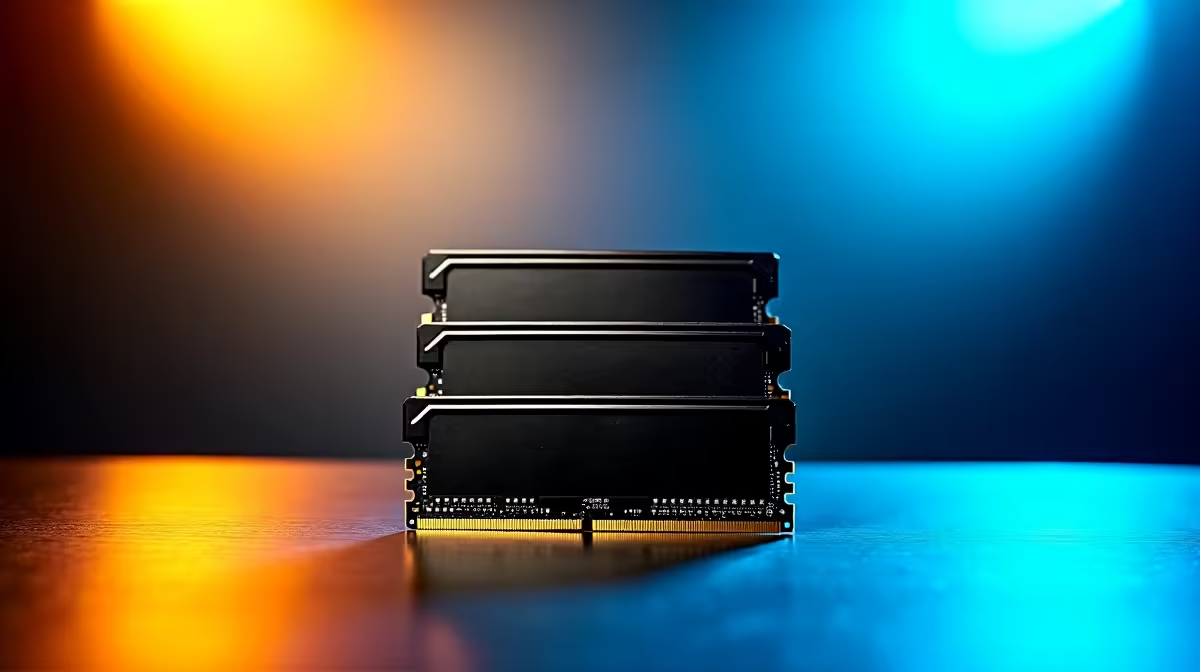
Building a gaming rig in South Africa means making every single Rand count. You want next-gen performance without emptying your wallet. That's exactly why pairing fast memory with budget-friendly boards is so incredibly popular right now. If you are diving into the new generation, you need the right DDR5 setup tips for entry-level Intel motherboards to maximise your ZAR. Let's unlock that hidden performance. ⚡
Why DDR5 on a Budget Makes Sense
Gone are the days when DDR5 was strictly reserved for top-tier, enthusiast rigs. Manufacturing costs have dropped significantly over the last year. Now you can grab excellent DDR5 memory kits without breaking the bank. Pairing these modern modules with budget-friendly chipsets like the Intel B760 gives you a massive bandwidth boost over older DDR4 systems.
It is the perfect foundation whether you are building a custom rig from scratch or hunting for the absolute best gaming PC deals in SA. Faster memory means smoother frame rates and snappier multitasking.
Crucial Setup Tweaks for Your Board
Getting your new RAM to run at advertised speeds requires a little bit of tweaking. First, always install your memory sticks in the optimal slots... which is usually slots two and four on a four-slot board. This ensures dual-channel mode is fully active.
Next, jump straight into your BIOS screen. You will want to enable XMP (Extreme Memory Profile). This simple setting tells your board to run the RAM at its rated speed rather than the slower default standard. If you are currently browsing our massive range of motherboards, always check the QVL (Qualified Vendor List) before buying. This official list confirms which memory kits are tested and guaranteed to work seamlessly with your specific board.
Balancing Speed and Stability
Entry-level boards are brilliant for budget builders, but they do have physical limits. Pushing an ultra-fast 7200MHz kit on a basic board might cause frustrating system crashes. For most South African gamers, the absolute sweet spot is between 5600MHz and 6000MHz. This specific range offers incredible speed while keeping your system rock solid during long gaming sessions.
Brands like ASUS engineer their boards to handle these specific speeds flawlessly. If you prefer Team Blue, ASUS Intel motherboards offer excellent memory stability straight out of the box. Even if you eventually decide to switch camps to ASUS AMD motherboards in the future, the core principles of balancing speed and stability remain exactly the same. 🔧 Look for lower CL (CAS Latency) numbers too... CL30 or CL32 is fantastic for gaming.
Future-Proofing and Upgrade Planning
Smart upgrade planning saves you serious money down the line. Start with a 32GB kit (two 16GB sticks) if your current budget allows for it. Modern games are demanding more system memory every single year. A solid 32GB foundation means you won't need to upgrade your RAM for a very long time. It leaves plenty of breathing room to upgrade your GPU or CPU later without bottlenecking your entire system. 🚀
BIOS Update Pro Tip 💡
Before enabling XMP on your new DDR5 setup, always update your motherboard BIOS to the latest version. Manufacturers constantly release updates that improve memory compatibility and system stability... saving you hours of troubleshooting!
Ready to Build Your Next-Gen Rig? Upgrading to DDR5 doesn't have to drain your savings. With the right components, you can achieve incredible speeds and rock-solid stability. Explore our massive range of PC components and find the perfect motherboard and memory combo to conquer your favourite games.











