Quick Answer
Yes, the Arc B580 (12GB, around R7,000 to R8,500 at Evetech) can drive Dragon Ball Sparking Zero at 2560x1440 and 60fps, but 2560x1440 60fps is a sensible target in Dragon Ball Sparking Zero with XeSS 2 on Quality and a balanced preset. Pair it with Ryzen 5 7600 or Core i5-13400F (Resizable BAR on) and a 60Hz panel is the floor, though a 75Hz+ screen feels smoother. Set an in-game cap near 63 and enable XeSS 2 before you touch image quality.
Locking In 2560x1440 60fps on the Arc B580
Pushing 2560x1440 at 60fps in this game on a budget card is mostly about settings discipline, not chasing new parts. First confirm your monitor is actually running its rated refresh in the AMD, NVIDIA or Intel control panel, then set the game to exclusive fullscreen at 2560x1440. With 12GB of VRAM the Arc B580 sits in the budget bracket, so 2560x1440 60fps is a sensible target in Dragon Ball Sparking Zero with XeSS 2 on Quality and a balanced preset. Apply XeSS 2 early, set a frame cap a few frames above 60 to keep input latency low, and only then start lowering quality if the 60 line still dips during full-power beam clashes with both fighters charging aura and the arena breaking apart.
The Settings That Actually Move 60fps
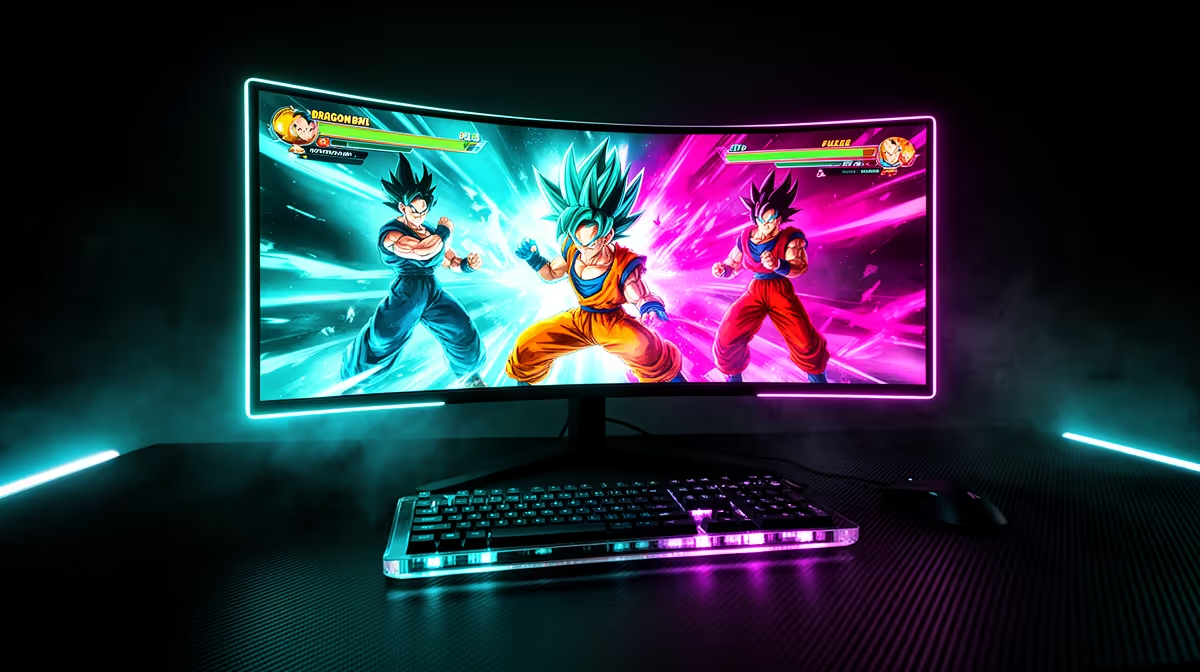
Dragon Ball Sparking Zero is a fast 3D arena fighter, and its Unreal Engine 5 destructible stages and aura effects punish weak GPUs during ki blasts and transformations. The biggest frame-rate wins come from effects quality and shadow resolution; take both to medium first and retest in full-power beam clashes with both fighters charging aura and the arena breaking apart. Next trim anti-aliasing and motion blur a single step, keep ambient occlusion on high for image quality, and leave textures as high as your 12GB buffer allows without stutter. Retest the same scene after each change so you can tell which slider bought you the frames, then lock the cap near 63 once the 60 line holds.
FAQ
How much does the Arc B580 cost in South Africa?
Expect roughly R7,000 to R8,500 for the Arc B580 at Evetech, depending on the board partner and current stock. That puts it in the budget class with 12GB of VRAM. Prices shift with the rand, so check the live listing before you commit.
Do I need XeSS 2 to hit 60fps in Dragon Ball Sparking Zero?
For 2560x1440 at 60fps, yes, XeSS 2 makes the target far more comfortable on the Arc B580. Run it on Quality first; only step down to Balanced if full-power beam clashes with both fighters charging aura and the arena breaking apart still dips below 60. It costs almost no image quality at this resolution.
What CPU should I pair with the Arc B580?
A Ryzen 5 7600 or Core i5-13400F (Resizable BAR on) keeps the Arc B580 fed at 2560x1440 without bottlenecking your 60fps target. At higher resolutions the GPU does most of the work, so a mid-range CPU is plenty; spend the saved budget on faster RAM or an SSD instead.
Evetech Tip
Set your XeSS 2 mode and a 63 frame cap before lowering any visual slider in Dragon Ball Sparking Zero. If frames still dip in full-power beam clashes with both fighters charging aura and the arena breaking apart, a Arc B580 (R7,000 to R8,500) is the cleaner fix than micro-tuning a weaker card.