


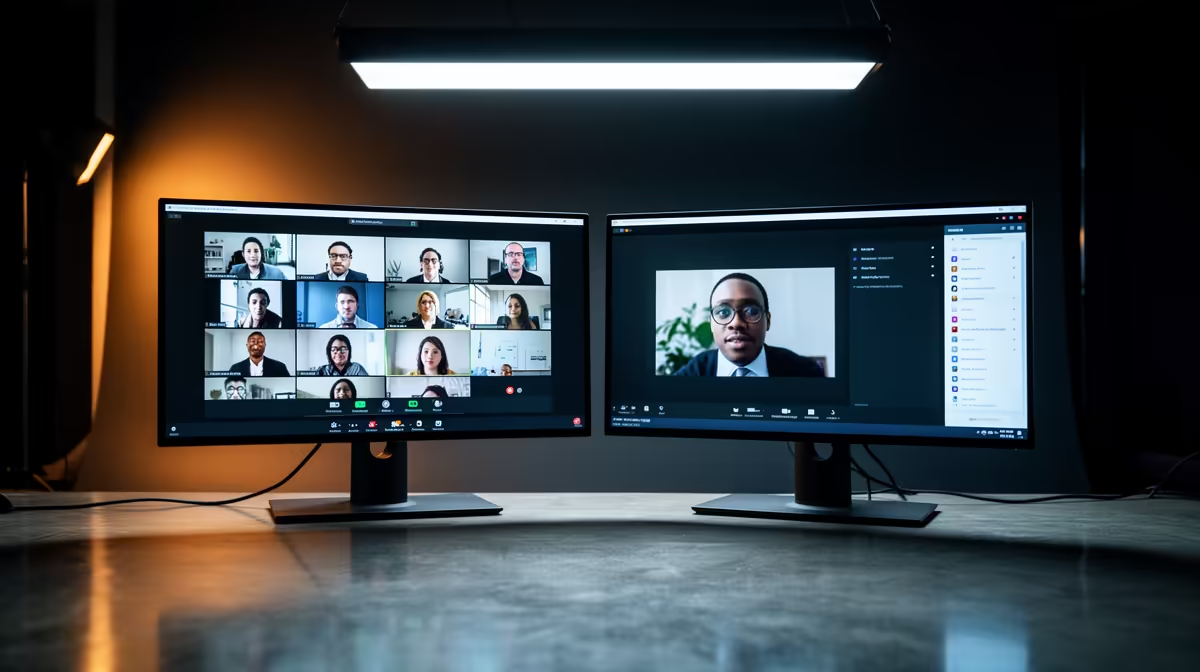
Dell SE2426H 23.8in FHD at R1,532 suits home office users who want a second screen for video calls without crowding a narrow desk. A dual-screen monitor setup is worth it when one display holds the call and the other keeps notes, email, a browser, or a shared document visible, especially during Teams meetings.
Best value monitor picks for calls
The Dell SE2426H 23.8in FHD at R1,532 is the sensible starter choice because the FHD panel is big enough for faces, chat, and meeting controls, while still leaving space for a laptop or keyboard. It works well as the dedicated call screen beside a primary display.
The Dahua LM27 100Hz at R1,500 gives you a larger 27-inch-style workspace feel at a sharp price, and the 100Hz refresh rate makes everyday cursor movement and scrolling feel smoother between meetings. If your desk has the width, it is a strong low-cost option for splitting the call window from your working notes.
For a cleaner main-screen upgrade, the Dell SE2726H 27in FHD 144Hz at R1,797 is better suited to users who also browse dashboards, spreadsheets, or training videos between calls. The 144Hz spec is more than a meeting needs, but it makes the whole desk setup feel more responsive.
South African home office desk setup
In a spare-room office, dining-table work spot, or small-business admin desk, two screens reduce the constant window switching that slows meetings down. The MSI PRO MP275W at R1,850 is a practical pick when you want a neat second FHD screen with a work-focused look, while the Dell SE2426H at R1,532 keeps the upgrade budget lower.
Pro Tip ⚡
Ready to choose the right monitor? Keep the creator desk simple with Dell SE2726H 27in FHD 144Hz at R1,797, especially where its listed spec answers the dual setup video brief.









