


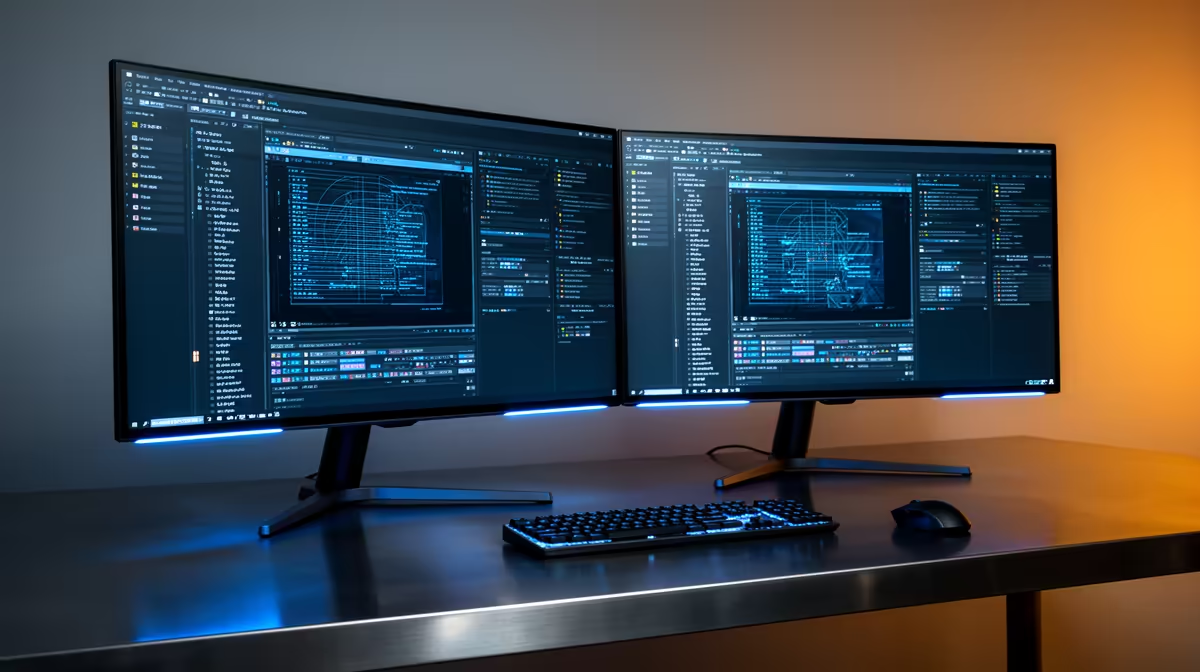
The Dell SE2726H 27in FHD 144Hz at R1,797 suits a podcast creator who wants a bigger main monitor for recording controls, notes, and live levels without crowding the desk. A second screen is worth buying when the show has more than one moving part: recording software, guest notes, chat, show rundown, browser research, and file folders. If the setup is only used for occasional audio edits, one larger screen may be enough.
Best monitor picks for a podcast desk
The Dell SE2726H 27in FHD 144Hz at R1,797 is the strongest first pick here because the 27in size gives a podcast desk breathing room. Keep the recording app on the main screen and move questions, episode notes, or a run sheet to the second display. The 144Hz spec is not essential for audio, but the larger FHD workspace is useful every session.
The Dell SE2426H 23.8in FHD at R1,532 makes sense as the second screen if you want a neat, lower-cost side display. Its 23.8in FHD panel is enough for notes, browser tabs, a guest bio, or a compact mixer window while the main screen stays focused on the recording timeline.
Creator desk reality in SA
For a home podcast corner, small studio desk, or church media table, the Dahua LM27 100Hz at R1,500 is a sensible budget option when the second display mostly carries static content. If you prefer a cleaner matching work setup, the MSI PRO MP275W at R1,850 also fits as a practical screen for admin, scripts, and production planning.
Pro Tip ⚡
Ready to choose the right monitor? Compare the listed monitor range to match your desk size, recording workflow, and budget.









