


Quick Answer
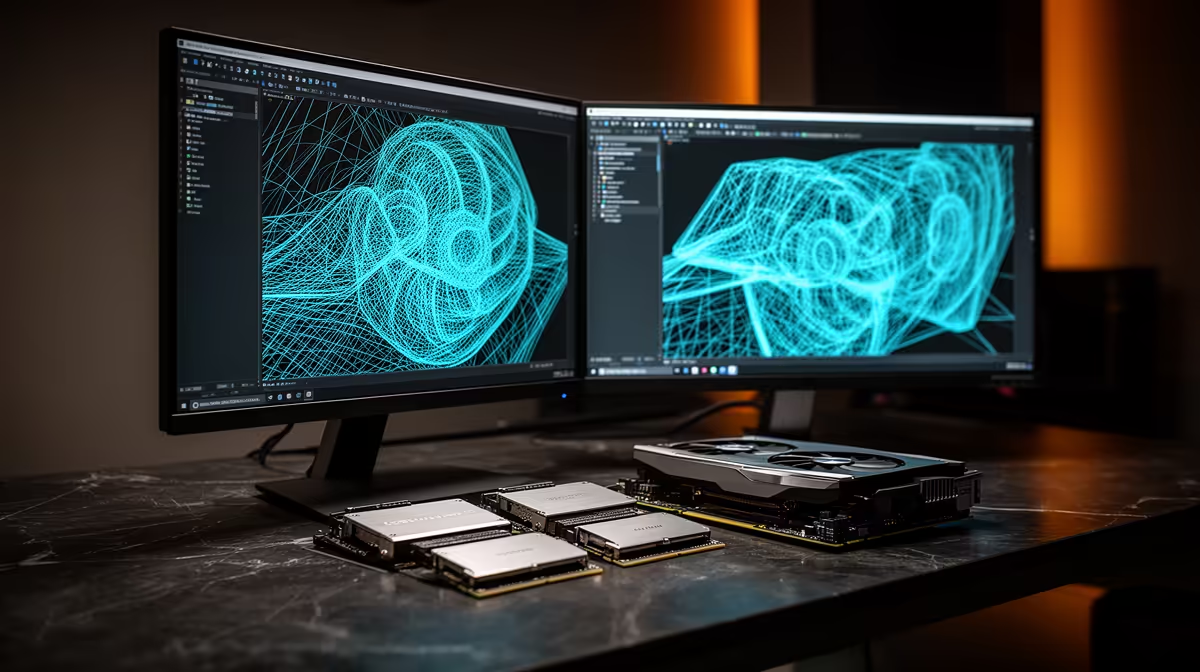
Here is what 3D modelling and rendering hardware actually delivers for Empangeni gamers. 3D modelling and GPU rendering live on CUDA cores and VRAM. An RTX 5070 Ti (16GB) with a Ryzen 7 7700 renders Blender Cycles and viewport-heavy scenes fast, and a workstation in this class runs about R34,000 at Evetech.
VRAM and CUDA cores drive renders
Blender Cycles, Octane and viewport work scale with GPU. An RTX 5070 Ti (16GB) renders BMW and Classroom benchmarks in a fraction of CPU time, and 16GB VRAM holds bigger scenes without spilling to RAM. For modelling responsiveness, an RTX 5070 (12GB) is the value entry; serious renderers step to a 5080.
CPU, RAM and storage for scene work
Sculpting, simulation and CPU rendering want cores - a Ryzen 7 7700 (8 cores) or 9700X is the sweet spot, with 64GB DDR5 for heavy scenes and high-poly assets. A 2TB Gen4 NVMe (from R2,200) holds project files, textures and asset libraries with fast load times.
What Empangeni buyers should prioritise
For 3D modelling and rendering, the smart Empangeni buy spends on the part that drives the result - the GPU and VRAM - and keeps the rest balanced. Openserve and local fnos cover the town centre, with humidity worth planning cooling around, and Evetech ships to Empangeni in 3-4 working days via the N2 up the KZN north coast, with full warranty support. Match a 16GB VRAM target to your budget and you avoid both over- and under-spending.
FAQ
Is GPU or CPU rendering faster for 3D?
GPU rendering (Cycles, Octane, Redshift) is far faster on modern NVIDIA cards. An RTX 5070 Ti beats most consumer CPUs at Cycles renders, so prioritise VRAM and CUDA cores.
How much VRAM for 3D rendering?
12GB handles most scenes; 16GB (RTX 5070 Ti / 5080) is the comfortable target for large textured scenes and avoids out-of-core slowdowns. Heavy production work benefits from even more.
How much RAM for 3D modelling?
32GB is the minimum, but 64GB DDR5 is the sweet spot for sculpting, simulation and large assemblies. It stops swapping when scenes and reference textures stack up.
Pro Tip
Install the NVIDIA Studio driver (not Game Ready) for Blender, Maya and rendering - it's tuned for creative apps and improves viewport and render stability.











