


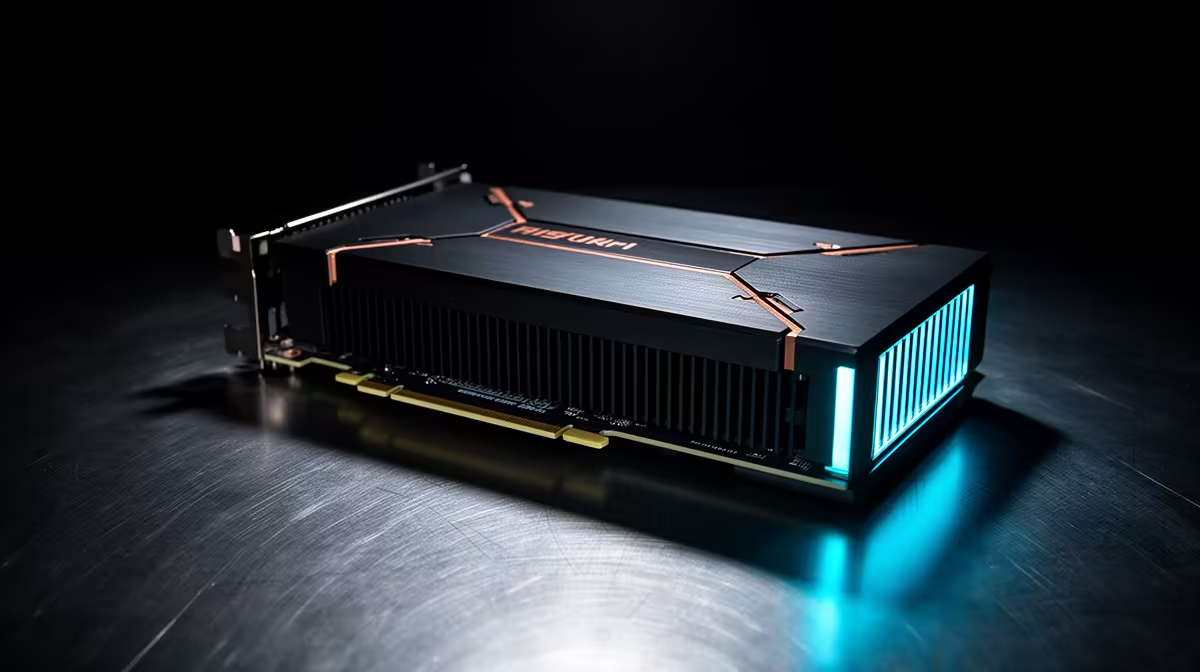
A fanless GPU removes one small noise source from a PC, but it does not remove heat. It replaces the graphics card's fans with a larger metal heatsink and depends on natural convection plus the air already moving through the case. That trade works beautifully in the right machine. Put the same card in a cramped, stagnant case and silence can turn into throttling.
Quick Answer
Fanless graphics cards make sense for low-power office PCs, home-theatre systems and light creative work where silence matters more than sustained gaming speed. They are a poor match for modern high-power gaming because a passive heatsink cannot shed that heat quickly enough on its own. Evetech's July 2026 graphics-card snapshot ranged from an MSI GeForce GT 710 2GB at R1,099 to much faster actively cooled cards, with a category median of R13,299. Price does not tell you whether a card is passive: check the cooler design and power requirements on the exact model.
🔇 What "fanless" really changes
A conventional graphics card presses a heatsink against the GPU and uses one or more fans to push air through its fins. A passive card keeps the heatsink but loses the fans. Manufacturers compensate with more metal, wider fin spacing and heat pipes on some designs.
The obvious benefit is zero fan noise from the card. There is also no graphics-card fan bearing to wear out or collect dust. That makes passive cooling attractive in a lounge PC, recording space, reception desk or bedroom setup where a faint mechanical whine can be more irritating than a modest reduction in performance.
The cost is thermal headroom. A fan-cooled card can increase airflow as the GPU works harder. A passive card cannot. Its temperature rises until the case airflow carries heat away, the workload ends or the GPU lowers its clock speed to protect itself. Fanless therefore describes the cooler, not unlimited silent performance.
🌬️ Why the case still needs airflow
A fanless graphics card can be silent while the PC remains sensibly ventilated. In fact, that is usually the best arrangement: one or two large case fans turning slowly can move more air with less intrusive noise than several small fans fighting a hot spot.
Give the passive heatsink open space above and below it. Avoid packing expansion cards tightly against its fins, and do not assume a tiny sealed chassis is ideal simply because the GPU is low power. Warm air needs a route out of the enclosure. A mesh intake and a slow rear or top exhaust fan can make the difference between stable clocks and a card that repeatedly backs off under load.
Ambient temperature matters in South Africa, too. A setup that behaves perfectly in a cool room may run noticeably warmer during a Gauteng or Durban summer. Judge the system after a sustained workload, not from the temperature shown five minutes after boot.
🎮 Where a passive GPU fits - and where it does not
Fanless cards are strongest in jobs with low or intermittent graphics demand:
- driving one or more office displays;
- video playback in a media PC;
- adding display outputs to a processor without integrated graphics;
- older or lightweight games at conservative settings; and
- basic GPU-accelerated applications that do not hold the card at full load for long periods.
Modern AAA gaming is different. High settings, high frame rates and ray tracing create continuous heat. Current gaming GPUs use active cooling because sustained performance requires it. Even if a powerful chip could start a game under a passive heatsink, keeping its clocks stable in a normal desktop case would be the real problem.
Before buying, compare the card's intended workload with the broader NVIDIA graphics-card range. If gaming is central to the build, a well-designed active cooler with a zero-RPM idle mode is often the quieter overall choice. Its fans can stop during desktop use and start only when the load justifies them.
🧭 A practical silent-build checklist
Start with the exact card, not a search result that merely says "silent". Some actively cooled models use that word because their fans stop at idle. A true passive model has no fans on the card.
Then check these five points:
- Workload: Define the heaviest task the GPU must sustain, not the easiest one it will do most often.
- Physical clearance: Passive heatsinks can occupy extra slots even when the card itself is short.
- Case path: Make sure cool air can enter and heated air can leave without crossing a wall of cables.
- Display support: Confirm the exact outputs, maximum resolution and refresh rate needed by your monitors.
- Noise budget: A silent GPU will not fix a noisy power supply, CPU cooler, hard drive or undersized case fan.
The current GPU best-sellers provide a useful view of mainstream actively cooled alternatives. The goal is not to remove every fan at any cost. It is to choose the quietest cooling system that can still hold the performance you need.
Frequently Asked Questions
Can a fanless GPU handle modern gaming?
It may launch modern games, but low-power passive cards are not designed for demanding titles at high settings. For sustained modern gaming, an actively cooled GPU is the more reliable fit.
Do fanless GPUs throttle under load?
They can. If the heatsink and case airflow cannot move heat away quickly enough, the GPU reduces clock speed to stay within its safe operating limits.
Is a fanless GPU good for a media PC?
Yes, provided it supports the display outputs and video formats you need. Media playback is one of the clearest uses for a low-power passive card.
How does case airflow affect a fanless GPU?
It is critical. The card has no onboard fans, so it depends on natural convection and the case's airflow to remove heat from its heatsink.
Are fanless GPUs more expensive than fan-cooled versions?
Not necessarily. Price follows the GPU, cooler and market position. Compare exact models rather than assuming passive cooling carries a fixed premium.
Which GPU tier suits fanless cooling best?
Entry-level, low-power GPUs are the natural candidates. Heat output rises with performance, which is why higher gaming tiers use active cooling.
Will a fanless GPU last as long as an active-cooled one?
It can, if it operates within its designed temperature range. It has no card fans to fail, but poor case ventilation and persistent high temperatures still work against component longevity.
Building a quieter PC? Compare Evetech's graphics-card range, then match the cooler, display outputs and case airflow to the work the machine will actually do. A quiet build starts with the right thermal plan, not simply the absence of a fan.











