


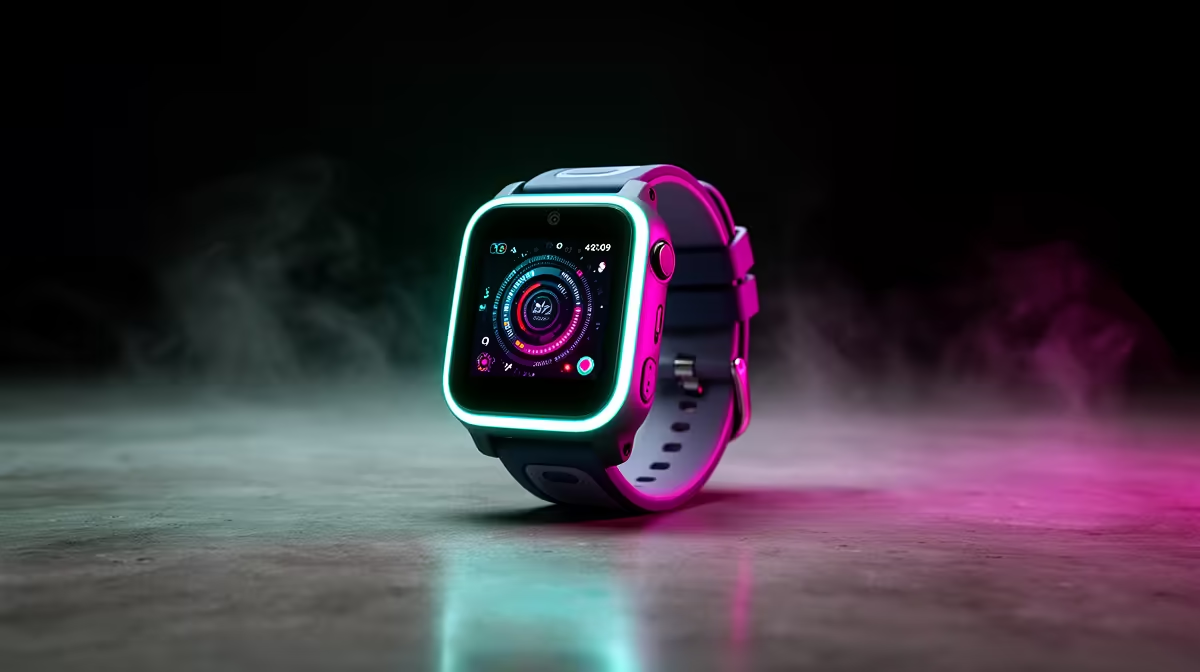
A first-time PC buyer should choose a kids smartwatch as a separate family-safety decision, not as a PC accessory. The important questions are who manages the account, which contacts are allowed and whether the watch fits the child’s age and wrist comfortably.
Start with the guardian workflow
Decide whether the goal is calling, approved messaging, location features, timers or basic activity prompts. Confirm phone compatibility, network requirements and who receives alerts. Review how personal and location data are stored before creating the child’s account.
A child-specific model and price are not verified in the available data. Browse current Evetech options and confirm age guidance, dimensions, guardian controls, approved contacts, battery, stated protection, app support and warranty. Do not substitute an adult watch without verifying fit and the necessary child-safety functions.
Set up the device with the child present and explain when it may be used. Protect the guardian account, enable only needed permissions and test an approved contact. Follow school rules about connected wearables and keep a non-device family contact plan. Review this yearly.
Buy the watch only when its verified features solve a clear family need. The PC purchase should be evaluated separately by games, study software and budget; bundling the decisions can obscure compatibility and safety checks.
Pro Tip ⚡
Checking a child-focused wearable? > Review Evetech smartwatch availability and verify current guardian features.











