


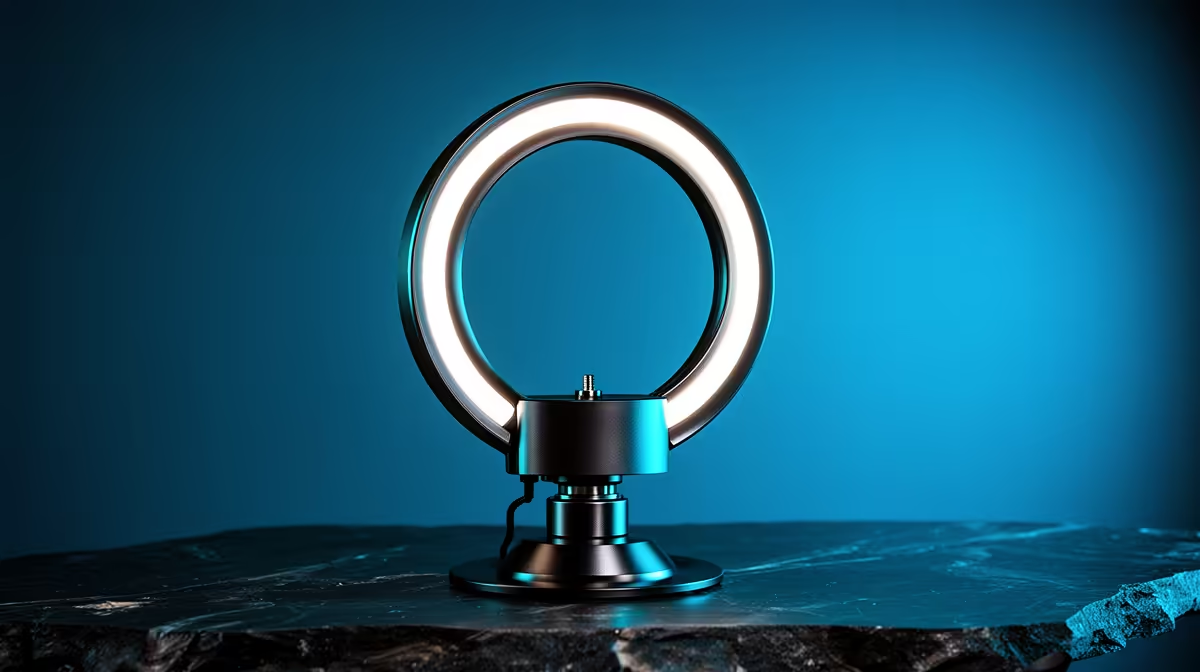
Watch back a long recording and a face can shift from slightly orange to slightly blue over the course of a single sitting, without the presenter moving an inch. That drift is rarely a camera fault; it is usually two light sources fighting each other in Kelvin. An led streaming light left on a fixed setting while the room's ambient tone changes around it, as afternoon sun fades into evening bulbs, is one of the most common causes of skin tone that will not sit still.
Quick Answer
Inconsistent skin tone across a session almost always traces back to a light fighting the room's changing colour temperature rather than a camera or editing problem. Dialling the NearStream SL10B toward whatever tone the room settles into, at R629, keeps skin looking consistent from the start of a session to the end.
🌡 Why Skin Tone Drifts
Skin reflects whatever colour of light lands on it, which means the same face can look warm under a 3000K bulb and cool under a 6000K one without any change in the person or the camera settings. A single fixed-colour light set once at the start of a session has no way to adjust as the room's ambient tone shifts, whether that shift comes from sunset, a dimmer switch, or another lamp switching on later.
The Two-Source Problem
Most desks are lit by more than one source at once: a window, a ceiling light, a desk lamp, and the dedicated video light itself. When two of those sources sit at noticeably different Kelvin values, a camera's automatic white balance has to compromise between them, and skin tone ends up looking slightly off no matter which way it leans. The fix is not necessarily removing a light source but bringing the dedicated light's temperature closer to whichever ambient source is strongest at that moment.
Why This Gets Worse Over Long Sessions
A quick five-minute clip rarely shows this problem, because the room's ambient light barely changes in that time. A two-hour stream, recorded across a changing afternoon, is a different story: daylight through a window can shift by more than a thousand Kelvin between early afternoon and dusk, while a fixed-colour light stays exactly where it started. That growing gap is what produces the slow drift viewers notice on playback.
🎚 Matching The Dial To The Room
A bi-colour light removes the guesswork by letting the operator retune it as ambient light changes, rather than living with a mismatch for an entire session. The SL10B's 700K to 6500K range covers both the warm end typical of tungsten bulbs and the cool end typical of daylight, which means most home and office ambient tones fall somewhere inside that range rather than outside it.
A Simple Matching Method
Look at the room's dominant light source rather than trying to measure anything precisely. A space lit mostly by warm bulbs or lamps calls for a lower setting on the dial, closer to the 700K end, while a space lit mostly by daylight or cool white ceiling panels calls for a setting closer to 6500K. Adjusting every twenty to thirty minutes during a long session, rather than only once at the start, keeps the match reasonably close even as natural light shifts through the afternoon.
When To Reduce Ambient Light Instead
Sometimes the simpler fix is closing curtains or switching off a competing lamp rather than trying to match every source. If a window keeps introducing a shifting daylight tone that the dedicated light cannot fully counter, reducing that source's influence is often more reliable than constantly retuning the dial to chase it.
🖥 Building A Repeatable Setup
Consistency comes from repeating the same conditions each session rather than reinventing lighting every time. Reading through full SL10B details is a good starting point for confirming exactly where the dial sits at each Kelvin marking, which makes it easier to note down a preferred setting for a specific desk and time of day. Adding a couple of compact gaming accessories, such as a small clip mount, keeps the light in the same physical position session after session, which removes one more variable from the equation. Once the setup is dialled in, cable solutions for desk tidiness stop a charging lead from getting knocked loose mid-session, which matters more than it sounds like once a light has been carefully positioned.
Sticking to one dialled-in position and Kelvin setting per typical session removes most of the guesswork after the first few tries. Once a preferred number is written down for morning, afternoon and evening sessions, matching becomes a quick glance and a twist of the dial rather than a fresh decision every time.
Frequently Asked Questions
Why does my skin tone change colour partway through a recording?
It usually happens because ambient light in the room shifts, such as fading daylight, while a fixed-colour light stays the same, creating a growing mismatch.
Can camera white balance fix inconsistent skin tone on its own?
It can help but rarely solves the problem fully, since automatic white balance is compromising between two mismatched light sources rather than removing the mismatch.
How often should I retune a bi-colour light during a long session?
Checking every twenty to thirty minutes during longer sessions helps catch drift before it becomes noticeable on playback.
Should I close curtains instead of adjusting my light?
If daylight keeps shifting the room's tone, reducing that source can be more reliable than constantly retuning a dial to match it.
Does a bi-colour light fully replace the need for consistent ambient lighting?
Not entirely, but it makes matching far easier than a fixed-colour light, which has no way to adjust as the room changes.
Is 700K to 6500K a wide enough range for most rooms?
Yes, that range covers both typical warm indoor bulbs and typical daylight, which suits the majority of home and office setups.
Ready to stop your skin tone shifting mid-recording? Matching the NearStream SL10B's colour temperature to your room's ambient bulbs keeps on-camera tone steady for the whole session. Find it for R629 in Evetech's streaming light selection.








