


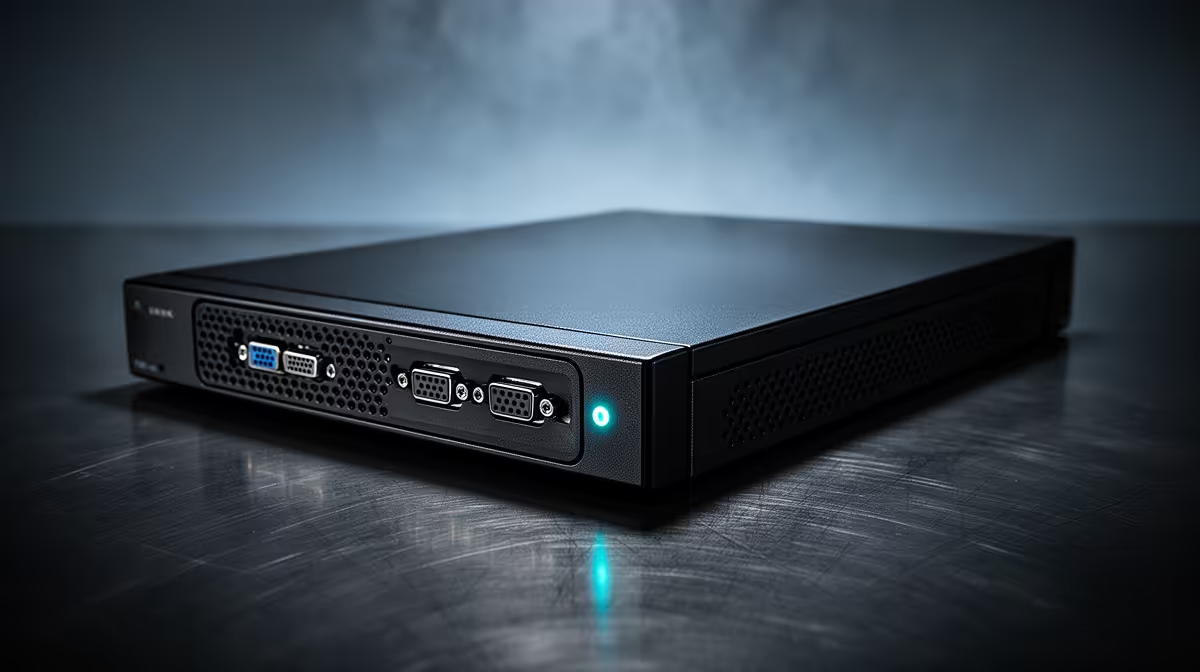
An NVR that handles four cameras without complaint can grind to a crawl the day it grows to sixteen, and the reason almost never shows up in the network settings. Storage bottlenecks in busy recording systems trace back to one component doing more work than it was ever rated for. A surveillance hard drive that cannot sustain writes across many channels becomes the ceiling on the entire system, no matter how good the cameras or network switch are.
Quick Answer
Most NVR bottlenecks under heavy multi-camera load clear up once the storage drive is swapped for something rated for the job, and a 7200RPM CMR drive such as the R19,499 SkyHawk AI resolves the majority of stalls seen under 64-stream loads. The drive was built specifically for that kind of sustained, simultaneous write demand rather than occasional file access.
🧩 Diagnosing Where the Bottleneck Actually Sits
Before replacing anything, it helps to isolate whether the slowdown is really the drive. Network congestion, camera bitrate settings, and NVR processing load can all produce symptoms that look identical to a storage bottleneck: lag, dropped frames, and delayed playback. The clearest signal that storage itself is the problem is a system that performs fine with a handful of active cameras but degrades sharply as more channels start recording simultaneously. That pattern points straight at write throughput rather than network bandwidth, since bandwidth issues tend to affect live viewing more evenly across all channels rather than scaling with recording load specifically.
Checking Drive Specifications First
Many bottlenecked systems are still running a drive that was never rated for continuous multi-stream recording in the first place, often a standard desktop drive installed because it was available or cheaper at the time. Checking rotational speed, recording method, and workload rating against what the installation actually demands is the fastest way to confirm whether the drive is the limiting factor.
⚙️ Why Sustained Write Speed Matters More Than Burst Speed
A drive can post impressive numbers in a short burst test and still fall apart under the kind of sustained, simultaneous writing that a sixteen-camera NVR generates hour after hour. Surveillance workloads are unusual in that they demand consistent throughput indefinitely rather than short bursts followed by idle time, which is exactly the pattern desktop drives are optimised for instead. The SkyHawk AI's 550TB/year workload rating exists precisely because sustained duty, not peak speed, is what breaks undersized drives in busy installations.
The Role of CMR Recording
Conventional magnetic recording writes each track independently, avoiding the overlap used by shingled drives to boost capacity. That independence keeps write performance consistent even as multiple channels hit the drive at once, which matters far more in a sixteen-camera system than in a single-drive backup job where writes happen occasionally rather than continuously.
🔧 Firmware's Role in Multi-Channel Bottlenecks
Hardware alone does not solve every bottleneck; firmware scheduling matters just as much once channel counts climb. ImagePerfect AI firmware balances write demand across dozens of channels, whether that is a full run of HD feeds or a mixed set of AI-enabled streams, so that one busy camera does not monopolise the drive and starve the others. You can review the full spec sheet on the SkyHawk AI listing to see exactly how capacity, workload rating, and firmware come together on this particular drive.
💼 Planning the Upgrade Without Overspending
Once the drive is confirmed as the bottleneck, the fix does not always mean replacing the whole NVR. Swapping in a properly rated drive is usually far cheaper than a full system upgrade, and weighing up the internal hard drive range makes it easier to match workload rating against your actual camera count before spending anything. For businesses running multiple sites, it is also worth reviewing the complete hard drive lineup to standardise on one drive spec across installations rather than mixing capacities and ratings.
Frequently Asked Questions
How do I know if my storage drive is the bottleneck and not the network?
If performance is fine with a few active cameras but degrades sharply as more channels record simultaneously, storage write throughput is the more likely cause than network bandwidth.
Can a desktop hard drive cause NVR bottlenecks?
Yes, desktop drives are not rated for sustained multi-stream writes, which makes them a common cause of bottlenecks once a system grows past a handful of cameras.
Does upgrading the drive fix bottlenecks without replacing the NVR?
In most cases yes, since the drive is often the limiting factor rather than the recorder's processing power or network connection.
What workload rating should a busy NVR drive have?
It depends on channel count and resolution, but a drive rated for continuous surveillance duty, such as 550TB/year, gives far more headroom than a standard desktop drive.
How many streams can the SkyHawk AI handle before bottlenecking?
The drive tops out at 64 HD channels, or 32 channels once AI-enabled analytics join the mix, enough for most mid to large multi-camera setups.
Is CMR or SMR better for avoiding bottlenecks?
CMR writes tracks independently and holds up better under sustained, simultaneous write loads, which is why it is preferred for busy surveillance systems over SMR.
Ready to clear the bottleneck sitting inside your NVR box? Swap in the Seagate SkyHawk AI 24TB, listed under Evetech's surveillance storage category, to free up strained multi-camera systems.











