


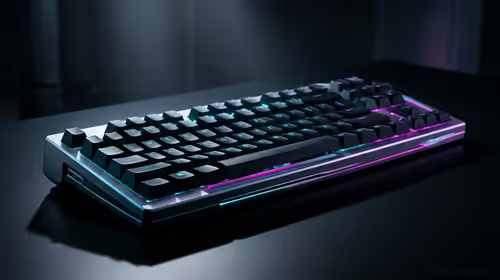
Stuck Pixel Checks for a Mechanical Keyboard Setup
Stuck pixel on a Mechanical Keyboard is likely a display symptom around that setup, not the part itself. Check the monitor, cable, GPU output, drivers, and warranty path first.
Read moreMaster your wireless charging station setup with our easy-to-follow interactive guide. Learn the best placement, how to manage cables, and organize multiple devices for maximum efficiency. Power up your tech life effortlessly! ⚡️📱
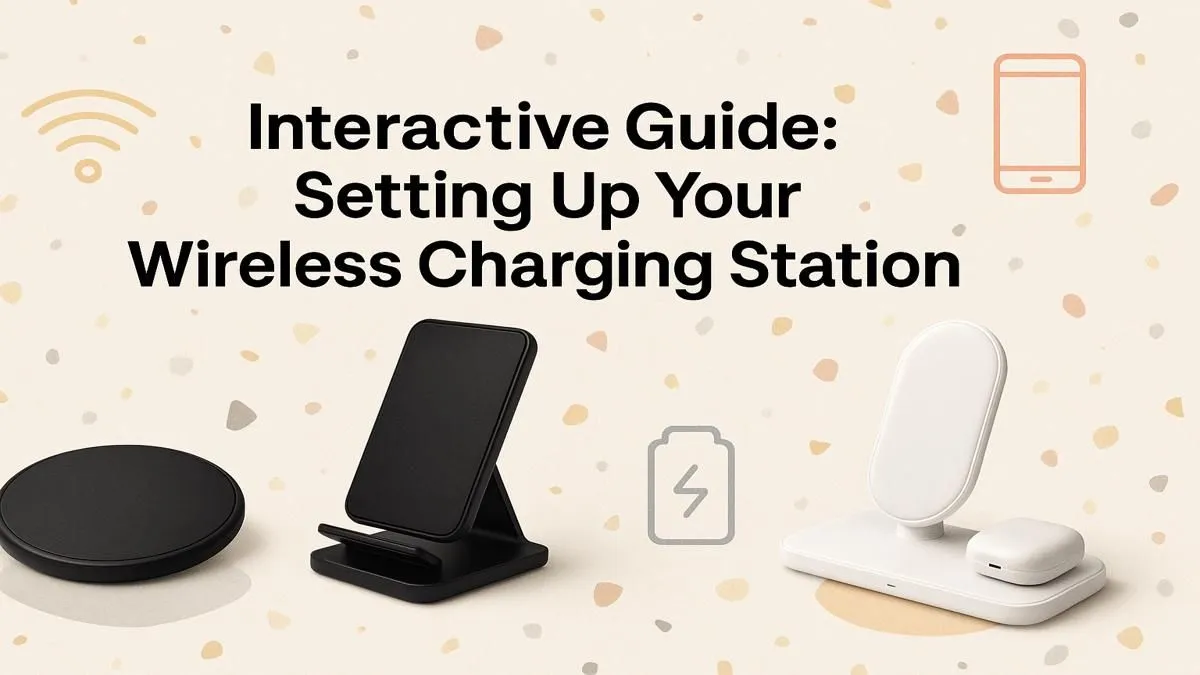
Tired of the cable spaghetti monster living behind your desk? A clean, efficient wireless charging station setup isn't just a luxury... it's a sanity-saver for any South African tech enthusiast. It’s time to declutter your space and power up your devices with zero fuss. Let's get it sorted. ✨
Before we dive into the "how," let's talk about the "why." A dedicated spot to juice up your gear does more than just charge batteries. It brings a sense of order to your workspace or bedside table. Think about it: no more fumbling for the right cable in the dark or untangling a mess just to charge your phone. A proper wireless charging station setup centralises power, reduces clutter, and makes your entire tech ecosystem feel more streamlined and professional. It’s a small change that makes a big difference to your daily routine.
Not all wireless chargers are created equal. Getting your setup right starts with picking the hardware that matches your devices and lifestyle. Do you just need to charge your phone, or do you have a smartwatch and wireless earbuds too?
The key to a fast charge is wattage (W). Most modern smartphones support at least 7.5W or 10W charging. A higher wattage means your device powers up faster, provided it's compatible. Look for the "Qi" (pronounced "chee") logo—it's the universal standard, ensuring your phone and charger can talk to each other safely. Investing in a good power brick is also crucial, as plugging into a low-power USB port on a PC won't deliver the speeds you're paying for. You can browse a wide range of chargers to see what fits your needs.
For the ultimate clean desk, a 3-in-1 or 2-in-1 station is brilliant. These units have dedicated spots for your phone, watch, and earbuds, all powered by a single cable. If you only need to charge your phone, a simple, elegant charging pad or stand will do the trick perfectly. You'll find excellent quality options from brands like Promate that offer both single and multi-device solutions.
Most thin plastic or silicone cases (under 3mm) work perfectly with Qi wireless chargers. However, thick rugged cases, wallet cases with cards, or anything with metal plates or pop sockets will block the signal. If your phone isn't charging, slipping off its case is the first thing to try.
Once you've got your gear, placement is everything. The goal is convenience and performance. For a gaming setup, a corner of your desk keeps your phone visible for notifications without getting in the way. For overnight charging, the bedside table is a no-brainer.
Just be sure to place the charger on a flat, stable surface away from direct heat sources (like your PC's exhaust vent). A good wireless charging station setup should feel like a natural part of your space. Some of the top-rated Promate chargers even have sleek designs that complement a modern gaming rig. ⚡
A tidy charging area is just one piece of the puzzle. When paired with smart cable management and the right peripherals, it elevates your entire battle station from functional to fantastic. Consider it one of many essential gaming accessories that contribute to a winning setup.
Ready to Cut the Cord for Good? A cluttered desk leads to a cluttered mind. Upgrading to a sleek wireless charging station is one of the easiest ways to modernise your setup and simplify your life. Explore our massive range of chargers and find the perfect power hub for your gear.
For optimal performance, place your wireless charging pad on a flat, stable surface away from direct sunlight and metal objects. Ensure there is good airflow to prevent overheating.
Your device should display a charging indicator when placed on the pad. Most chargers also have an LED light that confirms a successful connection and active charging status.
Yes, most wireless chargers work through thin plastic, silicone, or rubber cases (under 5mm). However, metal cases or those with grips or magnets may block the connection.
Use a multiple device wireless charging setup, like a 3-in-1 station, which has dedicated spots for your phone, smartwatch, and earbuds, all powered by a single cable.
A blinking light often indicates an error. Try repositioning your device, removing its case, or checking for foreign objects like keys or coins on the charging pad.
The best way to organize a charging station is to use cable clips or ties to manage wires, designate a specific spot for each device, and choose a charger that fits your space.
Stuck pixel on a Mechanical Keyboard is likely a display symptom around that setup, not the part itself. Check the monitor, cable, GPU output, drivers, and warranty path first.
Read more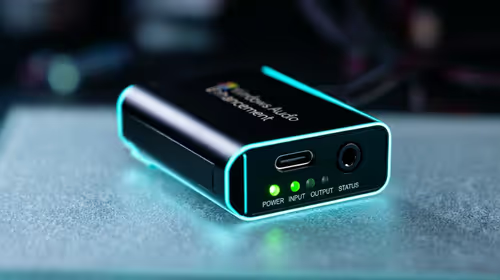
How to fix stuck pixel Windows 11 USB DAC issues starts with display-only tests. Check HDR, scaling, monitor input, USB cable movement, and safe South African support options before connecting the pixel issue to audio hardware.
Read more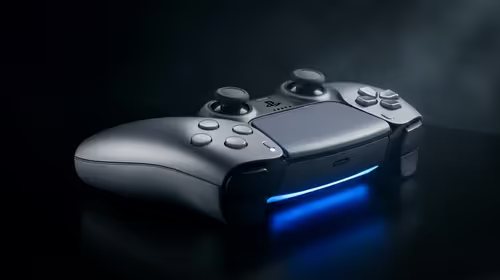
Windows 11 Steam Deck monitor issues often start with display mode, USB-C output, drivers, or dock power. Use this how to fix monitor not detected windows 11 steam deck checklist for SA handheld PC setups.
Read more
Stalker 2 Heart of Chornobyl PC build planning at R100,000 should stay cautious about parts and settings. Balance GPU, CPU, RAM, storage, cooling, and upgrade room before picking a South African gaming PC.
Read more
RX 9070 XT build stuttering needs a step-by-step check before replacing parts. Review drivers, settings, thermals, power, background apps, display limits, cables, and game options before changing hardware.
Read more
GTA 6 on R15,000 needs careful part balance. This SA build guide frames CPU, GPU, RAM, SSD, cooling, and upgrade trade-offs without promising live prices, stock, or exact FPS.
Read more
NVIDIA lists 550W required system power for the RTX 5060 reference specification, based on a high-end test system. A quality 550W unit can be enough, but CPU draw, transient load, connectors and ageing decide real headroom.

80+ Gold vs 80+ Platinum for couch co-op gaming is about PSU efficiency, heat, fan behaviour, quality, and wattage headroom, not direct FPS. SA buyers should compare the whole build.

Upgrade your setup with the best USB-C hubs for creators. Discover why high-capacity card readers and dual 4K output are essential for professional South African content production. 🚀💻

B850 motherboard FPS drops needs a methodical troubleshooting pass. Review drivers, thermals, power settings, background apps, cables and game settings before replacing parts in an SA gaming setup.
NVIDIA lists 550W required system power for the RTX 5060 reference specification, based on a high-end test system. A quality 550W unit can be enough, but CPU draw, transient load, connectors and ageing decide real headroom.

OpenRGB's master branch now carries changes labelled for 1.0 final, including translation and platform work, but the official tags page still lists 1.0rc3.1 as the newest packaged release. Stable users should wait for the signed release channel.

A motherboard can remain useful for many years when power, cooling and connectors stay healthy. Replace it for confirmed faults, damaged power delivery or a blocked platform need, not simply because the calendar reaches a fixed age.

The VAIO T combines a 13.3-inch display with a multi-flip mechanism for laptop, tablet and outward-facing viewing modes. Orders begin in Japan on 18 September; South African availability is unconfirmed.

The smallest ATX case 2026 buyers should choose is the smallest chassis that still fits their exact graphics card, cooler, power supply and airflow plan. ATX support alone does not prove a case has the smallest footprint or volume.

In a 6 bit + FRC vs 8 bit comparison, native 8-bit panels can produce 256 levels per colour channel directly, while 6-bit plus FRC rapidly alternates nearby values to approximate the wider palette. Panel quality still depends on more than bit depth.

The UGREEN LinkStation Pro eGPU dock combines Thunderbolt 5 and OCuLink connections with an integrated 850W ATX 3.1 power supply and up to 140W laptop charging. South African availability is unconfirmed.

Windows 11 KB5124008 can leave some USB Audio Class 1.0 devices with no sound, Code 10 or failed multichannel output. Microsoft confirms the issue and says switching to two-channel stereo can restore audio for some users.