


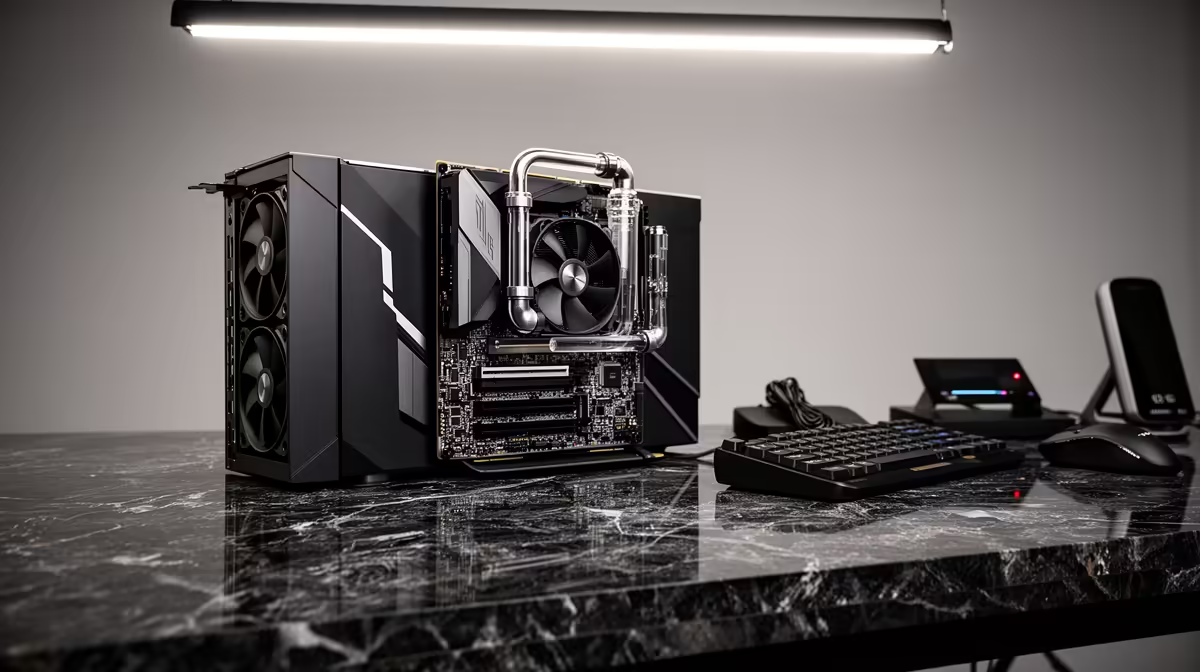
Buying a 4K capture card without a spending plan almost always ends badly. You pick the card, realise the footage is choppy, then discover the NVMe is too slow, or the CPU is getting hammered, or RAM has run out mid-stream. In ZAR terms, these are preventable mistakes. A structured budget that accounts for the whole chain costs the same as an unplanned one, and it actually works.
Quick Answer
A 4K capture setup in ZAR starts near R3,500 for an entry external card and climbs past R8,000 for a 4K60 model with USB-C 3.1 pass-through. Split your total budget roughly 50 percent on the card, 25 percent on a fast NVMe, and 25 percent on RAM to ensure nothing in the chain throttles the footage.
💰 What to Expect at Each ZAR Price Point
The entry bracket for external 4K capture hardware in South Africa begins around R3,500. At this price you typically get 4K30 capture with HDMI 2.0 input and USB 3.0 output. Adequate for console footage where 30fps is the ceiling, less ideal if you want 4K60 for fast titles.
The R5,000 to R6,500 range is where 4K60 becomes accessible. These cards add USB-C 3.1 Gen 2, push encoding throughput to around 8 to 12 Gbps, and often include HDMI 2.0 pass-through so your display receives the clean signal while the PC records simultaneously.
Above R7,000 you are paying for 4K60 with wider bit-depth, on-board compression engines that reduce CPU load, and in some cases HDR pass-through. These features matter for professional content work. For a streaming setup focused on gaming footage, the R5,500 to R6,500 bracket covers nearly all real-world use cases at a price that leaves room for the rest of the chain.
Internal PCIe x4 cards are worth considering if you have an available slot. They eliminate the USB controller from the path, which often trims R500 to R1,000 off the equivalent external box price while improving throughput consistency.
🔧 Storage: The Part of the Budget That Gets Skipped
4K60 footage at quality encoder settings generates between 50 and 130 MB per second of data. That demands a write speed far beyond what any SATA SSD can sustain under prolonged load. An NVMe SSD writing at 1,000 MB/s or faster is the minimum for clean 4K60 recording without dropped frames.
A 500GB NVMe in the R800 to R1,200 range in South Africa meets this requirement. At 100 MB/s recording rate, 500GB holds roughly 80 minutes of uncompressed 4K60 footage before needing a transfer. For most gaming sessions that is sufficient, with time to offload footage between streams.
Do not try to record onto the drive your OS is running on if it is a SATA SSD. The mixed read-write load of running the system and recording simultaneously causes the SATA drive to fall behind, and the result is frame drops that appear even when CPU and GPU look fine in monitoring tools.
Pro Tip ⚡
Format your recording NVMe with a dedicated partition rather than sharing the OS volume. This keeps system reads from competing with the capture write stream during long sessions. On a R1,000 NVMe, this one setup step saves more headaches than most hardware upgrades would.
🚀 CPU and RAM: Encoding Without Choking
The CPU carries software encoding when the capture card does not include a dedicated compression engine. At 4K60, software encoding to H.264 in OBS typically needs a 6-core chip at minimum, running at 70 to 80 percent load. An 8-core processor keeps headroom available for the game or application being captured, which prevents the frame drops that happen when the encoder competes with the game for CPU time.
A Ryzen 5 5600 at around R2,500 handles 1080p60 encoding cleanly and manages 4K30 comfortably. For sustained 4K60 software encoding, a Ryzen 7 5700X or equivalent 8-core at around R3,500 is the more reliable choice. Hardware encoding via NVENC on an NVIDIA card offloads most of this work, which is worth factoring in if you already own a capable GPU.
RAM is the last piece. OBS at 4K with overlays, browser sources and capture active wants 16GB minimum. Systems running 8GB will stutter once all sources load. A 16GB kit in SA runs R500 to R800 for DDR4, which is the cheapest upgrade in this budget plan and one of the most impactful.
Frequently Asked Questions
How much does a capable 4K capture card cost in South Africa?
Entry external 4K capture cards start near R3,500 for 4K30 with HDMI 2.0 in. A 4K60 card with USB-C 3.1 pass-through typically runs R5,500 to R8,000 depending on the encoding engine and feature set. Internal PCIe cards often undercut equivalent external boxes by R500 to R1,000 because they skip the USB controller.
Is a fast NVMe essential for 4K recording?
Yes. 4K60 footage at usable quality writes at 50 to 130 MB per second continuously. A SATA SSD cannot sustain those speeds under load without dropping frames. An NVMe writing at 1,000 MB/s or faster handles the throughput without breaking a sweat, and a 500GB model in South Africa typically runs R800 to R1,200.
Can I use hardware GPU encoding instead of CPU encoding?
Yes, and it is worth doing if you have an NVIDIA or AMD GPU capable of it. NVENC on an NVIDIA card handles 4K60 H.265 encoding with minimal CPU overhead, which frees your processor for the game. The quality from modern hardware encoders is close enough to x264 medium that most viewers cannot tell the difference at typical streaming bitrates.
What happens if I use only 8GB of RAM with a 4K setup?
The system will stutter. OBS at 4K with a capture source, browser overlays and scene transitions active consumes 6 to 10GB of RAM on its own. Adding a running game or application fills the 8GB ceiling and forces Windows to page to disk, which causes frame drops and preview lag. 16GB removes this as a variable entirely.
Should I buy the most expensive capture card first and upgrade storage later?
No. A high-end capture card feeding footage to a slow drive produces the same choppy result as a budget card with fast storage. Prioritise a balanced chain: a mid-range 4K60 card, a fast NVMe and 16GB RAM deliver a working, stable setup. You can step up the card later when the rest of the chain is solid.
Ready to build a 4K capture setup that actually holds together? Browse the capture card and storage range at Evetech and assemble the full chain without guessing at compatibility.










