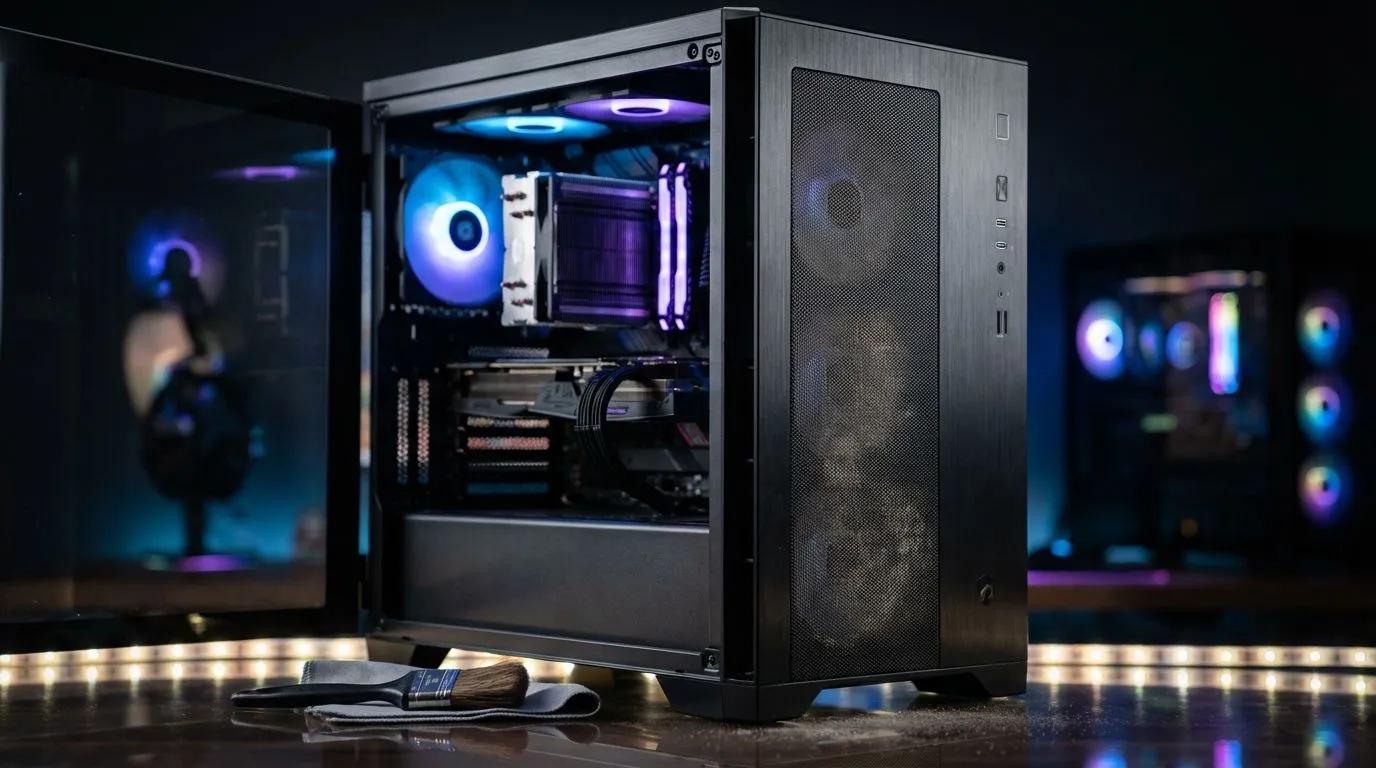
Why your high airflow case needs a cleaning routine
South African summers are brutal on gaming hardware. We push our rigs to the limit... but the dust in Gauteng or the Cape is relentless. High airflow cases are essential for keeping temperatures low during a long session of Warzone or Apex Legends. However, that increased breathability means your PC acts like a high-end vacuum cleaner. This high airflow case dust cleaning maintenance guide for gamers ensures your components stay frosty and functional. 🔧
Understanding the trade-off with high airflow designs
A chassis with a mesh front panel allows for incredible thermal performance. When you browse the massive range of computer cases available today, you will notice that mesh is the gold standard for cooling. The downside is that even with fine filters, micro-dust eventually settles on your GPU backplate and heatsink fins. If you let this build up, your fans have to work harder... leading to more noise and shorter hardware lifespans.
The Compressed Air Trick ⚡
When using compressed air to clean your fans, always hold the blades still with a finger or a zip tie. Letting the air spin the fans at high speeds can generate back-voltage or damage the bearings. It is a simple step that saves you from an annoying mechanical rattle later on.
Essential tools for your cleaning kit
You do not need an expensive toolkit to keep things tidy. A can of compressed air, a soft-bristled paintbrush, and a microfiber cloth are usually enough. For those using premium Fractal Design PC cases, the nylon filters are often removable and washable. Just ensure they are 100% dry before sliding them back into the chassis. Water and electronics are never a good mix. 🚀
Step-by-step cleaning process
Start by powering down your PC and switching off the PSU at the wall. Take the rig to a well-ventilated area... preferably outside. Remove the magnetic filters and wipe them down. Use the brush to gently loosen stubborn dust on the fan blades and the mesh panels.
If you are rocking one of the many Gamdias gaming cases, you likely have a tempered glass side panel. Use a dedicated glass cleaner on the outside only to keep that RGB glow looking crisp. For the internals, short bursts of compressed air are better than one long spray... this prevents moisture from forming on the nozzle.
When is it time for an upgrade?
Sometimes, an old case simply lacks the modern filtration needed for a dusty environment. If your current setup is a nightmare to maintain, look at budget-friendly Gamdias options under R1,500 that offer better mesh density and easier access to filters. A clean PC is a fast PC. Regular maintenance every three months will keep your frame rates stable and your hardware happy. ✨
Ready to Upgrade Your Airflow?
Keeping an old rig clean can be a chore, but a modern chassis makes maintenance a breeze. Explore our massive range of computer cases and find the perfect high-airflow home for your components today.