


Best AMD GPU Under R40000 in SA 2026
Top AMD GPU Under R40000 picks evaluated on performance, value & SA availability with current Rand pricing from Evetech.
Read more• Home lab hardware recommendations; • Local supplier and cost guidance; • Performance and power tradeoffs; • Parts list and upgrade paths. Home lab hardware essentials to build a high-performance South African setup — choose servers, NAS, GPUs, and networking for reliability and local cost-efficiency. ⚡🛠️
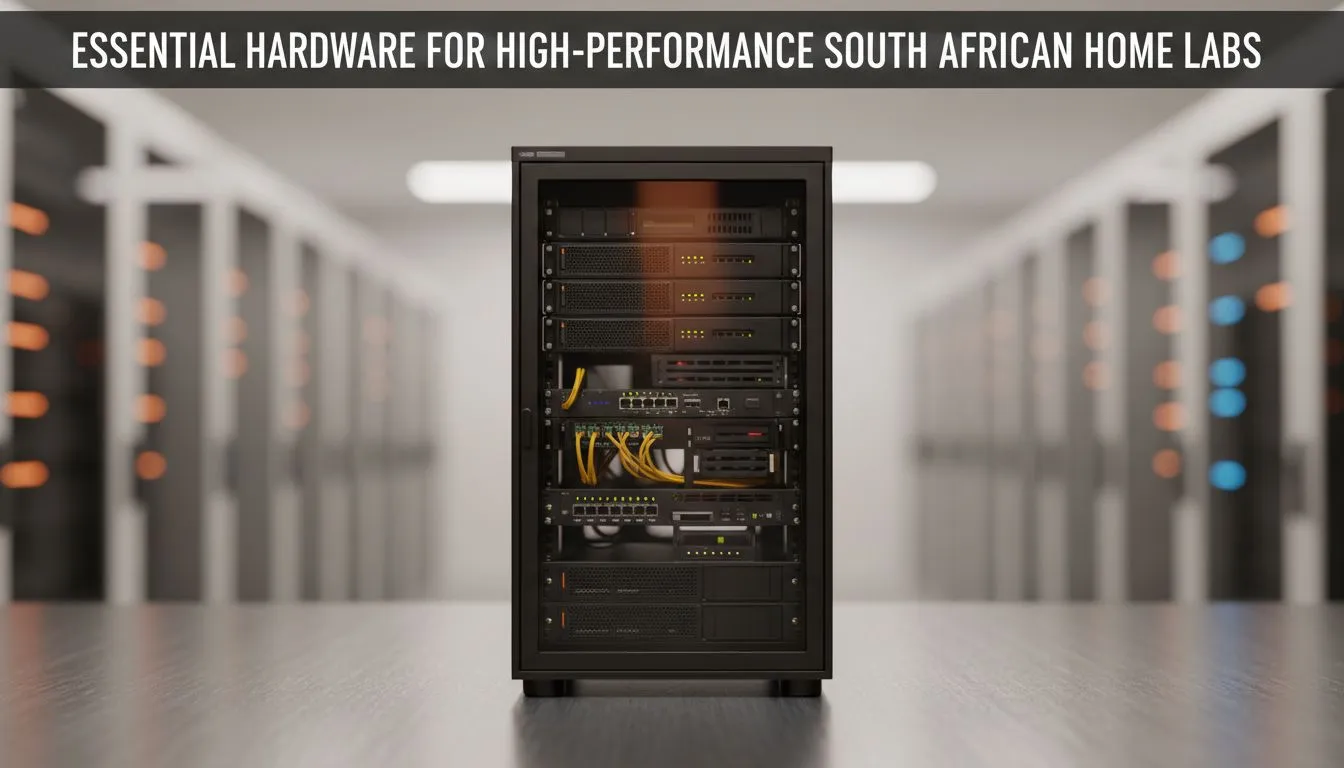
Whether you are hosting a local Minecraft server or virtualising an entire enterprise environment, your gear matters. In South Africa, building a home lab requires more than just raw power... it requires stability and smart connectivity. High-performance home lab hardware is the foundation of any serious tech setup. From managing your own cloud to testing software, the right components ensure you stay ahead without breaking the bank. 🚀
A solid home lab starts with a reliable chassis and a multi-core processor. Many enthusiasts focus solely on CPU cycles but overlook the networking aspect. To ensure your server communicates effectively with your main rig, you should browse our latest network adapters to find a card that supports high-speed data transfers. A bottlenecked network can make even the fastest NVMe drives feel sluggish during large file transfers. ⚡
Stability is king when you are pushing gigabit speeds across your local network. If you want a brand known for reliability, look at high-quality TP-LINK network adapters which offer excellent driver support for Linux and Windows Server environments. These components are essential for maintaining a low-latency environment... especially if you are running media servers like Plex or Jellyfin for the family.
In South Africa, a UPS is not optional for a home lab. Always calculate your total wattage and add a 20% buffer. This ensures your RAID arrays have enough time to park their heads and shut down safely when the power cuts, preventing data corruption on your expensive drives.
Not every lab needs a R50,000 price tag to be effective. You can find incredible value by choosing Cudy network adapters to provide your secondary nodes with stable Wi-Fi 6 or Ethernet connectivity. These are perfect for those starting their journey into Docker or Kubernetes... providing the speed you need at a fraction of the cost. Building a home lab is about iterative upgrades. Start with the essentials and scale as your projects grow. ✨
Home lab hardware for high-performance South African setups must withstand heat and varying power conditions. Quality components from Evetech ensure that your home lab remains a tool for learning rather than a source of frustration. Whether you are labbing for certifications or just for fun... the right hardware makes the difference. 🔧
Ready to Build Your Dream Lab? The journey to tech mastery begins with the right hardware, and for maximum power, choice, and value in South Africa, our selection is hard to beat. Explore our massive range of PC components and find the perfect gear to power your high-performance home lab.
Servers, NAS storage, dedicated GPUs, managed switches, UPS and efficient cooling form the core; pick models with local support and warranties.
Budget 300–1200W depending on servers and GPUs; reserve rack or tower space, ensure ventilation and add a UPS for safe shutdowns.
High-performance NAS with RAID, SSD caching and 10GbE provides fast virtualization and reliable backups for home lab workloads.
Yes — local retailers and online stores supply servers, GPUs and networking gear; compare warranties, stock and import costs before buying.
Use workstation RTX 40-series for mixed AI and gaming, or A-series/compute cards for heavier training depending on budget and power limits.
Choose energy-efficient CPUs, efficient PSUs, schedule heavy tasks off-peak and use SSDs to cut power draw while improving performance.
Towers work for single nodes, but small racks improve airflow and scalability for multi-node setups; consider 12U+ for future growth.
Top AMD GPU Under R40000 picks evaluated on performance, value & SA availability with current Rand pricing from Evetech.
Read more
Top RTX 4090 Under R12000 () picks evaluated on performance, value & SA availability with current Rand pricing from Evetech.
Read more
Ryzen 5 5600X + B550 + RTX 4060 Build Under. Full parts list, Rand pricing & expected performance. Build confidently with SA-available components.
Read more
Ryzen 5 5600X + B550 + RTX 4060 Build Under. Full parts list, Rand pricing & expected performance. Build confidently with SA-available components.
Read more
Top AMD GPU Under R25000 picks evaluated on performance, value & SA availability with current Rand pricing from Evetech.
Read more
Top Crucial GPU Under R15000 picks evaluated on performance, value & SA availability with current Rand pricing from Evetech.
Read more
Snapdragon X2 NPU Explained: How 80 TOPS Changes. Plain-English explanation of what it means, why it matters & how it affects your buying decisions in SA.

HBM? High Bandwidth Memory Used in GPUs and AI. Plain-English explanation of what it means, why it matters & how it affects your buying decisions in SA.

How much should you spend on sim racing accessories in South Africa for a realistic setup? We break down budgets by quality tiers, so you buy smart gear and avoid overspending 🎮💸

G-Sync and FreeSync? Variable Refresh Rate. Plain-English explanation of what it means, why it matters & how it affects your buying decisions in SA.

AMD Laptop: Value. SA-focused analysis with local pricing data, real-world insights & actionable buying advice.

How MacBook Neo Handles 30+ Chrome Tabs with Only. SA-focused analysis with local pricing data, real-world insights & actionable buying advice.

Why Apple Put 8GB RAM in MacBook Neo: The A18 Pro. SA-focused analysis with local pricing data, real-world insights & actionable buying advice.

Upgrade your work laptop with a New Motherboard. Step-by-step instructions with SA-specific tips, common pitfalls to avoid & expert recommendations.

Maintain wired headset — Checklist: • inspect cables • clean earpads • store properly 🔧🎧 Practical steps to preserve sound quality and avoid premature replacements.

Fix crackling headset fast: step-by-step checks for cables, connectors, drivers, and settings to remove static or distorted audio on wired headsets 🎧⚙️

Stereo vs mono headsets: learn which delivers clearer calls, better spatial music, or simpler mono voice performance — pick the right headset for meetings, music, or gaming 🎧💬

- Compare gaming headset vs studio headphones; - Assess comfort, mic and sound; - Recommend best daily picks. Gaming headset vs studio headphones: learn which suits work, music and casual gaming. 🎧⚖️