

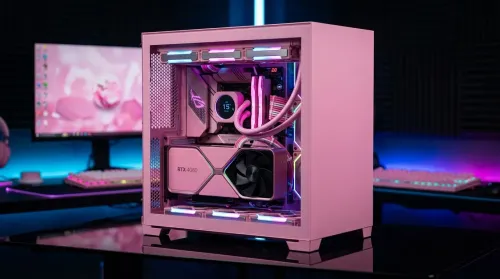
Pink Aesthetic Gaming Setup Ideas Without Sacrificing Performance
Build a pink aesthetic gaming setup without sacrificing performance. Get smart parts, lighting, cable control, and airflow tips to keep FPS high and style on point. 💗🎮
Read moreChecklist: 1) Plan parts 2) Budget 3) Assemble 4) Configure. Home media server South Africa: step-by-step DIY guide with budget hardware, local buying tips and network setup. Save on streaming costs and power 🔌🇿🇦
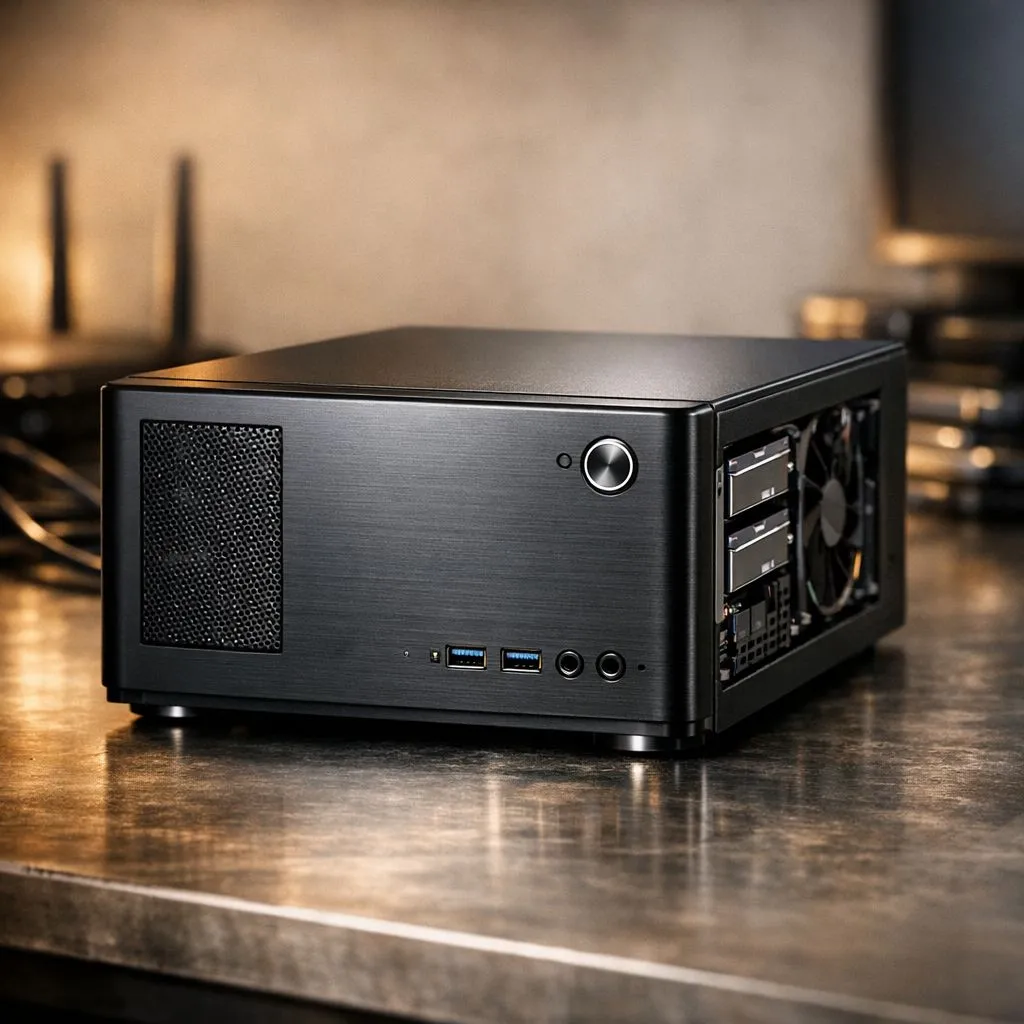
Building a home media server in South Africa is the smartest way to bypass streaming fatigue. With local subscription prices rising, a cost-effective setup keeps your entertainment accessible even during load shedding. You do not need a massive rack of servers to start. A simple PC or a dedicated NAS will do the trick nicely. Let's look at how to build one. 🚀
The heart of any media server is the drive. To keep your system snappy, you should consider high-quality internal SSDs. They offer the speed needed for quick indexing of your library. If you need reliability for 24/7 operation, Western Digital drives are a staple in the local tech community. They handle constant read and write cycles without breaking a sweat... perfect for those long weekend binges.
While HDDs offer bulk space, your operating system should live on something much faster. Looking at the latest Gen 5 NVMe drives ensures your server software loads instantly. For those on a tighter budget, ADATA storage solutions provide an excellent balance of Rands per gigabyte. This allows you to spend more on your CPU or RAM. ⚡
Use a wired Ethernet connection for your server instead of Wi-Fi. Even the fastest Wi-Fi 6 routers can struggle with high-bitrate 4K streams when multiple family members watch different shows. A simple Cat6 cable ensures a stutter-free experience throughout your home.
You might want to take your library on holiday or share it with friends. Investing in external SSDs makes your data mobile and easy to transport. Having a portable external SSD also serves as a vital cold storage backup. This protects your precious media from power surges or accidental deletion. 🔧
Once your hardware is ready, choose your software. Plex is the most popular choice in South Africa due to its ease of use. It organises your files with posters and metadata automatically. Just ensure your hardware can handle transcoding if you plan on streaming to older devices or smartphones. ✨
Ready to Build Your Home Media Server? Building a home media server in South Africa is easier than ever with the right hardware. From lightning-fast storage to reliable components, we have everything you need to start your project. Explore our massive range of SSD deals and start building your ultimate entertainment hub today.
Expect R4,000–R12,000 for a basic DIY build. Costs vary by storage, CPU, and whether you reuse drives—best for cheap media server build South Africa.
A modest CPU, 4–8GB RAM, 1–2TB HDD for media, SSD for OS, gigabit NIC, and case; check best hardware for media server South Africa for local options.
Use Plex, Jellyfin, or Emby for media apps; TrueNAS or Ubuntu Server for OS. See Plex server setup South Africa tips for networking and transcoding.
Small builds idle at 10–40W, 30–80W under load. Choose low power media server for home components and schedule spin-downs to save energy.
DIY gives flexibility and lower cost; NAS is plug-and-play. Compare NAS vs DIY media server South Africa for budget, features, and power use.
Shop local retailers, online stores, forums, and secondhand markets. Look for affordable server parts South Africa and seasonal Evetech or marketplace deals.
Install Plex or Jellyfin, add media libraries, enable DLNA or apps, and configure port forwarding or VPN. See plex server setup south africa for device tips.
Build a pink aesthetic gaming setup without sacrificing performance. Get smart parts, lighting, cable control, and airflow tips to keep FPS high and style on point. 💗🎮
Read more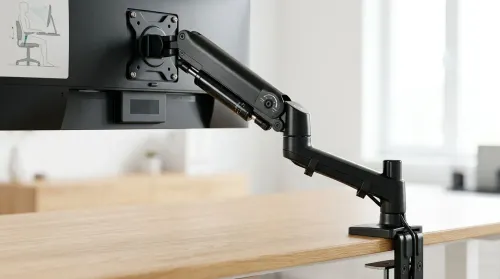
Set up a gas spring monitor arm for perfect ergonomic height and viewing angles in minutes. Get less neck strain, better posture, and smoother adjustments 😊🛠️
Read more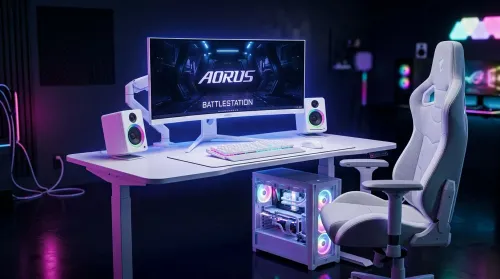
Want a white gaming battlestation setup in South Africa? From desk to monitor to chair, we map the right parts for smooth FPS, tidy cable runs, and all-day comfort 😊🖱️
Read more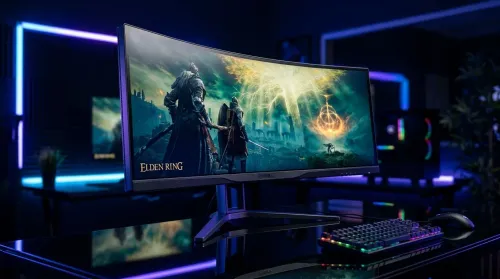
49-inch ultrawide vs dual monitors for gaming in South Africa: pick the setup that fits your games, desk space, and budget. Get clear trade-offs, smooth performance, and the right resolution plan. 🎮🇿🇦
Read more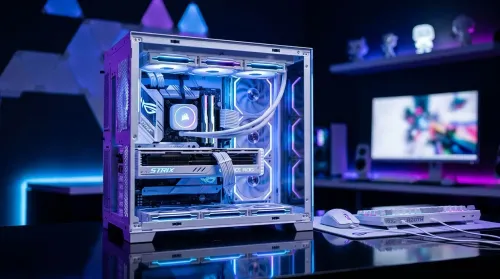
Want a white gaming setup in South Africa that performs? Here’s a complete ZAR component breakdown, from CPU to monitor—optimized for FPS, smooth play, and clean aesthetics. 🎮⚪
Read more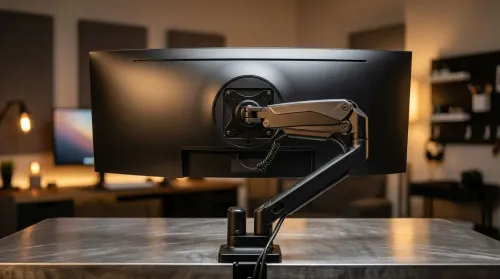
Gas spring monitor arms vs fixed stands for 49-inch ultrawide setups: learn what matters for stability, height, and desk clearance. Get the right mount fast and avoid misalignment issues. 🖥️⚙️
Read more
Every spec on PCIe 5.0 explained in plain English. What matters for gaming and creator work in 2026, what's marketing fluff, and how each number translates to real-world performance.

A head-to-head look at WiFi 7: real-world performance, ZAR pricing and which option delivers better value for SA builders. The clear answer — no fluff.

Everything you need to set up and tune PCIe 5.0 properly: the prep work, the settings that actually matter, and the mistakes to skip. Written for SA builders in 2026.

Everything you need to set up and tune X870E Motherboard properly: the prep work, the settings that actually matter, and the mistakes to skip. Written for SA builders in 2026.

Wondering what a 512GB SSD capacity really holds? This guide breaks down how many games, photos, and documents fit on 512GB, with real-world ranges 📦💾

Every spec on vrm explained in plain English. What matters for gaming and creator work in 2026, what's marketing fluff, and how each number translates to real-world performance.

Every spec on motherboard explained in plain English. What matters for gaming and creator work in 2026, what's marketing fluff, and how each number translates to real-world performance.

Premium vs Midrange Motherboards in South Africa: real-world performance, SA pricing, power draw and which one delivers better value for your build for SA buyers. The clear answer — without the fluff.
Wondering what a 512GB SSD capacity really holds? This guide breaks down how many games, photos, and documents fit on 512GB, with real-world ranges 📦💾
Every spec on PCIe 5.0 explained in plain English. What matters for gaming and creator work in 2026, what's marketing fluff, and how each number translates to real-world performance.
A head-to-head look at WiFi 7: real-world performance, ZAR pricing and which option delivers better value for SA builders. The clear answer — no fluff.

Every spec on USB4 explained in plain English. What matters for gaming and creator work in 2026, what's marketing fluff, and how each number translates to real-world performance.