


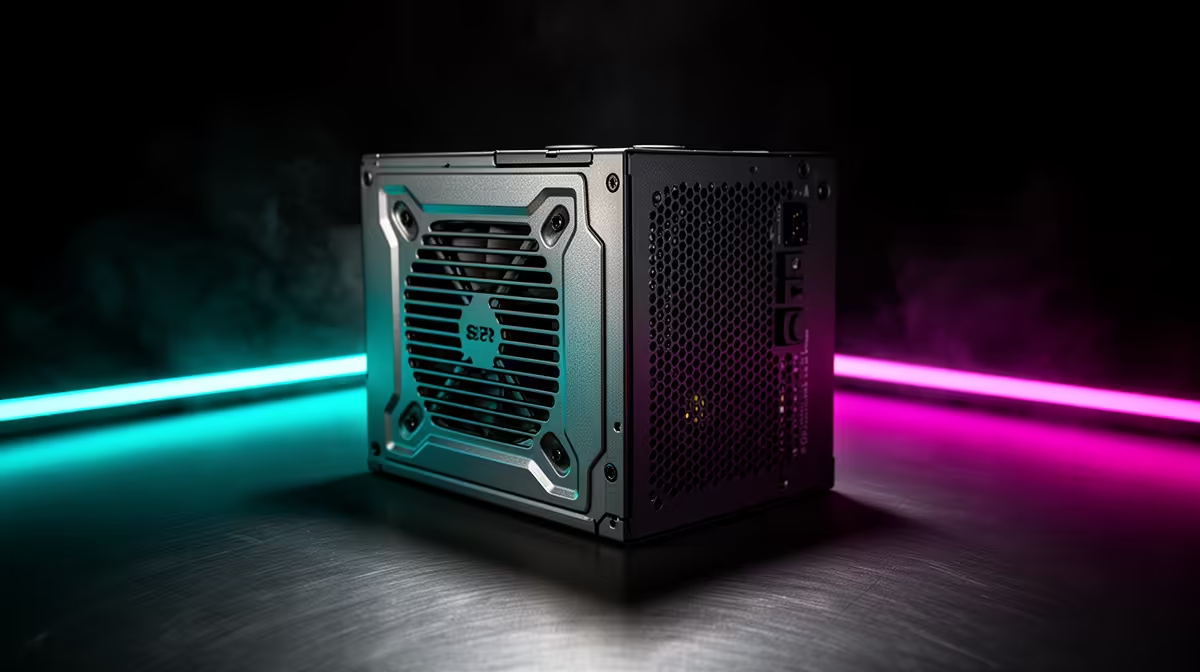
Quick Answer
To avoid overbuying a power supply for an RGB gaming setup, size it to your real draw, not the RGB. A 650W 80 PLUS Gold unit (around R1,400 to R2,200 at Evetech) covers a mid-range RGB build with headroom; the lighting itself draws only a few watts, so do not buy 1000W "for the RGB".
Why RGB Does Not Need More Watts
RGB fans, strips and components add only a handful of watts total, so they barely move your power budget. The common mistake is buying a 850W or 1000W unit for a 400W build because it looks the part. That oversized unit costs more, runs less efficiently at low load, and gives no benefit. Size the PSU to your CPU and GPU peak draw plus 30%, and ignore the lighting in the maths.
Where To Spend Instead
Money saved by right-sizing the PSU is better spent on the GPU or on quality RGB fans that actually look good. A correctly sized Gold unit also runs quieter at typical load than an oversized one idling inefficiently.
Right-Sizing Checklist
Add CPU and GPU peak draw, add 30% headroom, choose Gold, and do not pad wattage for lighting.
SA Buyer Note
At Evetech a 650W Gold unit with local warranty covers most mid-range RGB builds, and there is no need to size up for the lights. Putting the saving toward a stronger GPU or better fans gives a build that both performs and looks better than an oversized PSU ever would.
FAQ
Does RGB lighting need more PSU wattage?
No. RGB fans and strips draw only a few watts total, so they barely affect your power budget. Size the PSU to the CPU and GPU, not the lighting.
Why is oversizing a PSU a mistake?
An oversized unit costs more, runs less efficiently at low load and gives no benefit on a modest build. A right-sized Gold unit is cheaper and quieter.
What wattage suits a mid-range RGB build?
A 650W Gold unit covers most mid-range RGB builds with comfortable headroom. Only a high-end GPU pushes you toward 750W or more.
PSU to your CPU and GPU peak draw plus 30% and ignore the lighting; RGB adds only a few watts, so do not pad wattage for it.











