


Quick Answer
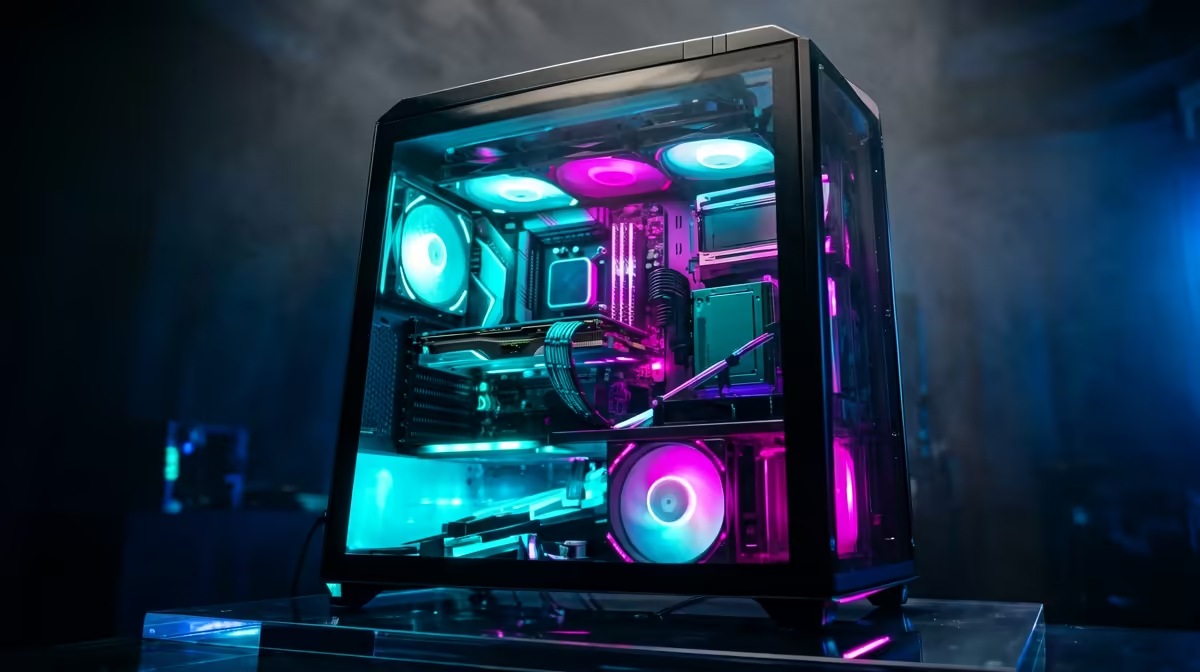
A R60,000 Zenless Zone Zero PC should target 4K High refresh with headroom for streaming, with the budget split between GPU, CPU, memory, SSD and airflow. A sensible SA shortlist is a Ryzen 9 9900X or Ryzen 7 9800X3D, RTX 5080-class, 64GB DDR5 and at least a 2TB Gen 4 NVMe, usually inside a cautious R55,000-R65,000 complete-system band depending on stock and case choice.
Parts Mix
Use the graphics card as the performance anchor. A RTX 5080-class with a Ryzen 9 9900X or Ryzen 7 9800X3D is a cleaner gaming match than spending too much on lights or an oversized board. Keep 64GB DDR5 as the floor, and choose a 1TB SSD once the budget allows because Windows, launchers and two large games can consume 250GB quickly.
Settings Target
Zenless Zone Zero rewards stable frame pacing more than maximum screenshots. Start with High textures if VRAM allows, reduce shadows before textures, and keep motion blur off for clearer combat. On this parts mix, the practical target is 4K High refresh with headroom for streaming; if busy fights swing hard, cap the game to 60, 90 or 120 fps.
SA Buyer Checks
Match the PC to the screen before checkout. R10,000 to R20,000 systems suit 1080p 144Hz monitors such as AOC 24G2SP, Samsung Odyssey G4 and LG UltraGear 27GR75Q; R25,000 and higher can move into 1440p 144Hz or 165Hz. Confirm GPU model, CPU model, RAM capacity, SSD size and a 550W to 750W power supply with sensible headroom.
FAQ
Is R60,000 enough for Zenless Zone Zero in SA?
Yes, if the target fits the screen. Lower budgets should aim at 1080p, while R25,000 and above can move into smoother 1440p play.
Should I spend more on GPU or CPU?
Spend more on the GPU until the CPU is clearly weak. A Ryzen 9 9900X or Ryzen 7 9800X3D with a RTX 5080-class is stronger than an expensive CPU paired with entry graphics.
What monitor pairs best with this build?
Use 1080p 144Hz for R10,000 to R20,000 systems. From R25,000 upward, 1440p 144Hz or 165Hz gives the GPU more room.
Practical check
Write the target resolution and refresh rate beside the parts list. If the GPU, monitor and SSD do not support that target cleanly, adjust before spending.











